

ForgeNEX guides
Practical guides to using ForgeNEX CRM, app builder, modules, projects, invoicing and Pix.
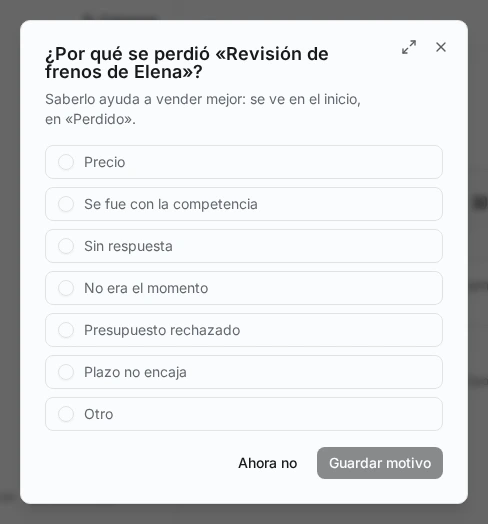
How to organise sales opportunities in a CRM
Set up a sales pipeline in ForgeNEX CRM, decide when deals should move forward and use loss reasons to review your sales process.
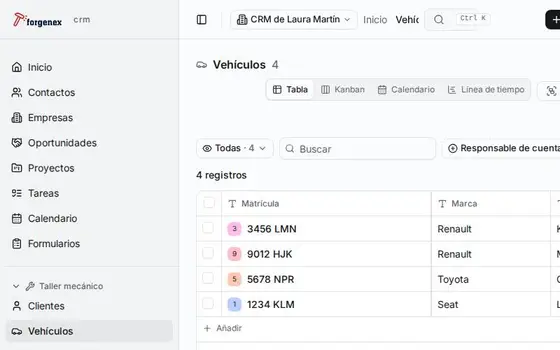
How to run an auto repair shop in ForgeNEX CRM
Set up vehicle intake, work orders, repair estimates, labour entries and customer handovers in one workshop workflow.
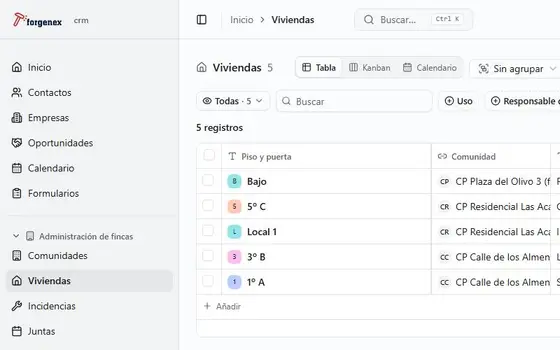
Property management CRM for owners’ associations, repairs and fees
Set up properties, repair issues, owners’ meetings and fee receipts in the ForgeNEX property management solution.
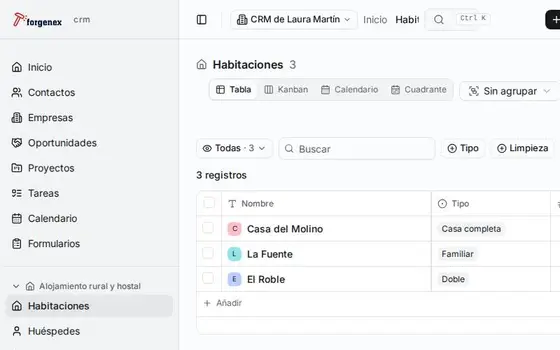
How to manage hotel bookings, housekeeping and TTLock access
Follow a guest stay in ForgeNEX CRM from room booking and guest registration to access codes and checkout cleaning.
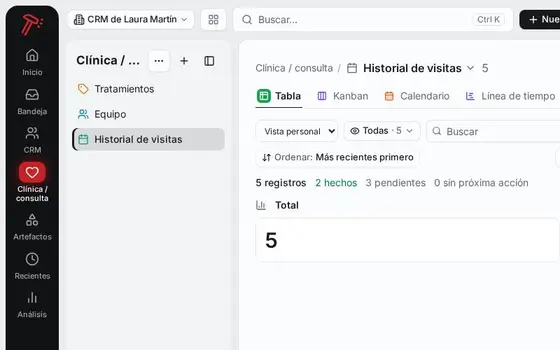
How to organise clinic scheduling and appointment follow-up in a CRM
Set up appointments, patients, treatments, practitioners and visit history with the ForgeNEX Clinic solution.
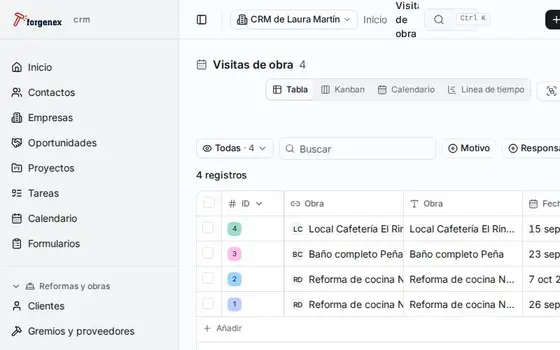
How to manage renovation estimates and progress certificates
Track itemised estimates, site logs, variations, progress certificates and payments with the ForgeNEX renovations solution.
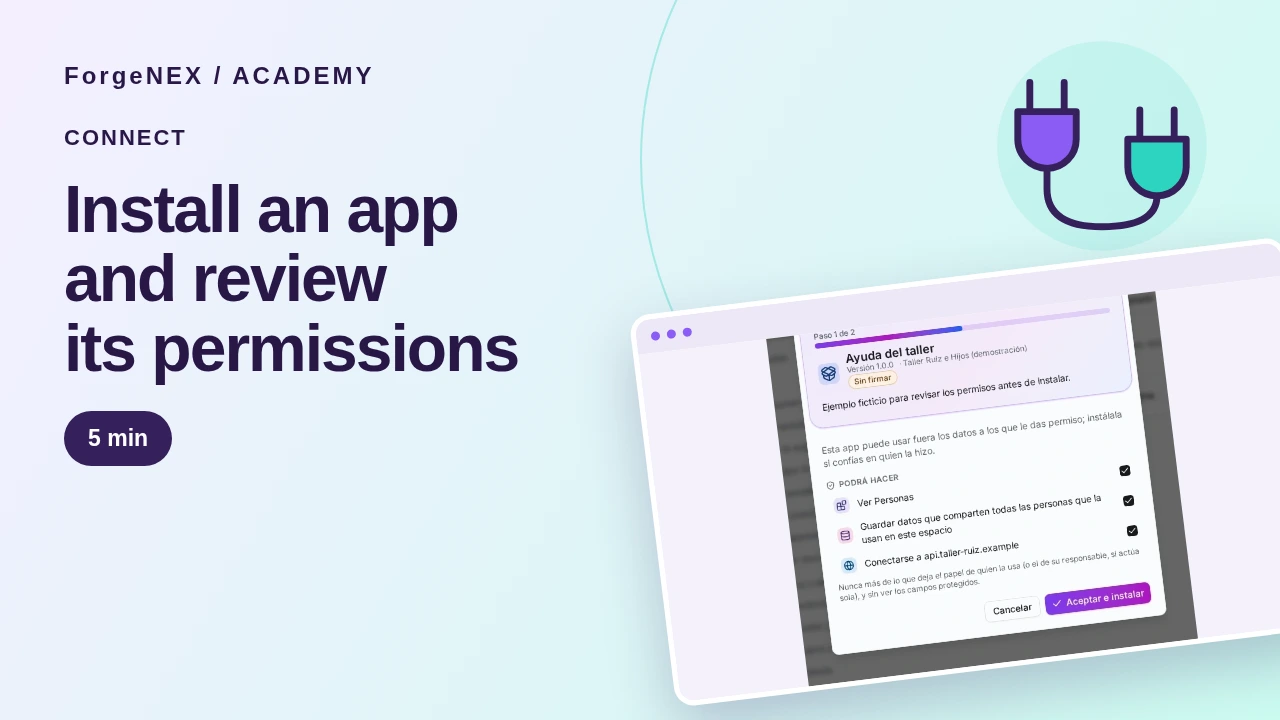
How to build an app for your team inside ForgeNEX with Pix
Describe a work screen, review the draft with sample data and decide which permissions to approve before installing.
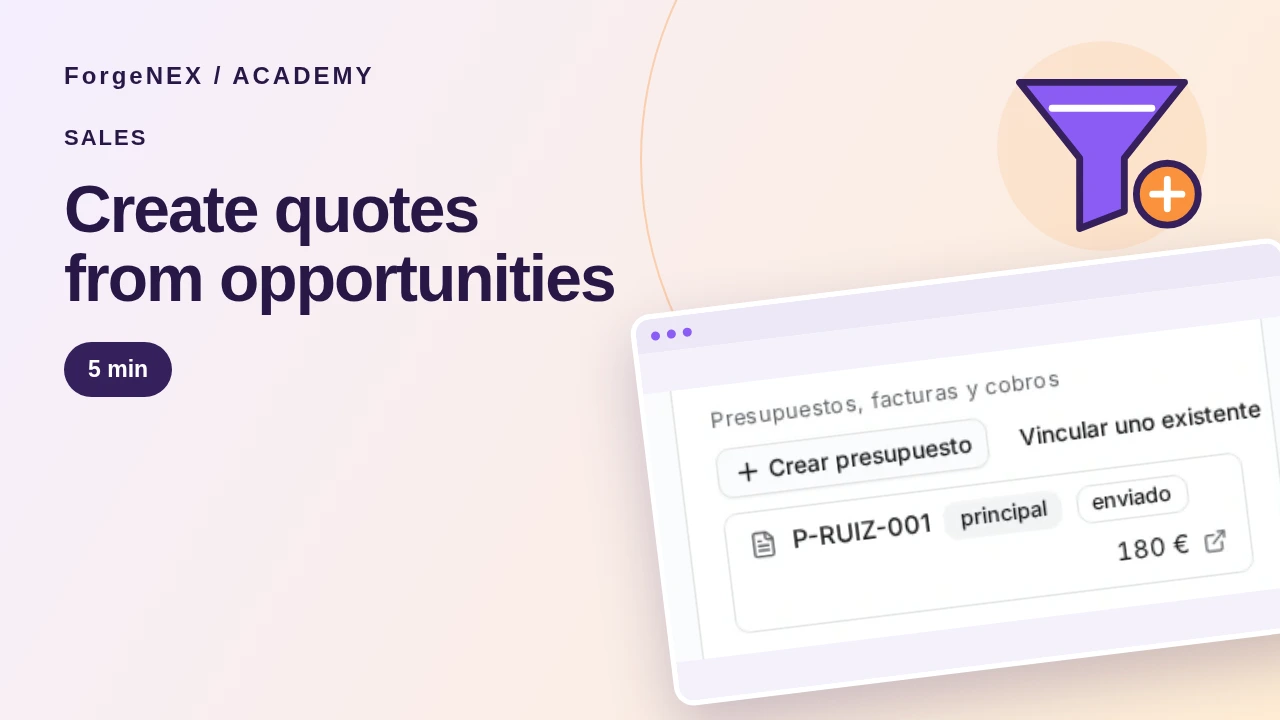
How to turn an accepted quote into an invoice without retyping it
Start a quote from the CRM deal, record the customer's decision and reuse the accepted line items in an invoice draft.

From idea to CRM module: design tables and views with Pix
Describe a workflow, review fields and relationships with Pix, then inspect the module draft and its views in ForgeNEX.
Manage project tasks, deadlines and logged time in ForgeNEX CRM
Organise a project with list, kanban and calendar views, record minutes on its tasks and compare actual effort with the estimate.
What Pix can do in your CRM and when it asks for approval
Try a CRM summary, a proposed record update and an email draft. See how to review each proposal and verify the result.
Meet the Pix AI team: Nora, Darío, Marina, Leo and Irene
Find the right ForgeNEX agent for overdue payments, quote follow-ups, admin email, publication planning or CRM design.

How to connect Claude or ChatGPT to ForgeNEX CRM using MCP
Add ForgeNEX as a connector, authorise the right workspace and verify access with a read-only query.
How to build a CRM module without code, with formulas, views and PDFs
Design a repair record in ForgeNEX, link customers, calculate labour and prepare a PDF from the record.
How to import customers and other data from Excel or CSV into ForgeNEX CRM
Prepare the file, match columns, review duplicates and check your imported records with a small batch.
How to manage email in ForgeNEX CRM: mailboxes, templates and leads
Set up your sending mailbox, test a template from a record and review which incoming messages become opportunities.
How to create a business website with the ForgeNEX Websites module
Build pages with the block editor, test navigation and contact, connect a domain and publish a reviewed version.
How to configure roles and permissions in ForgeNEX CRM
Decide who can view, edit and delete CRM records, then verify access using the account your team will use.
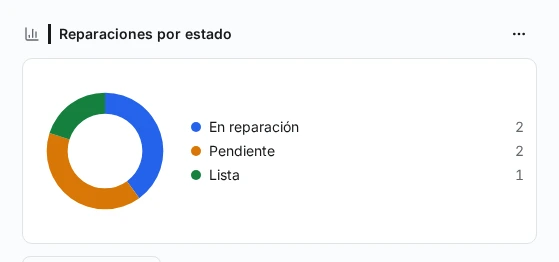
How to build reports and dashboards in ForgeNEX CRM
Build a dashboard around a business question, check the numbers against the underlying CRM records and bring daily metrics onto Home.
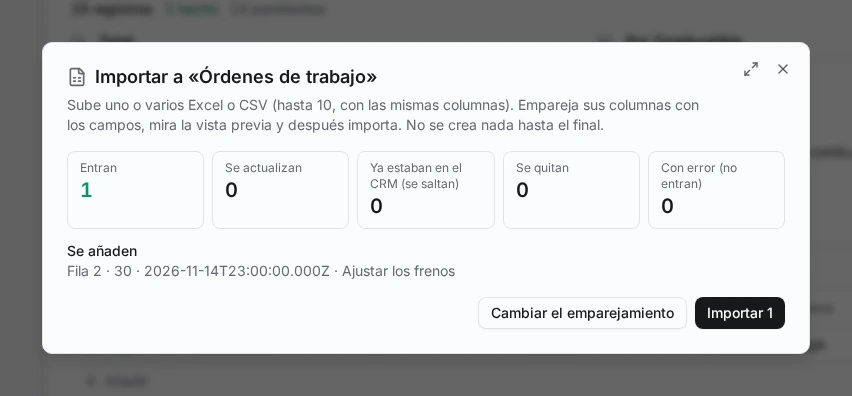
How to move from spreadsheets to a CRM in one week
A five-day plan to move one workflow into ForgeNEX CRM, rehearse the import, assign access and switch systems with your team.