

ForgeNEX Gestión
Your customers, organised. Every feature for 14 days, no card required.
Contacts, companies, opportunities, notes and tasks for your business. Try every feature for 14 days, no card required.
From 49 €/month
ForgeNEX Gestión, on video
This video is hosted on YouTube. Loading it may allow YouTube to use its own cookies.
What makes it different
Not a closed CRM: the builder for your business
Most software gives you fixed screens and asks you to adapt. Here you start from what you already have —your tables, your formulas, your processes— and you build it yourself: by hand, with Pix or with your own AI. You see it working straight away and change it whenever your business changes.
- 40
- field types for your modules
- 8
- views besides the table
- 57
- ready-made solutions to copy and change
- 300+
- operations for your AI and integrations
Design your modules, field by field
A module is a table with business meaning: Vehicles, Jobs, Orders, Students… You pick its fields from 40 types, add formulas, coloured statuses and rules, and decide who sees and edits what. The moment you publish it, it has its table, its record page, its form and its PDF.
- 40 field types: text, amount, date, relation, files, signature, barcode or QR, timer, location, checklist…
- Formulas that update themselves: conditionals, rounding, days between dates, working days with your holidays, loan repayments…
- Coloured statuses and stages: a stage can require a condition or a role's approval before moving on.
- Permissions by role and by field: what you cannot see appears neither in formulas nor in totals.
- Its own PDF document, with legal footer and signing on a public page.
“Vehicles” module
+ Add field- PlateTextunique
- CustomerRelation→ Customers
- MileageNumber
- StatusSelectcoloured
- Next serviceDateformula
- Spec sheetFiles
ƒ Next service = date of the last one + 12 months
Four ways to create it
By hand
In the visual designer, with the preview in view.
With Pix
Tell it what you need, Pix drafts it and you confirm with one click.
With your AI
Connect Claude or ChatGPT; it proposes and you confirm with a link.
From the gallery
Install a ready-made solution as your own copy and change it.
Upload your Excel and turn it into a module
You do not start from scratch or retype anything: drag your sheet in and the CRM proposes a table with one field per column. Before anything is saved you see what is added, what changes and what would be removed. And if you get it wrong, you undo the whole import.
- One field per column, detected from its content: emails, URLs, phone numbers, amounts, dates, yes/no.
- The preview says what is added, what changes (field by field, before and after) and what would disappear; nothing is saved until you confirm.
- Your relations are kept: columns that point to another table are linked by the record's title (customers, vehicles and orders stay together).
- Drop the file on any table: if the columns match, it imports; if not, it lets you match them and remembers your matches.
- Excel or CSV, several sheets, up to 5,000 rows and 100 columns per import. Excel formulas come in with their last value.
Coming from an old program with many related tables? We do the migration with you: with reference checks, conflict resolution and batch rollback.
Customers.xlsx
NameEmailCustomer sinceAna R.ana@…2021Luis P.luis@…2022Marta S.marta@…2023The preview
- + adds 120 new rows
- ~ changes 8 change phone number
- − would remove 0 removed
Link your data between modules, no code
This is the trick of a real business: nothing lives alone. The customer has vehicles, the vehicle has jobs, the job uses spare parts. You link it once and the rest is calculated, filtered and visible from any side.
- Relations to people, companies, deals or any module of your own, one or many.
- Lookups (bring a value from the other side) and summaries (count, add or average what points to this record, with filters).
- Formulas that cross modules up to two hops and are always up to date.
- Related columns in the table itself, and tabs with related records on each person or company page.
- “Next step”: a button opens the next module already linked, with the data copied over (from quote to job card).
- Chain documents: from order to delivery, with what is pending on each line.
- CustomersVehicles
- VehiclesJobs
- JobsSpare parts
Total billed per customer
summary · sum of the jobs
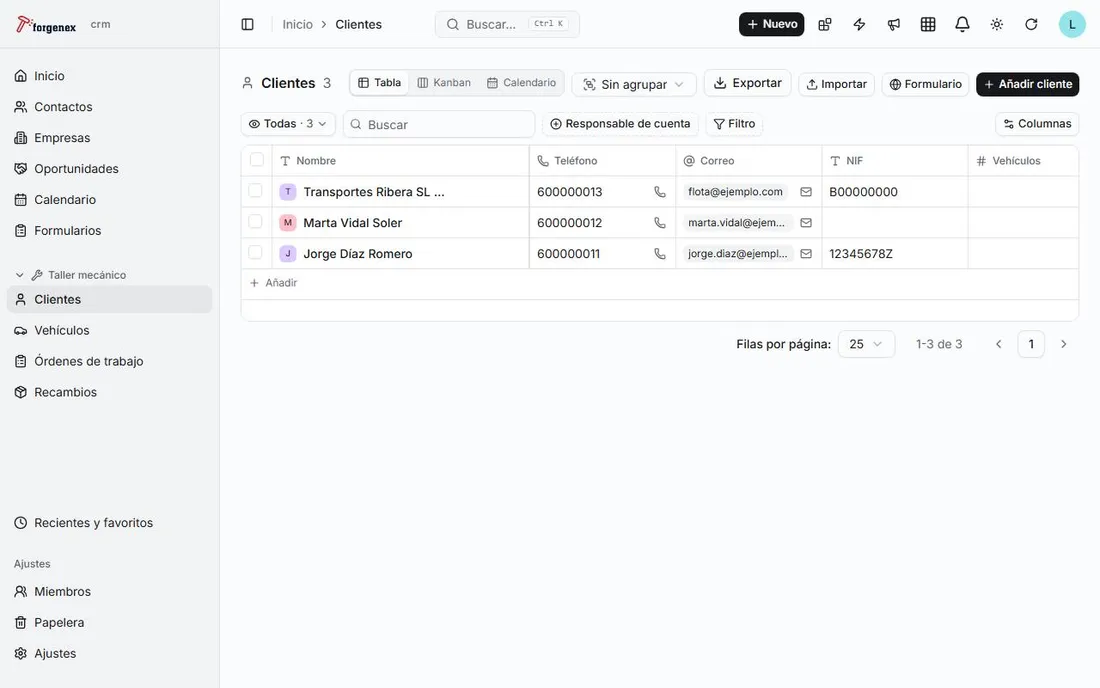
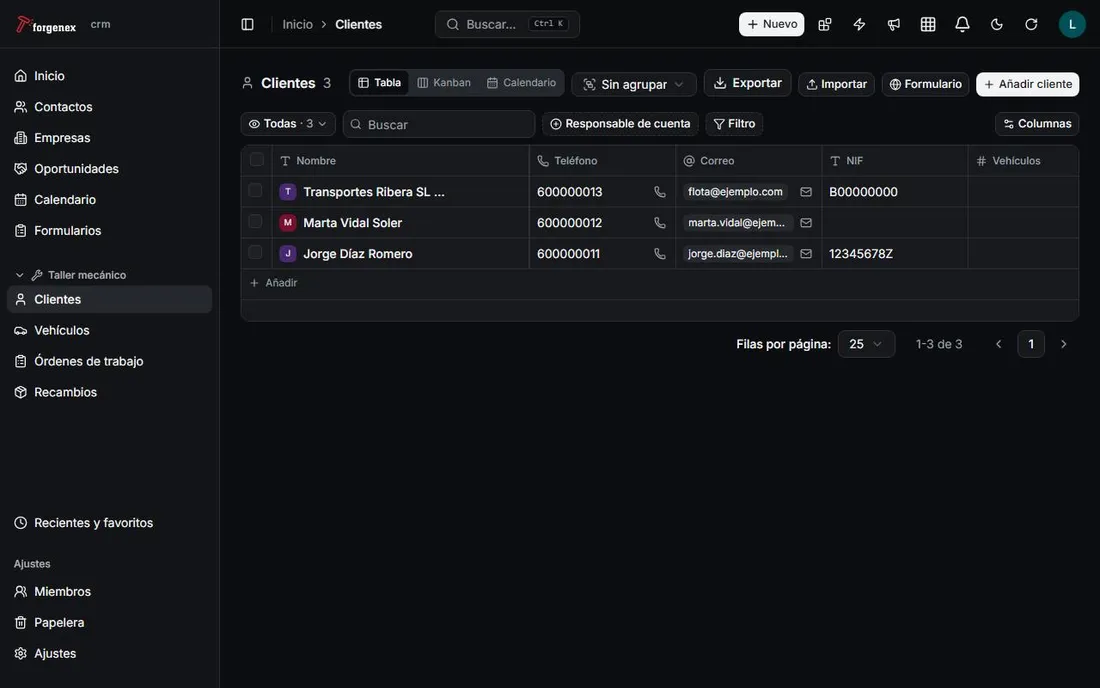
A workshop built from linked modules
Customers, vehicles, jobs and spare parts, each with its table and record page (sample data).
A job's record page: everything related, one click away
Quotes, site visits, work reports, material orders, subcontracts, certifications and payments appear as tabs on the job, with their counts. The buttons at the top are “next step”: they open the module that comes next, already linked and with the data copied over (sample data).
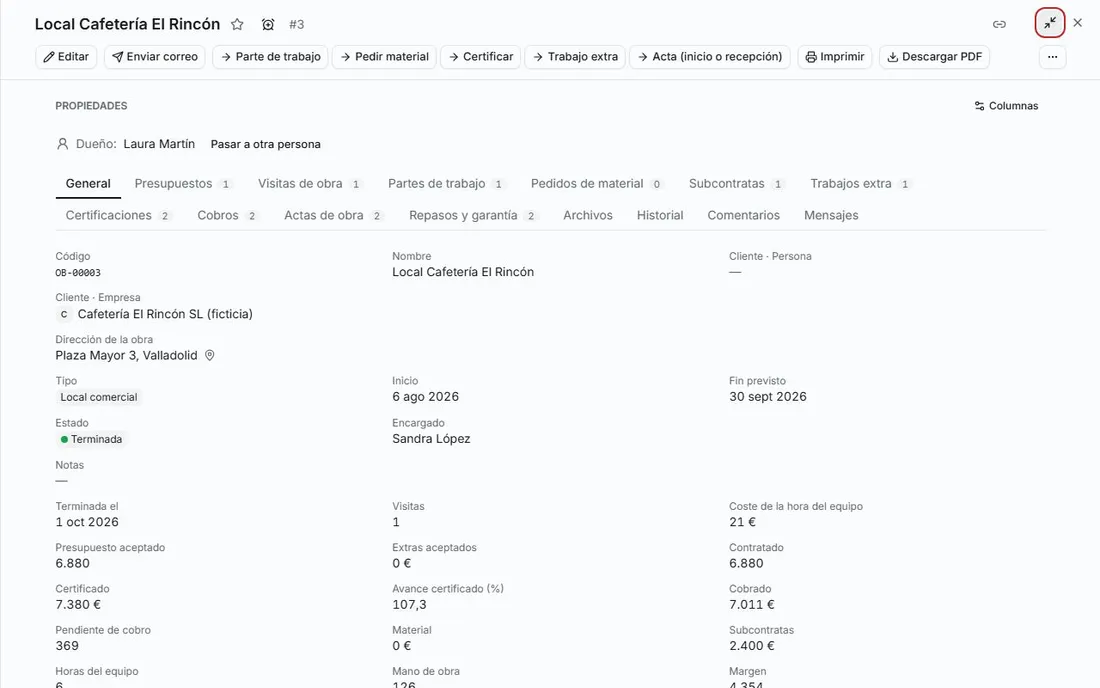
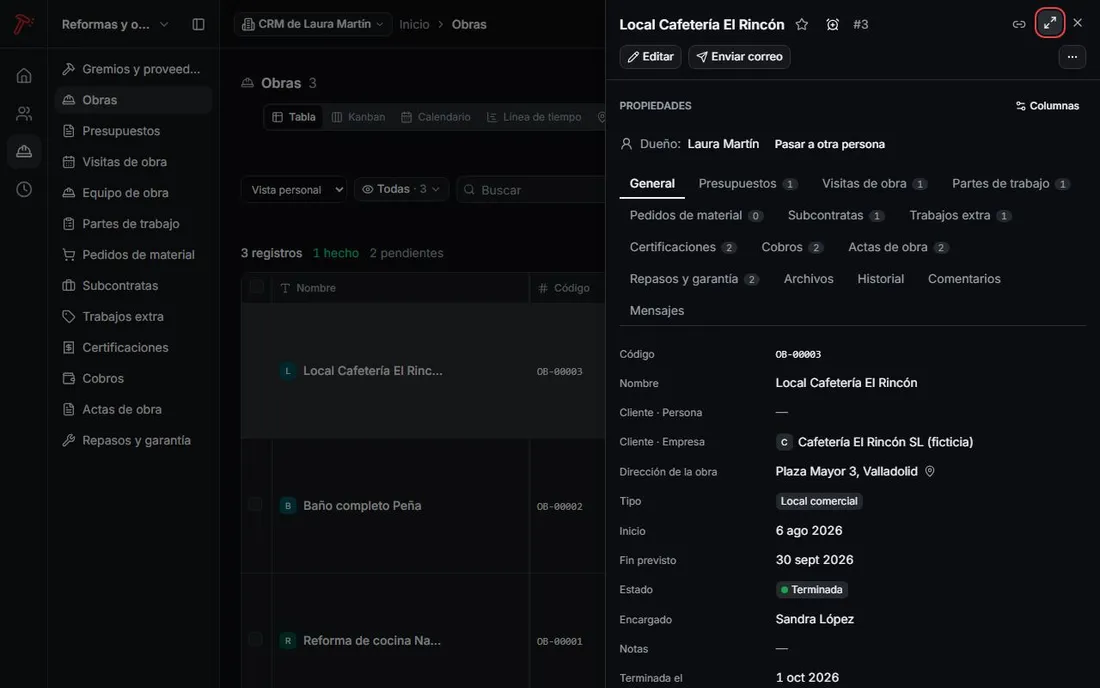
A complete case
Vehicle shop and workshop: ten modules that talk to each other
A ready-made solution is not an empty template: it is a business already set up. This one installs with one click as your own copy, and from there you change it like any module: remove things, add fields, adjust the automations.
- 1
Shops and Customers
Each site and each customer, with their record.
- 2
Vehicles
Unique chassis number and status: for sale, reserved, sold, in the workshop.
- 3
Reservations
Down payments in a subtable, with a receipt for each payment.
- 4
Jobs
Checklist, consumables from the catalogue and a quote the customer approves in the portal.
- 5
Services
A reminder to the customer a few months later, automatically.
- 6
Technicians and Time sheets
Who works on what and for how long.
- 7
Appointments
The workshop's diary, with no overlaps.
- 8
Warranties
Created when the vehicle is delivered.
With its automations (for example, reminding the customer of the service a week before), Technician and Counter roles —the technician does not see costs— and dashboards.
The same data, eight ways to see it
Every module shows as the usual table and, where it makes sense, as a board, a calendar or a map. You save your views with their filters and share them with the team.
How they look, with sample data
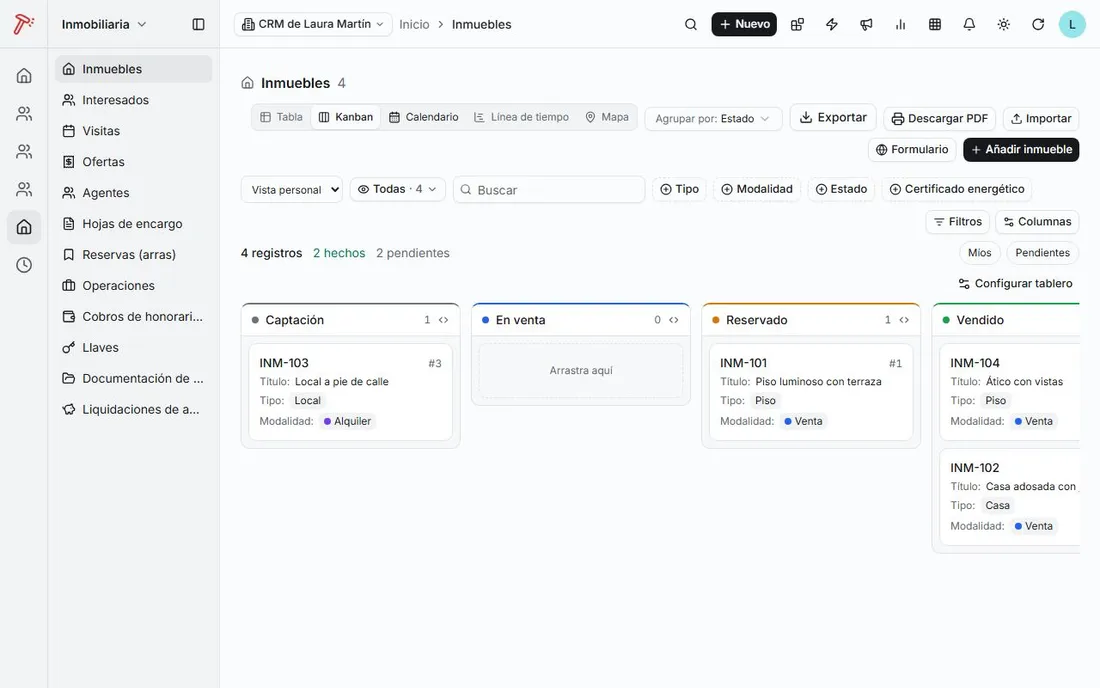
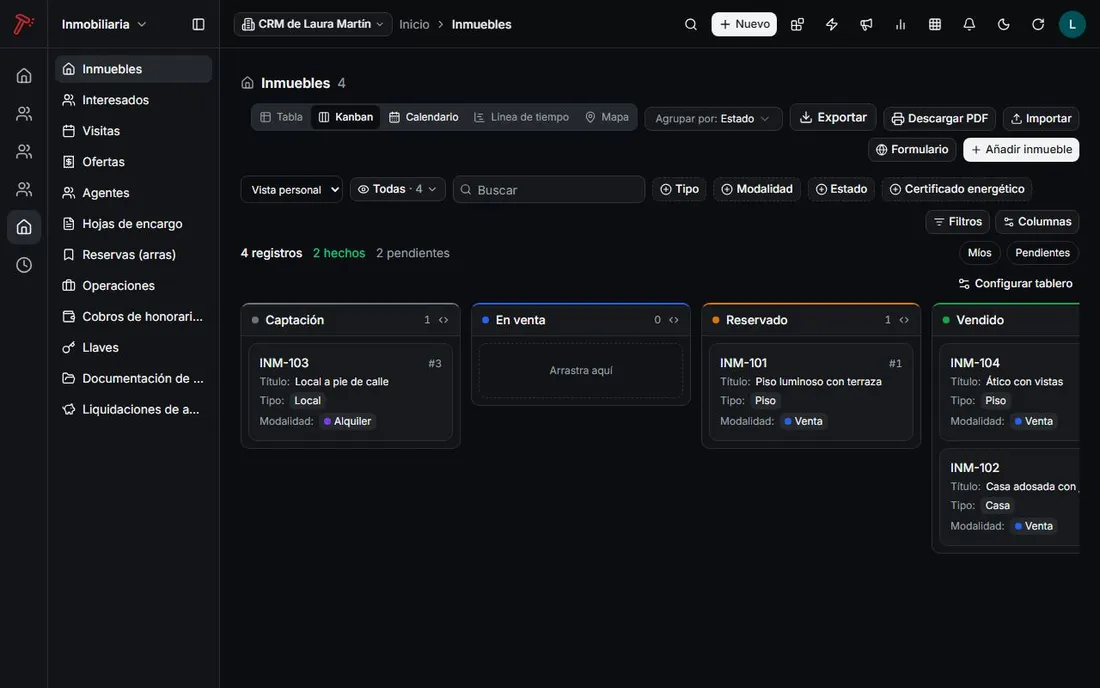
Properties by status
Kanban, and one click to calendar, timeline or map.
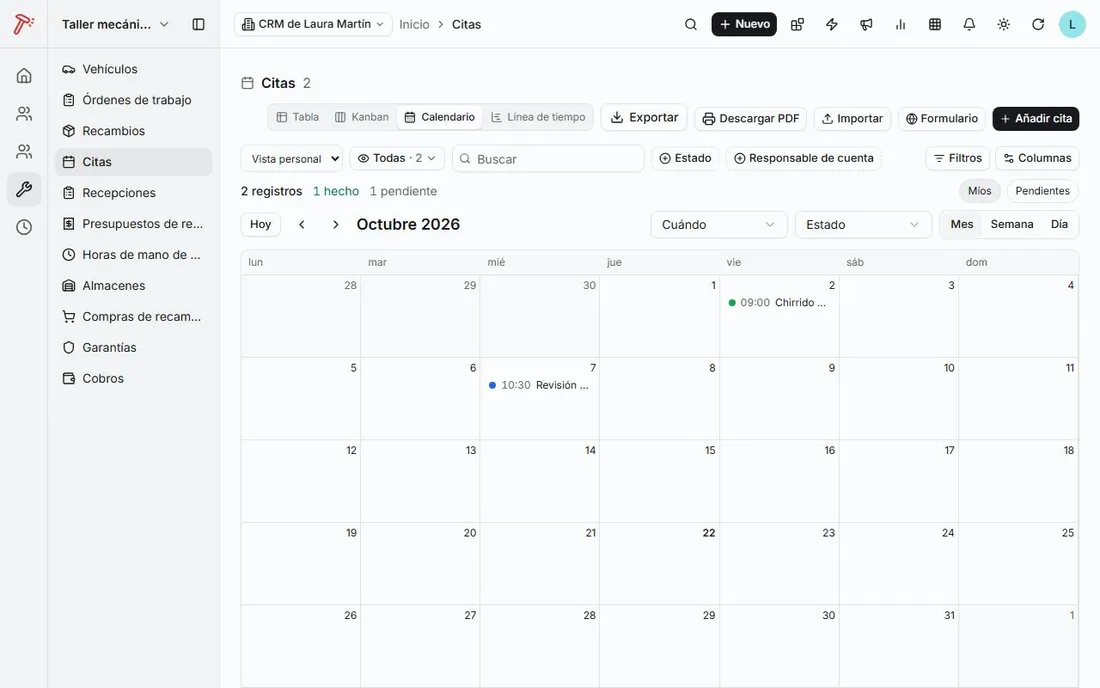
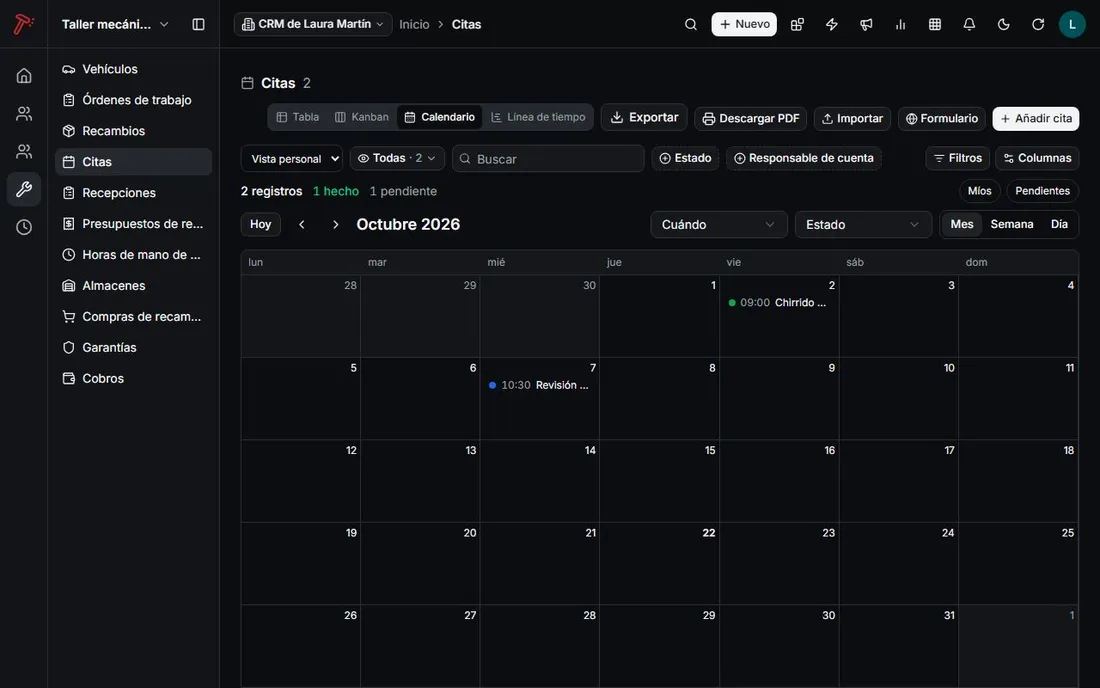
Workshop appointments
The month's calendar, with appointments on their day.
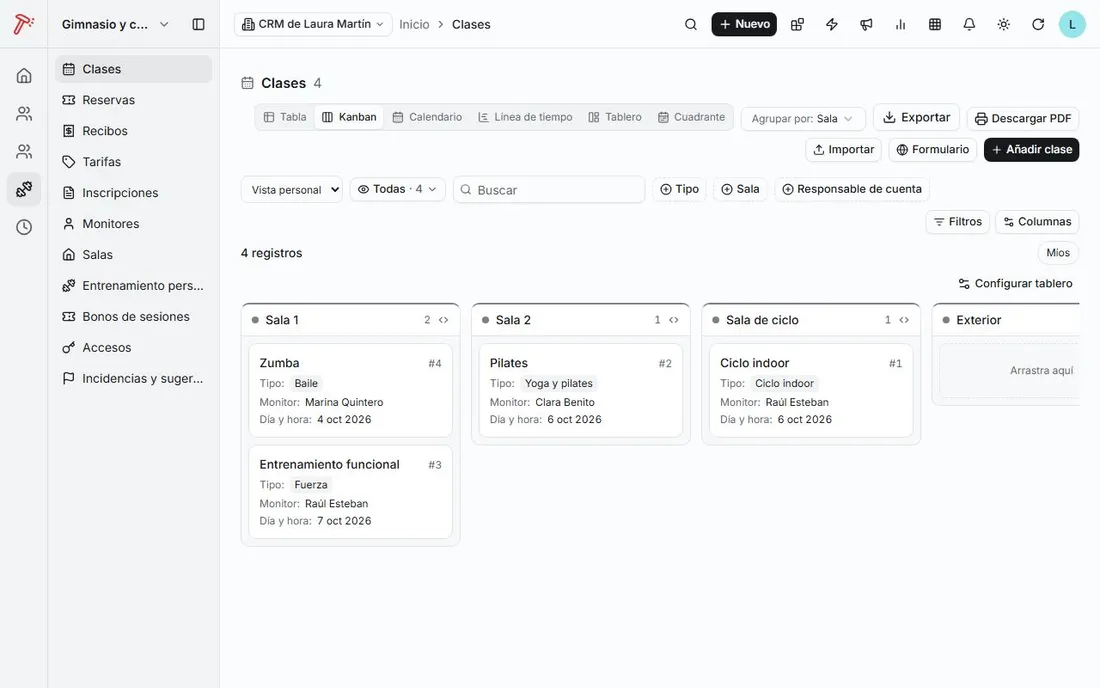
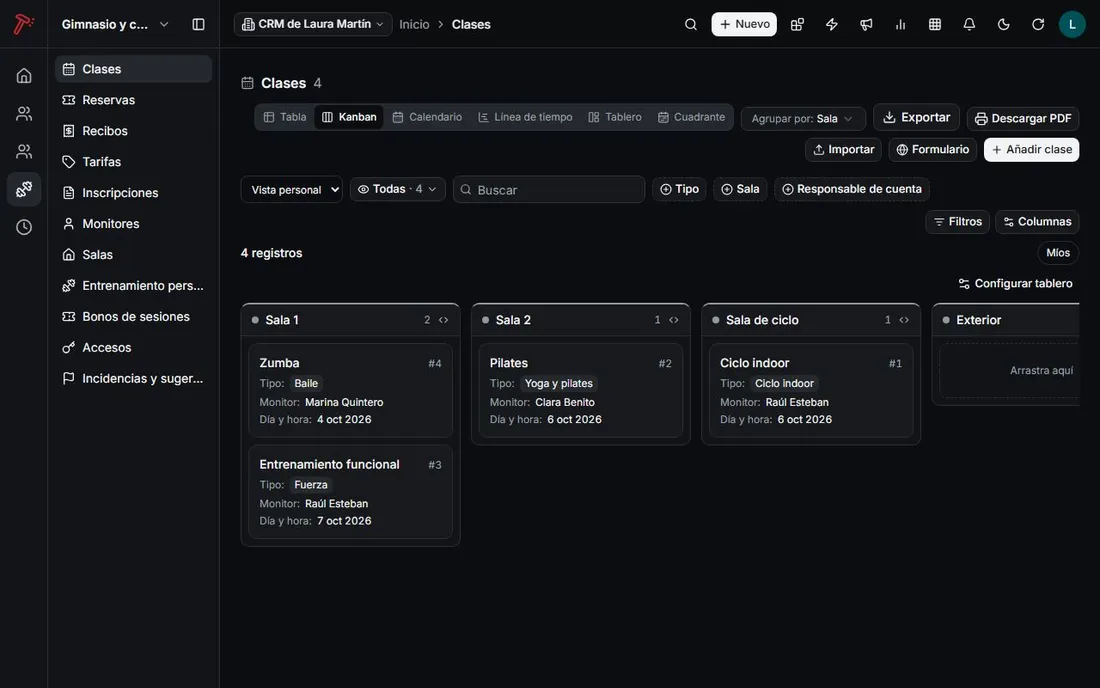
Classes by room
The same module grouped by room, with board and weekly grid one click away.
Kanban
By stage; drag to move.
Calendar
Month, week and day; drag to change the date.
Timeline
What starts and ends, as bars.
Map
Your records with a location, on a map.
Gallery
Cards with images: catalogue, properties, vehicles.
Board
Resources against time: rooms, equipment, people.
Weekly grid
Your team's week on one screen.
Day
The day's classes and appointments, by hour.
It runs itself
When something happens in your data, the CRM reacts: it notifies, creates the task, sends the email with its PDF or waits three days and checks again. Each solution's automations come ready and you add your own.
- 21 triggers: a record created or changed in any module, a stage change, a form arriving, a date (N days before or after), a scheduled time or a webhook.
- Steps: change fields, create records or tasks, notify, send email with PDF or calendar invite, wait, conditions, parallel branches and call another system.
- With Invoicing and Time clock: from the module to the quote, the expense or the hours.
An example: service reminders
- WhenA job moves to “Delivered”
- IfThe vehicle has a scheduled service
- WaitUntil a week before
- DoEmail the reminder to the customer
Your AI builds it with you, and you confirm
Describing what you need is faster than dragging fields. Pix, inside the CRM, or your AI connected through MCP, draft the module; you review and publish it. Nothing is published without a person confirming it.
- Pix drafts modules and solutions, and you confirm with one click.
- With Claude or ChatGPT connected, your AI gets more than 300 CRM operations, with your permissions; changes to a published module only add, and a person confirms them with a link.
- It can also import a CSV and tell you what would change before touching anything.
Design a Vehicles module linked to People
Draft ready: Vehicles, linked to People. Review it and, if it looks right, publish it.
“Vehicles” module
Review and confirmAnd everything that comes built in
What you need around your modules is already done. Some pieces depend on the plan: see Plans.
- Public formsEmbeddable on your site; what arrives lands in your CRM.
- Customer portalEach customer sees their own, comments and approves quotes.
- Scheduling and bookingsAppointments and public slots, no overlaps.
- Reports and dashboardsCharts; click a bar and the filtered table opens.
- Email campaignsWith consent and one-click unsubscribe.
- PDF, signature and QRDocuments per record, online signing and QR codes.
- StockStock levels, batches, expiry dates and reordering.
- Commissions and feesTiered settlements and recurring charges.
- Tasks and projectsWith subtasks and a timer to log hours.
- Permissions and auditBy role and by field, with a 30-day recycle bin.
- Global searchCtrl K and find any record.
- Your wayLight or dark, 35 styles, Spanish and English, and it works offline.
- API and connectorsREST API, signed webhooks and connectors for Shopify, WooCommerce and n8n.
Frequently asked questions
- Do I need to know how to code to build my modules?
- No. It is done in a visual designer: you pick the fields and their options. Formulas are optional.
- Can I bring my Excel?
- Yes. Excel or CSV, with several sheets, up to 5,000 rows and 100 columns per import. You see what is added, what changes and what would be removed before saving, and you can undo the whole import.
- What happens to my Excel formulas?
- They come in with their last value. If you want them to keep calculating, you recreate them as formula fields in the module.
- Can a ready-made solution be changed?
- Yes. It installs as your own copy and you change it like any module.
- Can my AI touch or delete my data?
- It acts as you, with your permissions, and you give each key only what you want (read, write, delete, export). Changes to a module are confirmed by a person with a link.
- Can my customers see anything?
- Yes, with the customer portal: each customer signs in with their email and sees only their own; they can comment, attach files and approve quotes.
- Does it connect with other tools?
- It has a REST API, signed webhooks and connectors for Shopify, WooCommerce and n8n; and it shares account and team with ForgeNEX Invoicing and Time clock.
- How much does it cost?
- The plans and their prices are further down this same page. You can start with a trial and change plan whenever you like.
Try it with your own business
Pick a solution or start from blank, and change it until it is yours.
See what it looks like inside
Real screenshots of the application, with sample data.
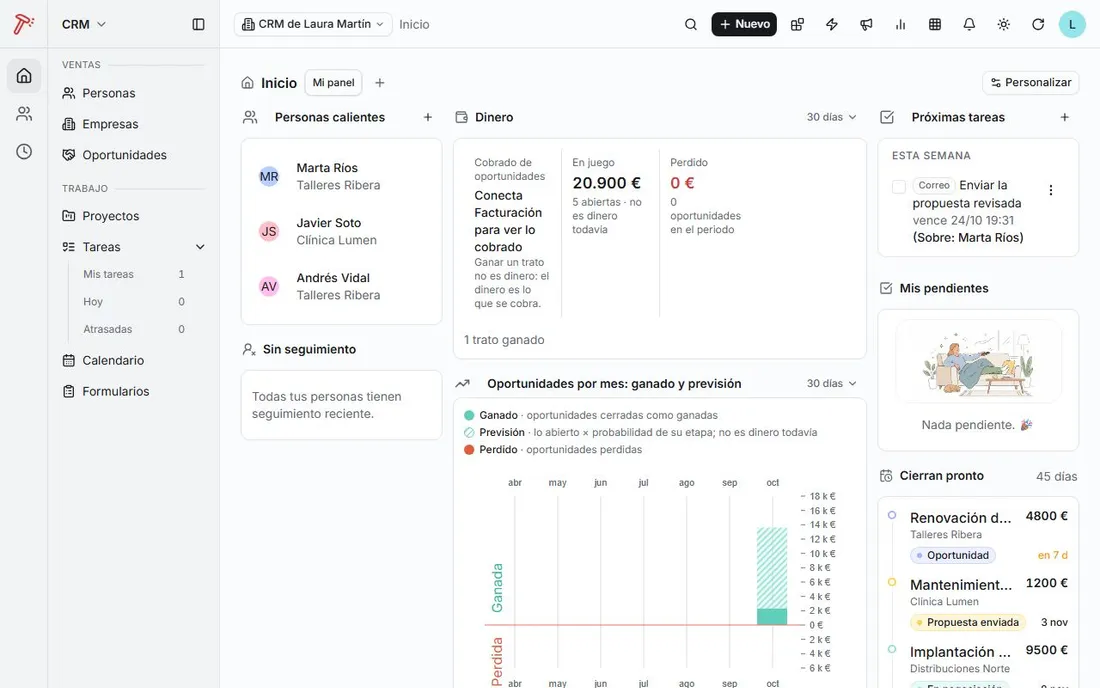
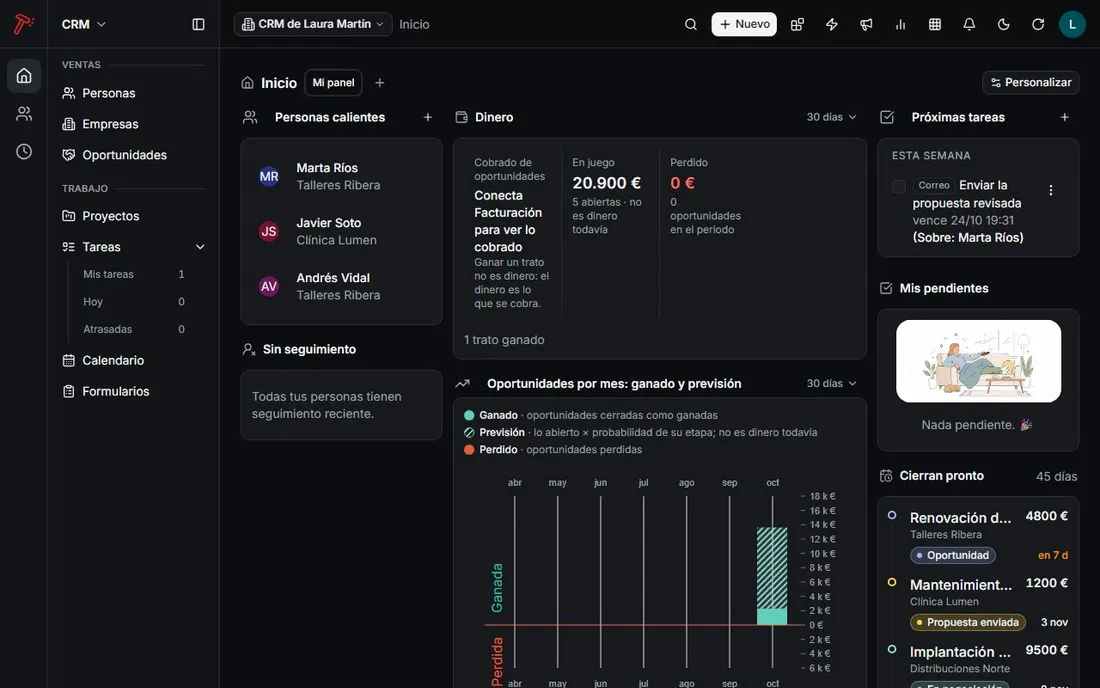
Your day at a glance
Hot contacts, the ones that have gone quiet, money collected and in play, and your next tasks.
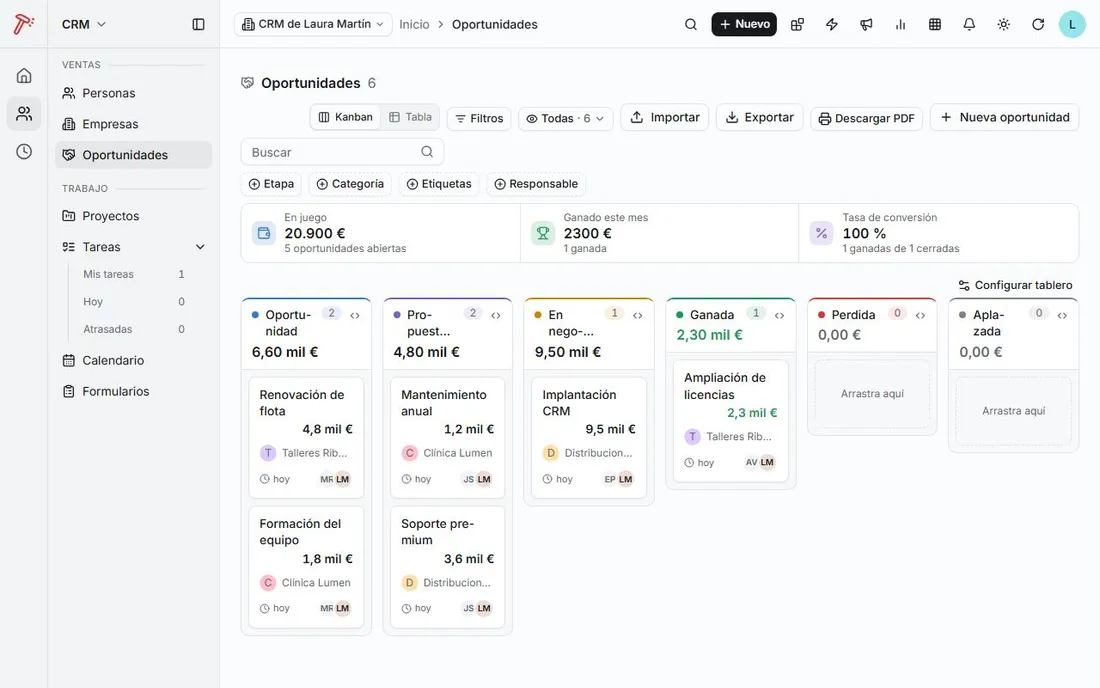
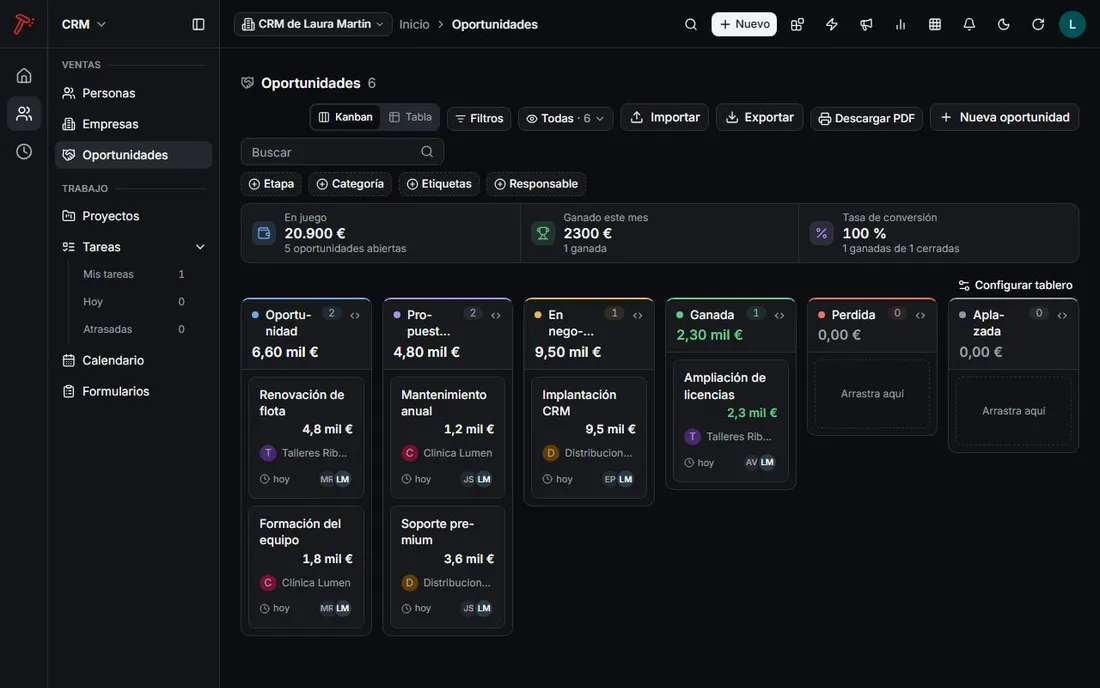
Your sales, by stage
Every opportunity in its stage, with its amount and owner; drag to move them.
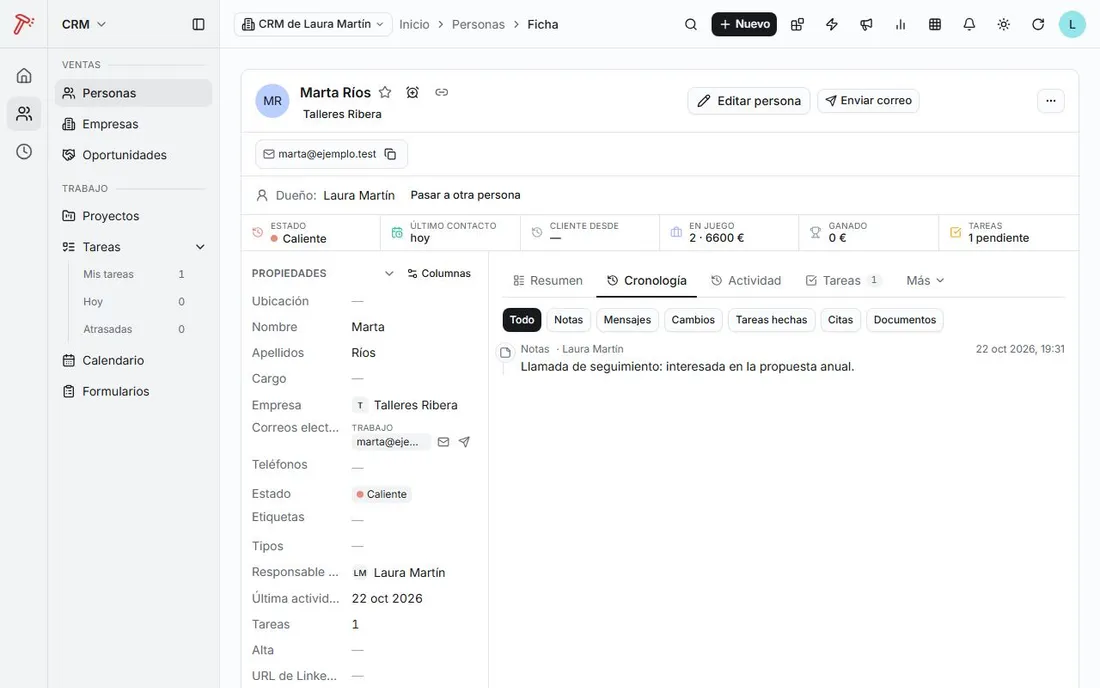
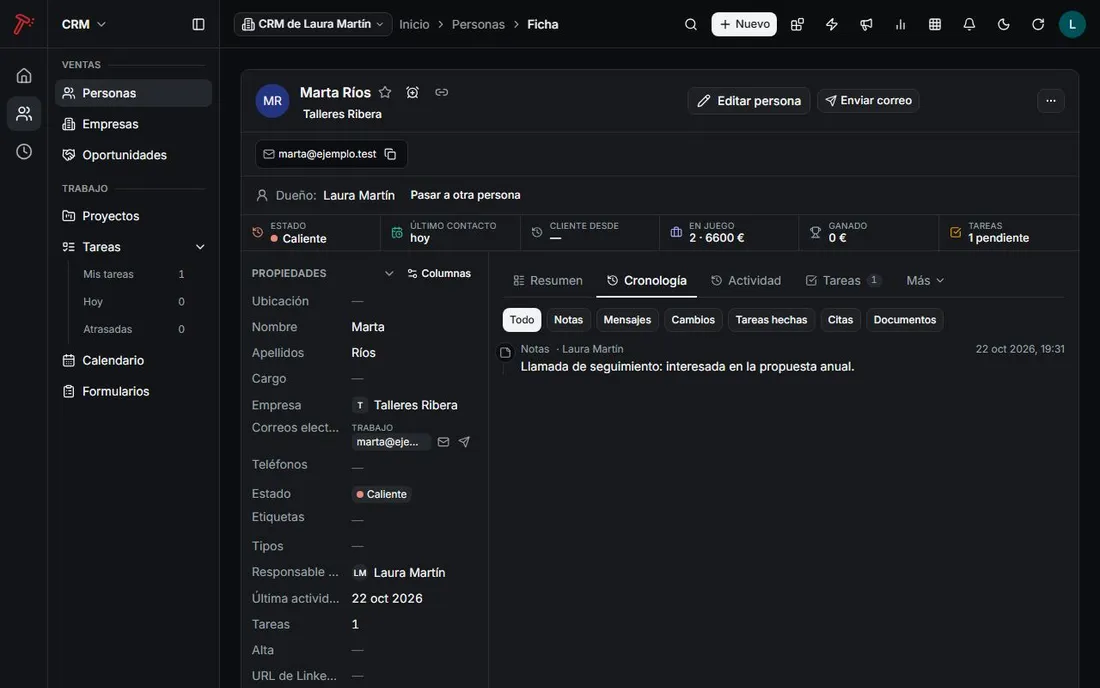
Each person's record
Everything that has happened with them: notes, emails, tasks and documents, in one timeline.
Sample data
57 ready-made solutions for your kind of business
You pick yours when you sign in and it installs with its modules, views and automations. Here are some.
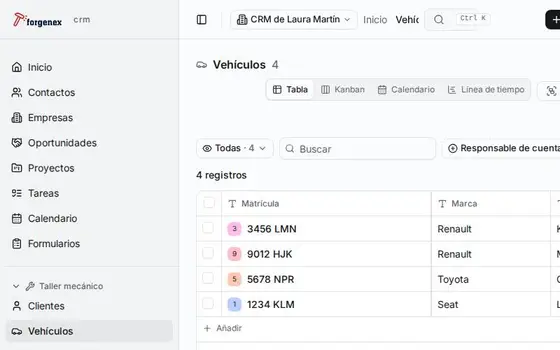
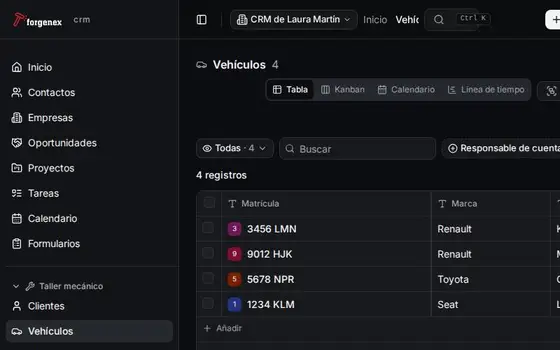
Taller mecánico
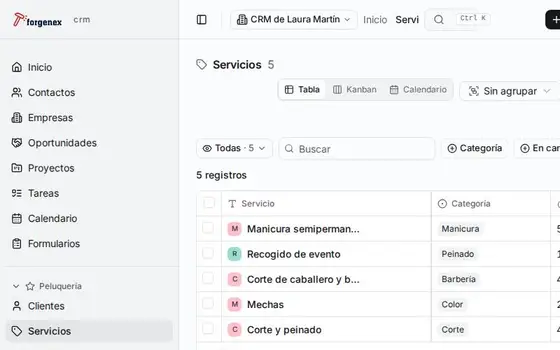
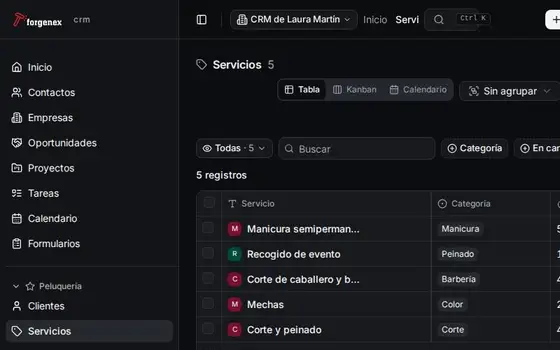
Peluquería
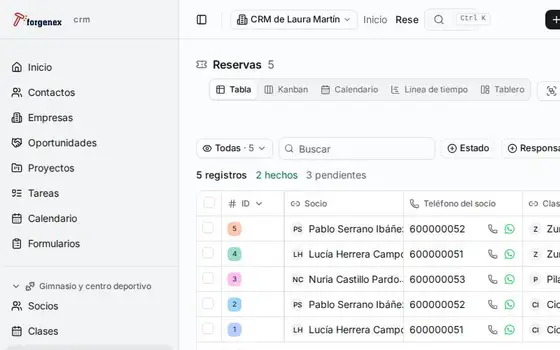
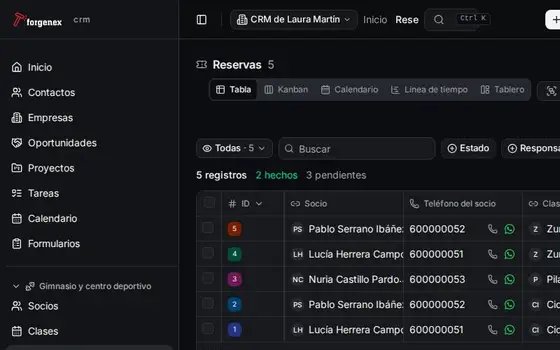
Gimnasio y centro deportivo
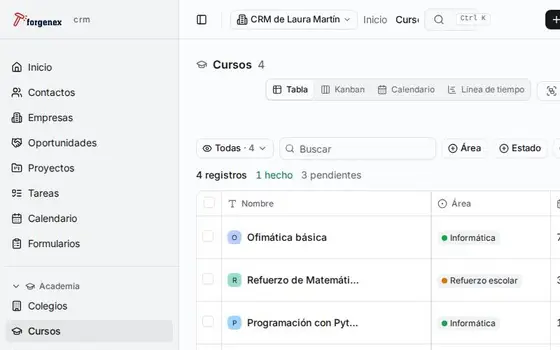
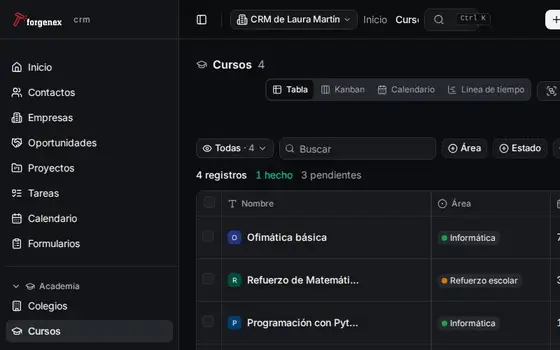
Academia
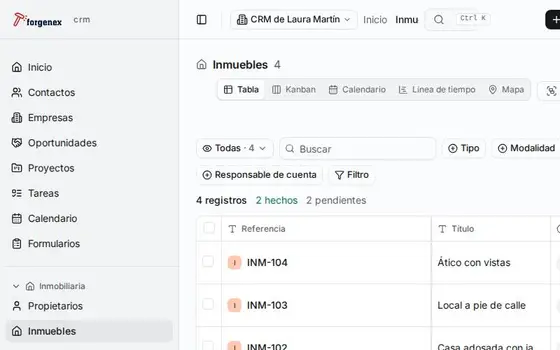
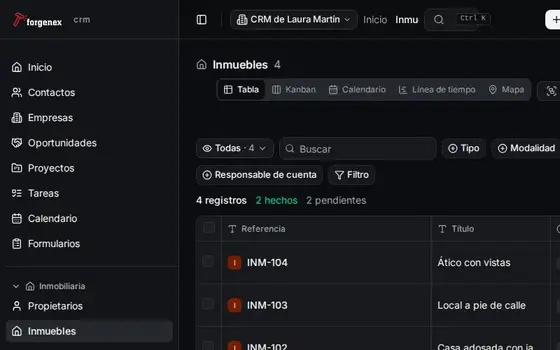
Inmobiliaria
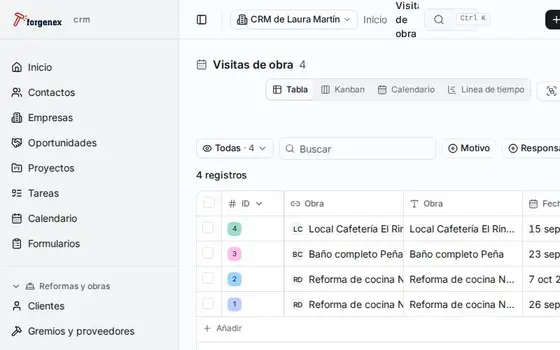
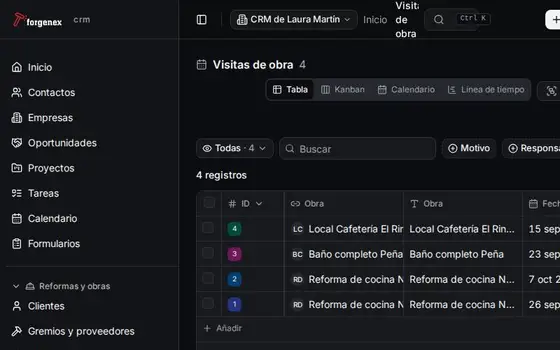
Reformas y obras
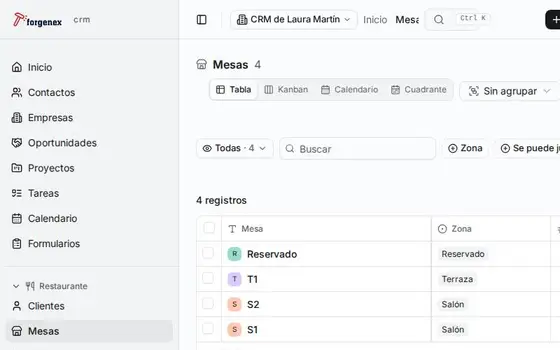
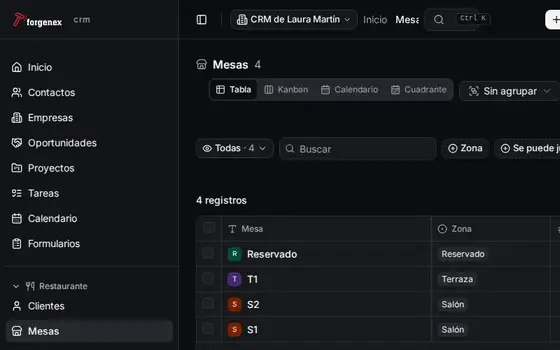
Restaurante
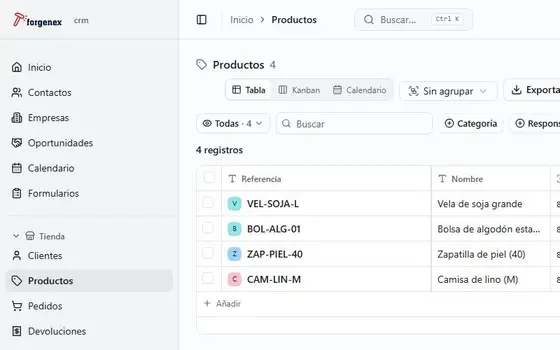
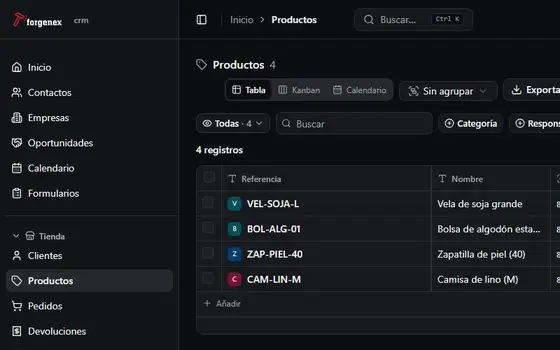
Tienda
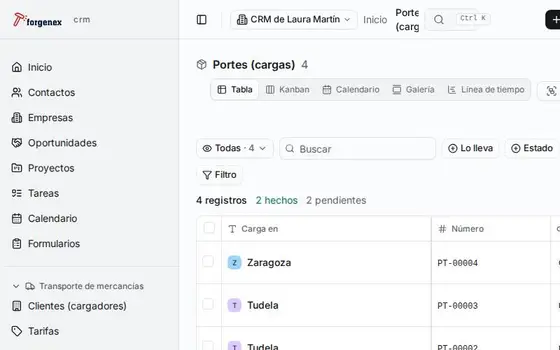
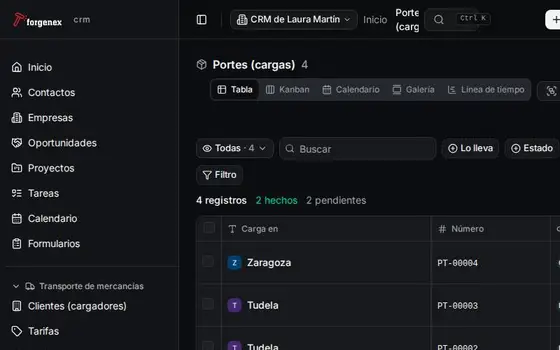
Transporte de mercancías
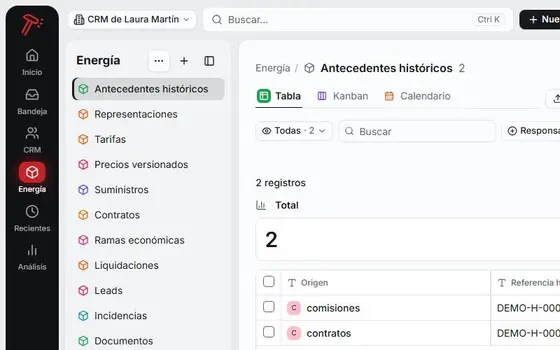
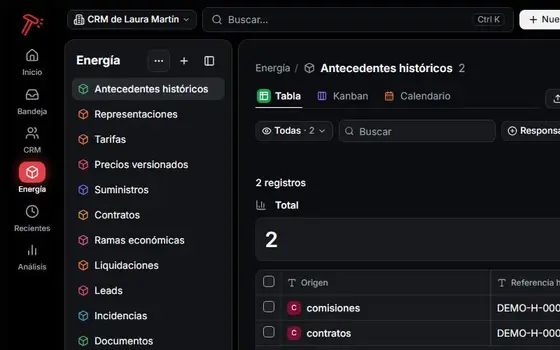
Energía
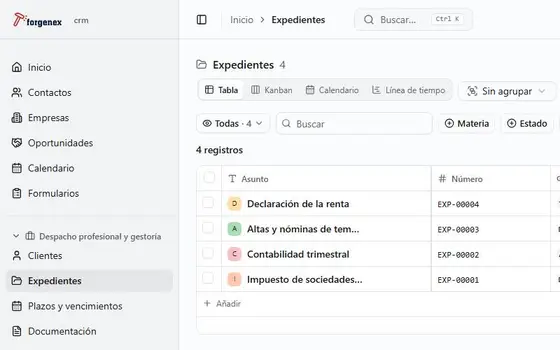
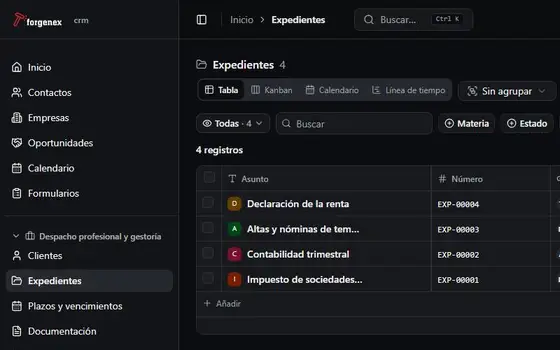
Despacho profesional y gestoría
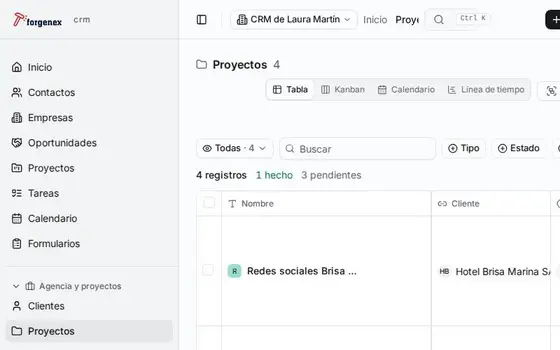
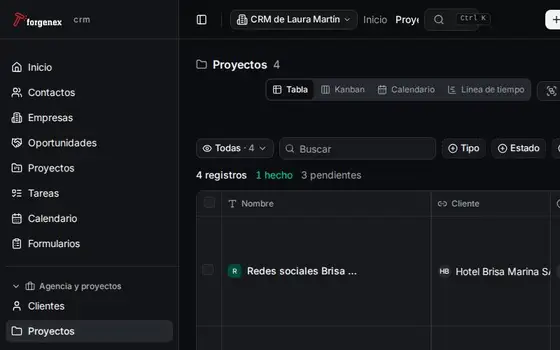
Agencia y proyectos
- and 45 more
Your CRM, with artificial intelligence
Ask it questions, have it log things or build you a module. With your account and permissions; you confirm anything sensitive.
Pix, the ForgeNEX assistant
An assistant that works with your CRM data and the rest of the products, with models in the EU.
Meet PixFrom Claude or ChatGPT
Connect your AI to the CRM with a single address: it reads what you can see and creates or changes data with your permission. It does not delete or export.
How to connect itAutomations
Rules that fire on their own when your data changes, with your solution's already in place and your own.
Connected with the rest of ForgeNEX
One account, the same team and the same permissions across all products.
Tasks and projects
Included in the CRM plan.
Agente de IA
An autonomous assistant for your team, with individual accounts
Estadísticas web
Las visitas de tus webs, sin cookies
Fichaje
El registro de jornada, sin papeles
What you get
El CRM de ForgeNEX: contactos, empresas y oportunidades en un embudo, con notas, tareas y adjuntos. Invita a tu equipo y decide qué ve cada uno. Conecta tu asistente de IA (Pix) y el resto de productos de ForgeNEX.
- Prueba 14 días con todoSin tarjeta. Después, desde 19 € al mes con 3 personas, 5 módulos y Tareas incluidos.
- Built around your businessCreate your own modules and fields, or install a ready-made solution for your industry.
- Your team, with permissionsInvite your team and decide what each person can see and change.
- With your AI assistantConnect Pix and the other ForgeNEX products to your CRM.
Plans
Team
From 49 €/month
excluding VAT
14 days with all features, no card required
- Includes 10 people, 50 modules and Tareas
- Any ready-made solution fits within the 50 modules
- +5 €/month per bloque de 10 modules extra
If you do not pay when the trial ends: CRM for one person only. Nothing is deleted; paying restores everything as it was.
Start trialEquipo anual
From 539 €/year
excluding VAT · Equivalent to 44,92 €/month
Save 8% compared with paying monthly
14 days with all features, no card required
- Includes 10 people, 50 modules and Tareas
- Any ready-made solution fits within the 50 modules
- +5 € per bloque de 10 modules extra
If you do not pay when the trial ends: CRM for one person only. Nothing is deleted; paying restores everything as it was.
Start trial
With your ForgeNEX account
Sign in once: your team, customers and permissions are shared across all products. Start with the included free CRM; add other features to your plan whenever you need them.
- One account for everything
- The same team and permissions
- Data in the European Union
- We help you get started
Ask ForgeNEX Gestión from Claude or ChatGPT, with your permissions.
Connect your AI