

ForgeNEX CRM · New
Email with customer context
Manage your inboxes and find email history on customer records.
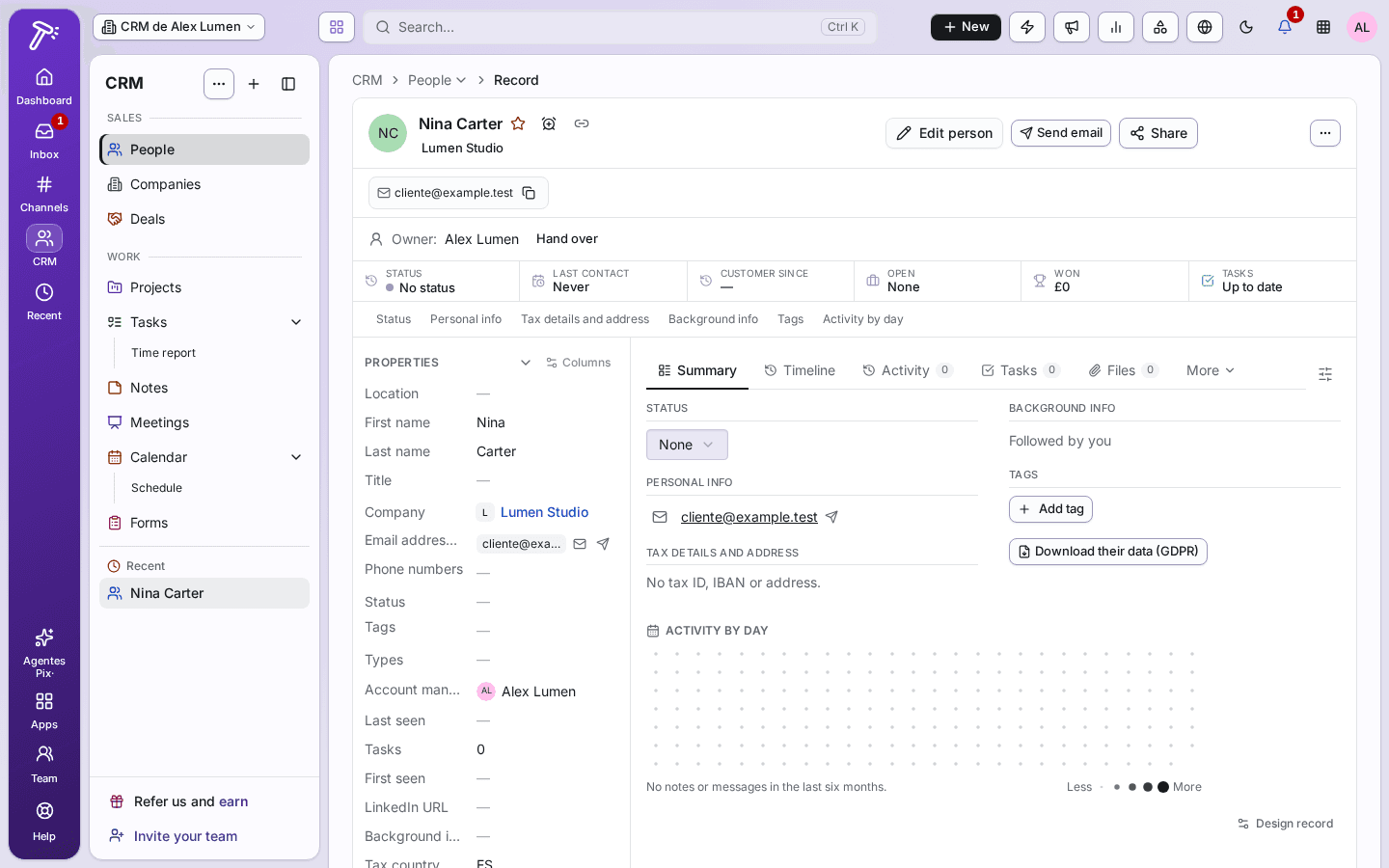
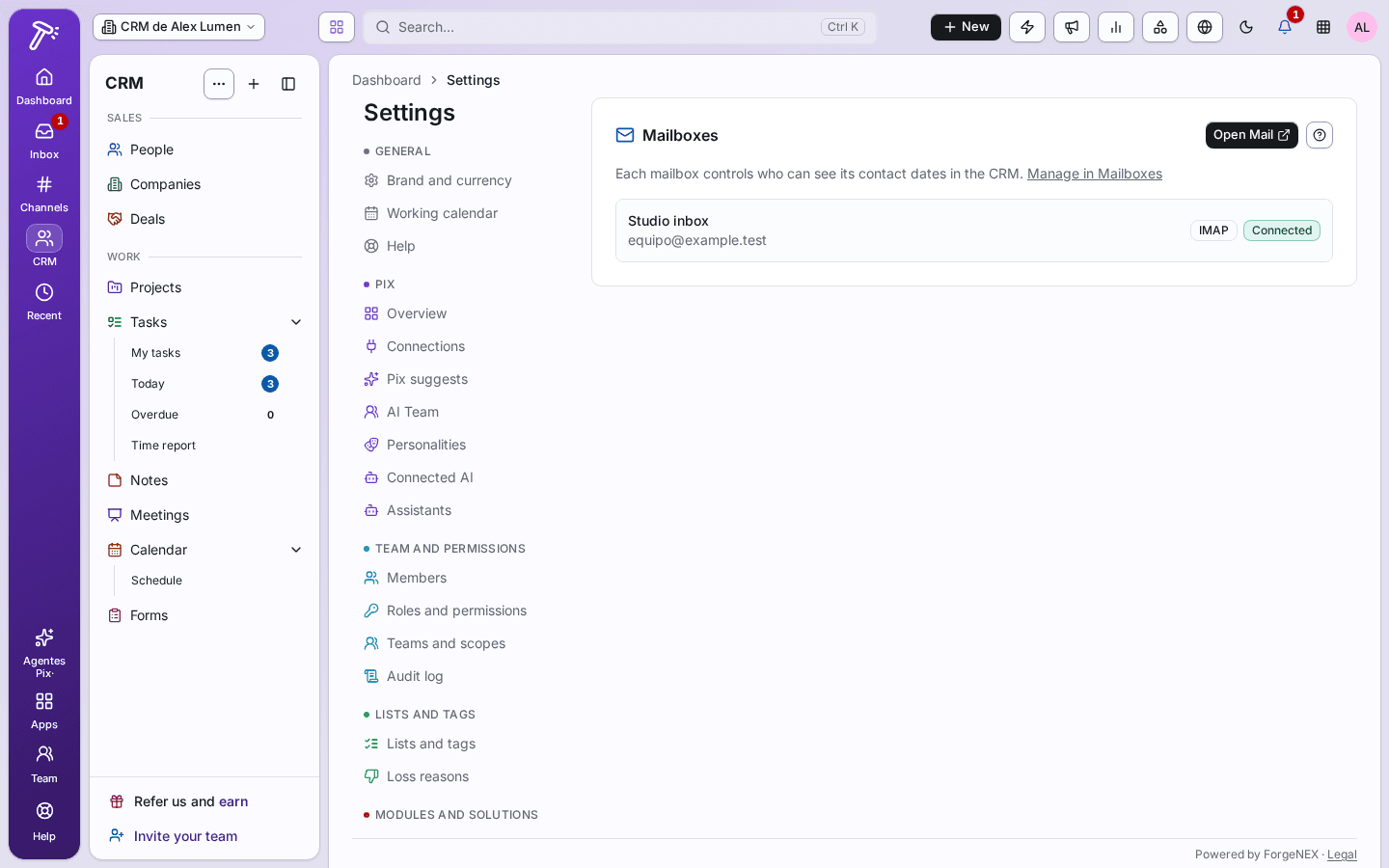
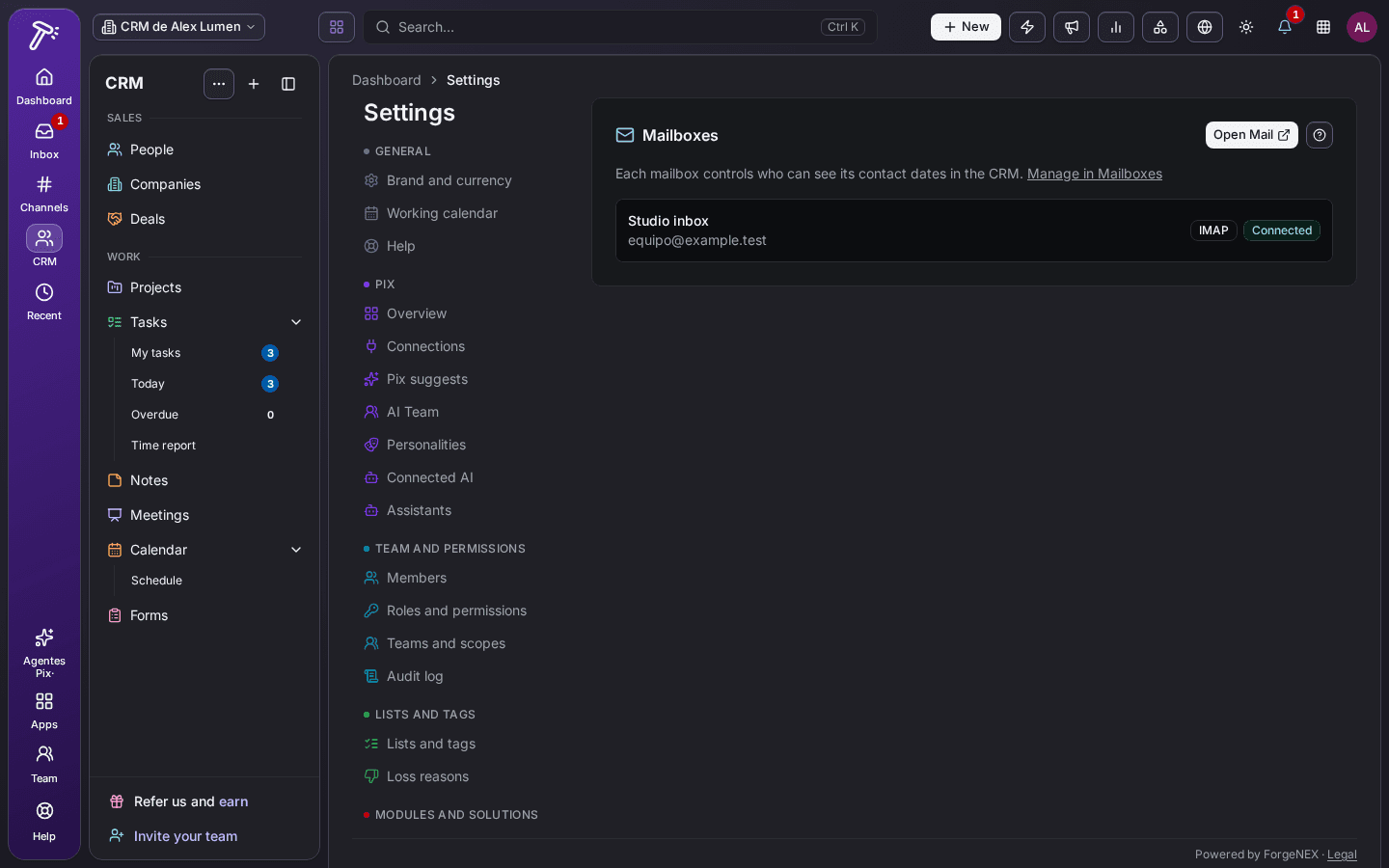
Connected inboxes
See the mailboxes available to your workspace in one place. Review their connections before using them to send email.
- Find connected accounts in Settings.
- Choose the sender when composing email.
- Check the connection status of each account.
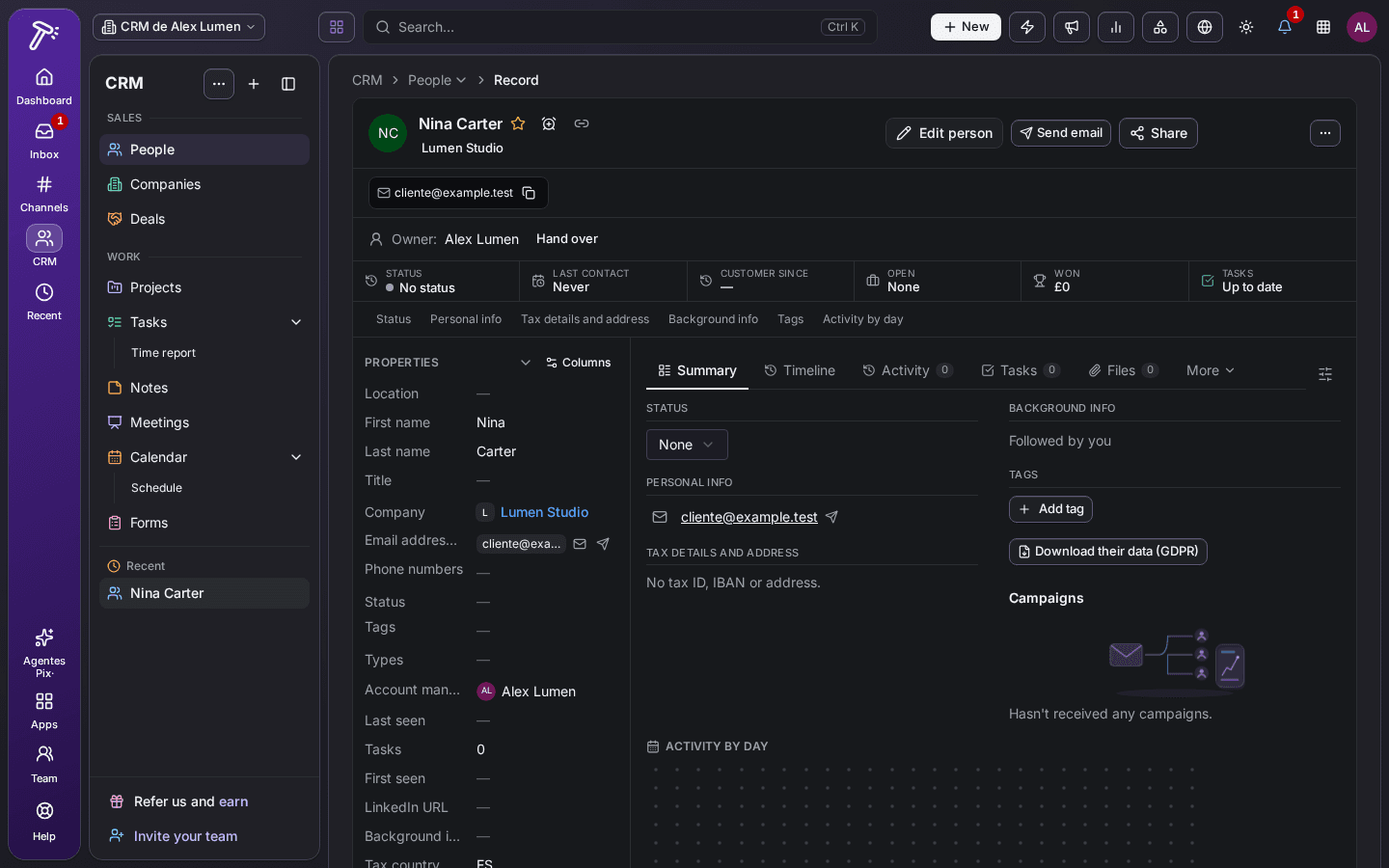
Email on customer records
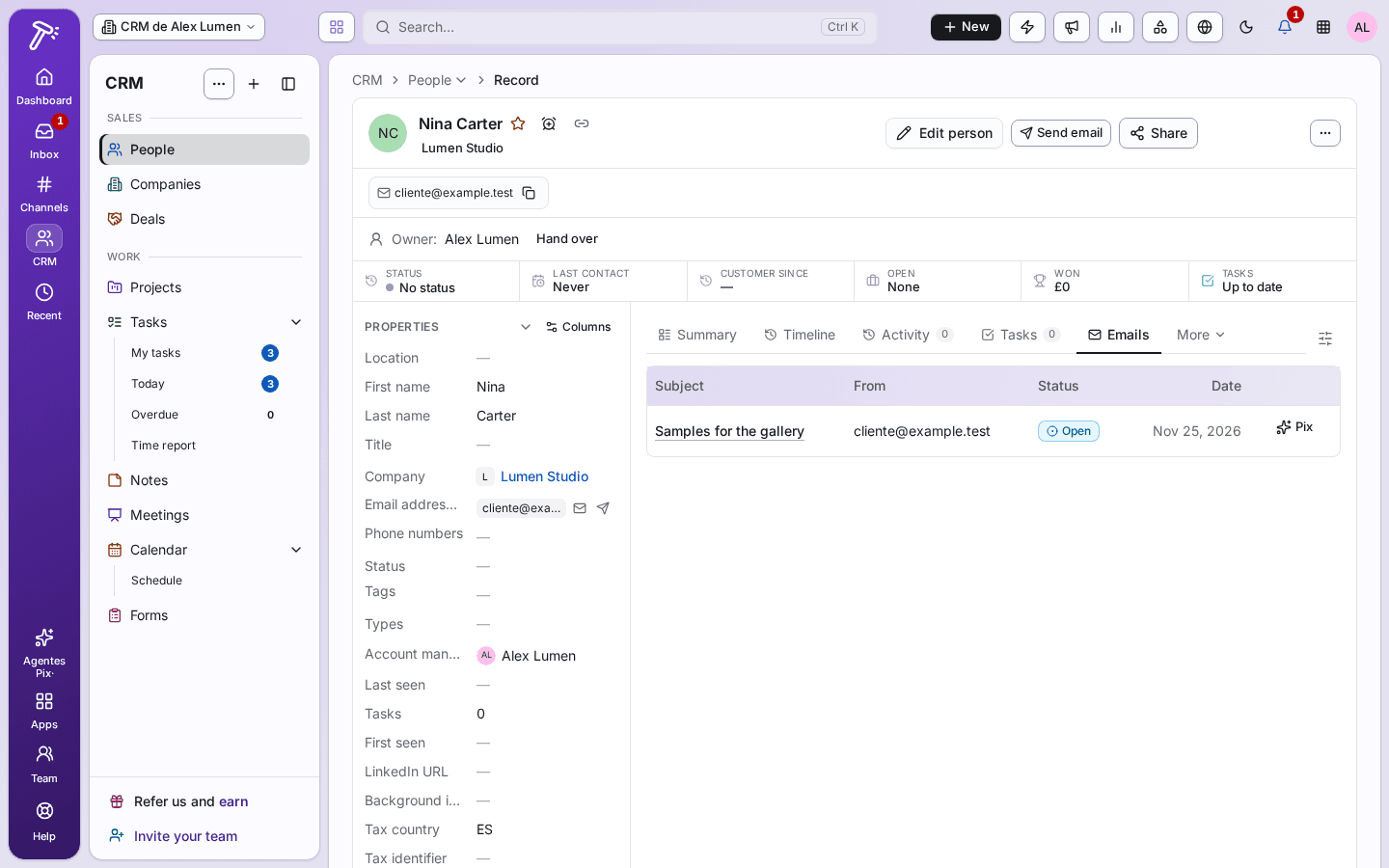
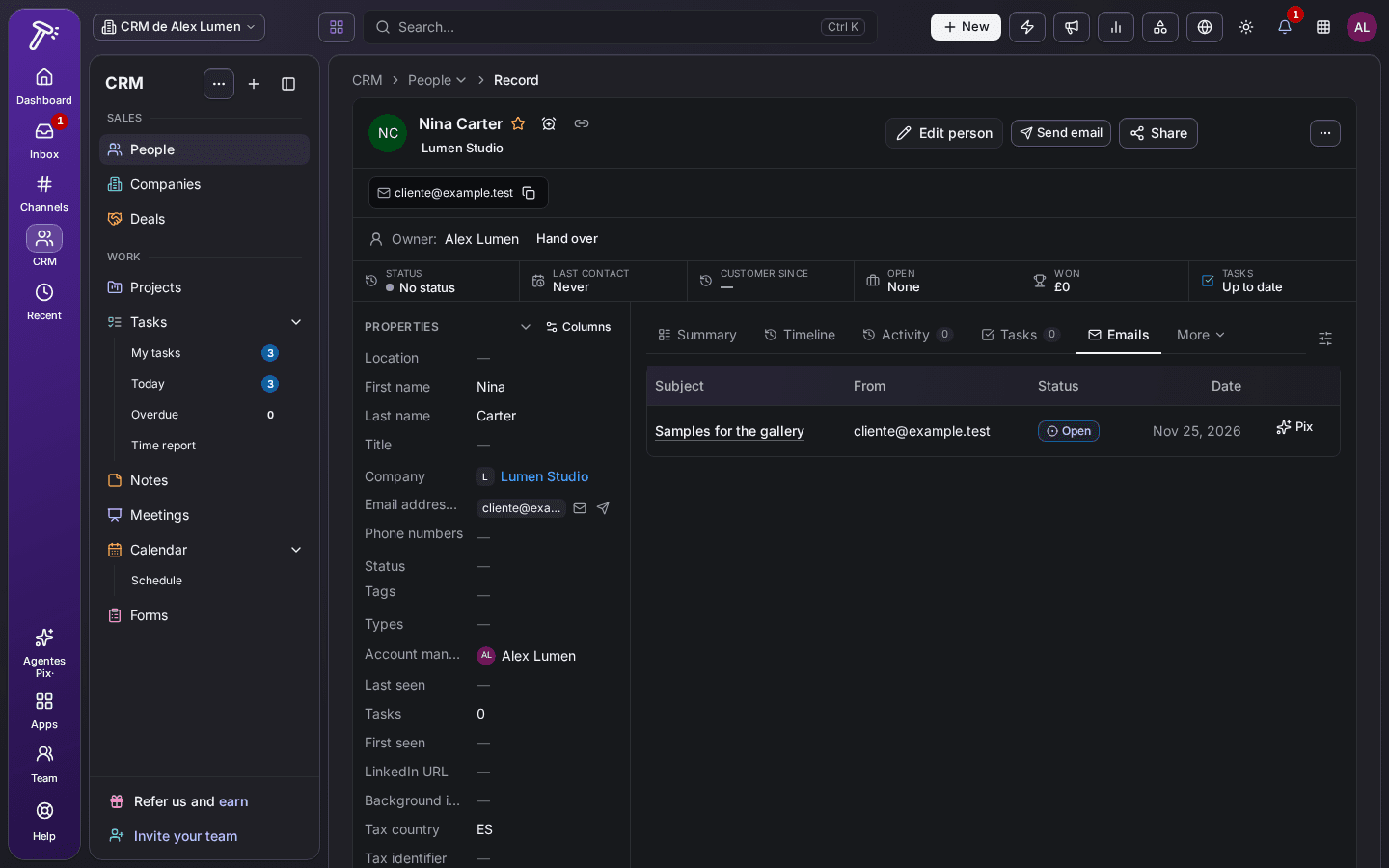
The email tab brings together conversations linked to a person. Open it before replying to review what was already discussed.
- Open the email tab on a person’s record.
- Review previous messages before following up.
- Open a thread to read the messages in the conversation.
Send from the CRM
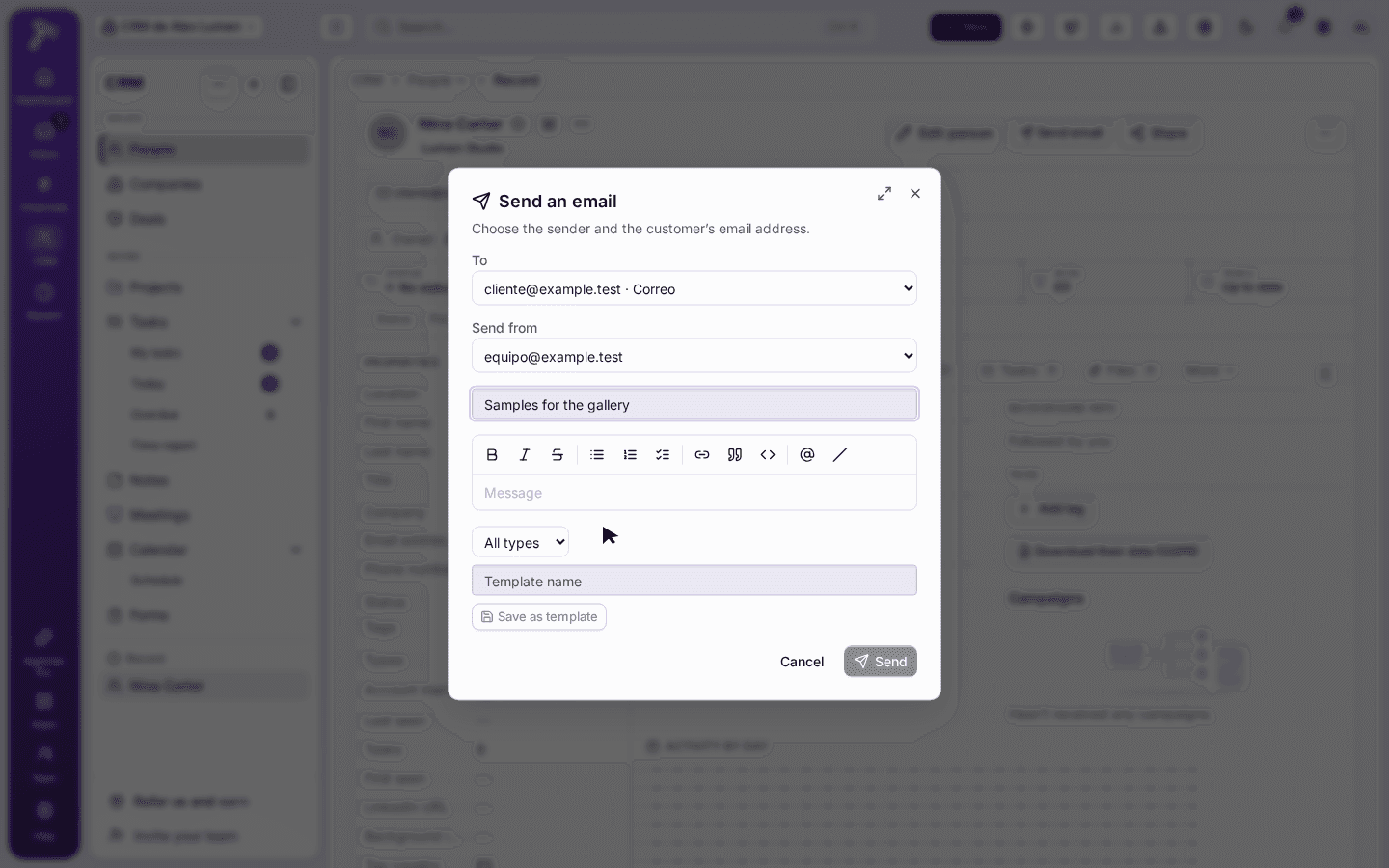
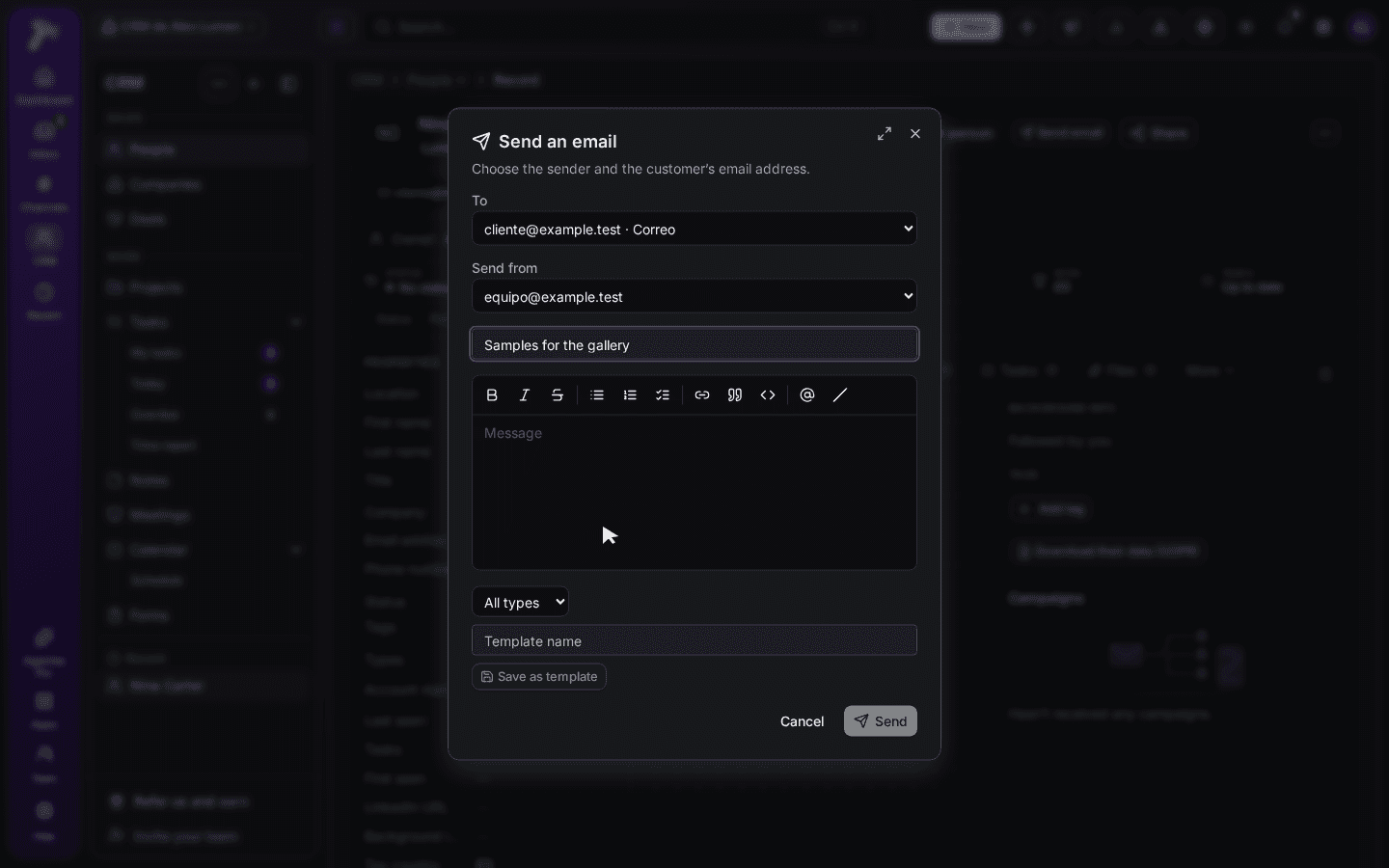
Open the email composer directly from the record. Prepare your message with the right subject and sender.
- Open the composer straight from a customer record.
- Review the recipient and message before sending.
- Write the subject and body in the same composer.
Connects with your CRM
- Mailbox · Choose a connected account as the sender.
- Person · Review the threads linked to a contact on their record.
- Deal · Find emails linked to a sale on its record.
Frequently asked questions
Where do I manage inboxes?
You can review your connections in Email settings.
Can I write from a contact record?
Yes. Open the composer from their record.
Can I choose which account to write from?
The sender picker shows the accounts available for sending.
Where can I read an earlier exchange?
Open the record’s Emails tab and select the thread.
Where can I check the plans?
Visit Pricing to check current CRM plans and their allowances.