

ForgeNEX CRM · New
Build your website from your CRM
Edit pages with blocks and connect forms and bookings to your workspace.
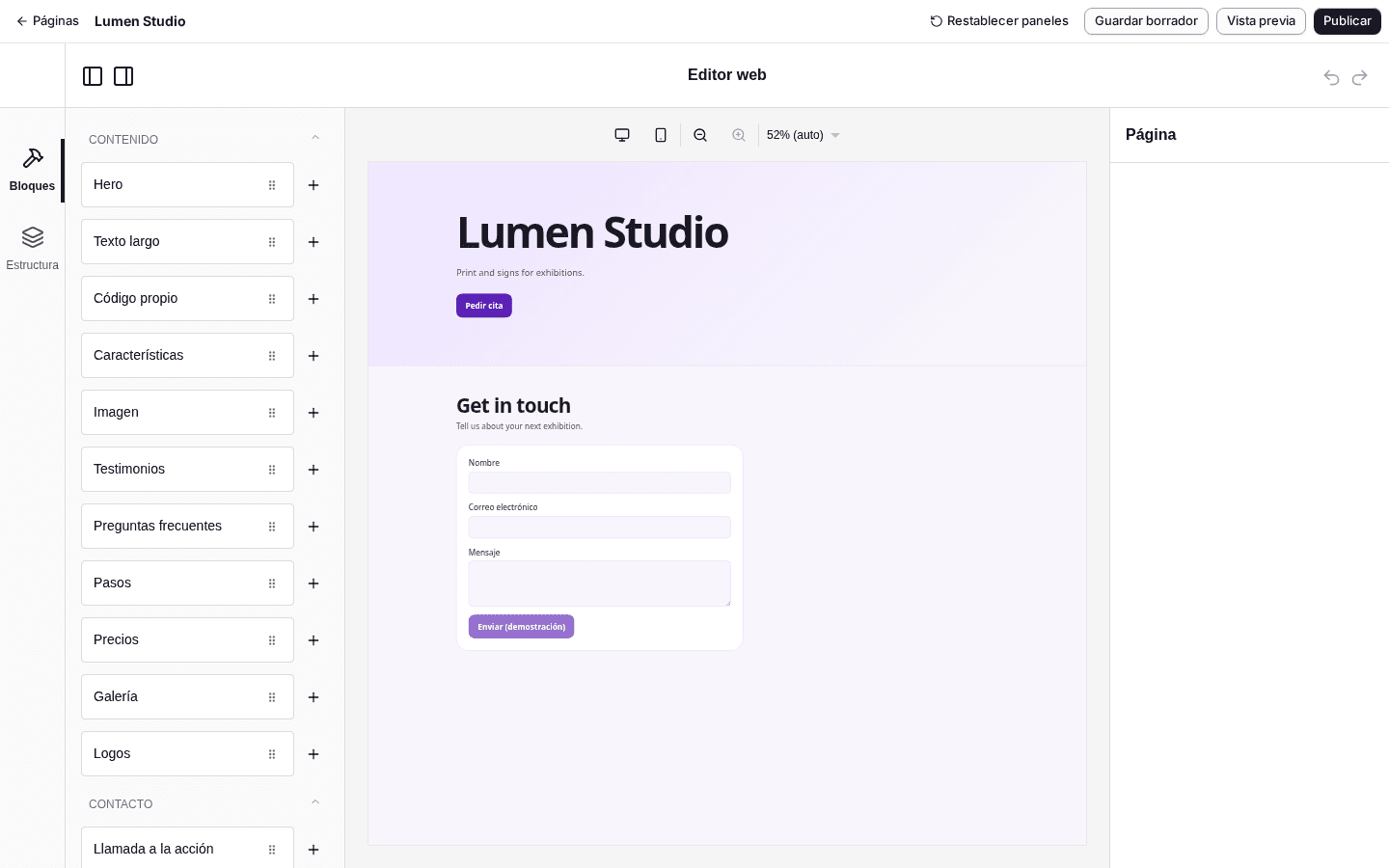
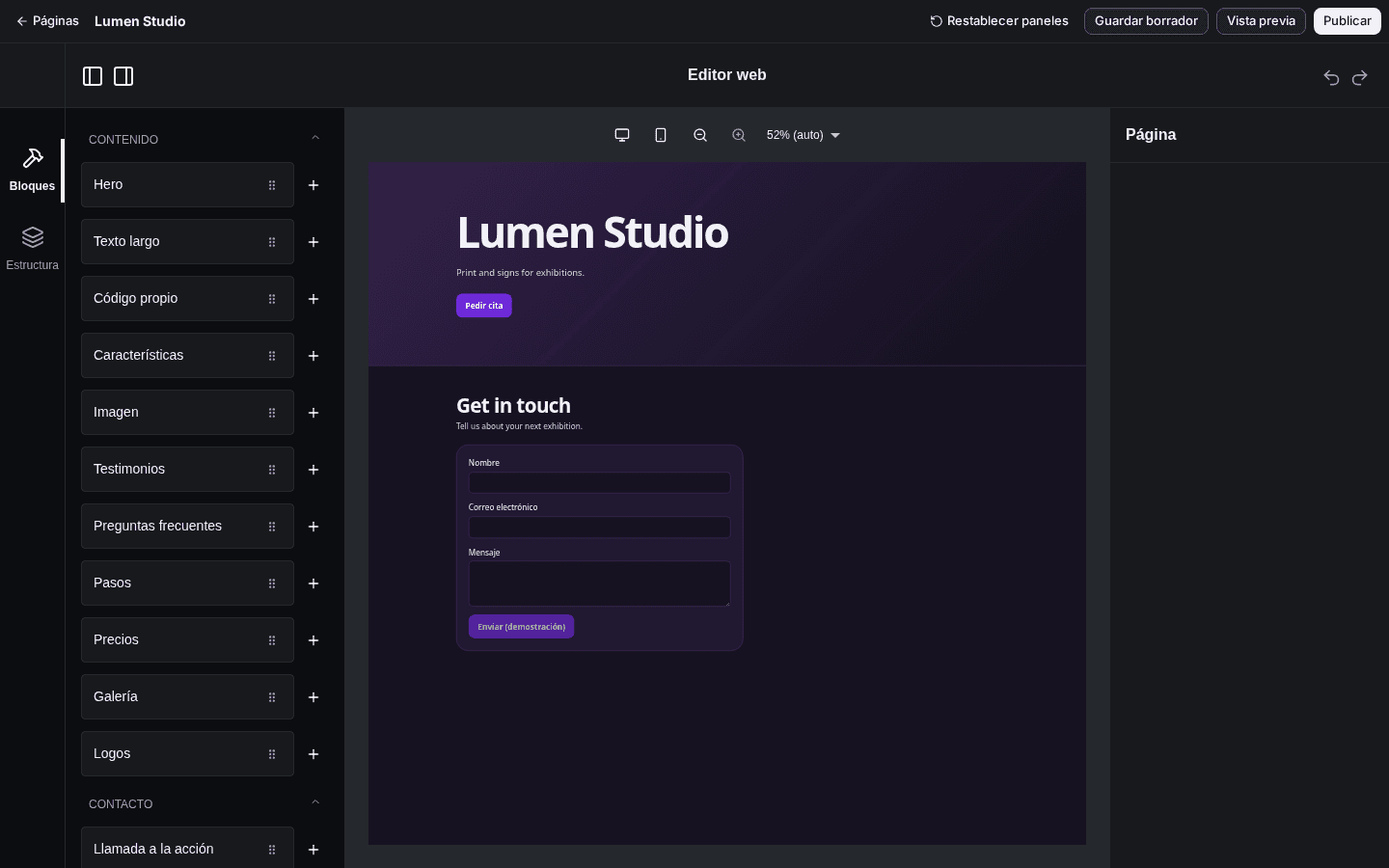
A block editor
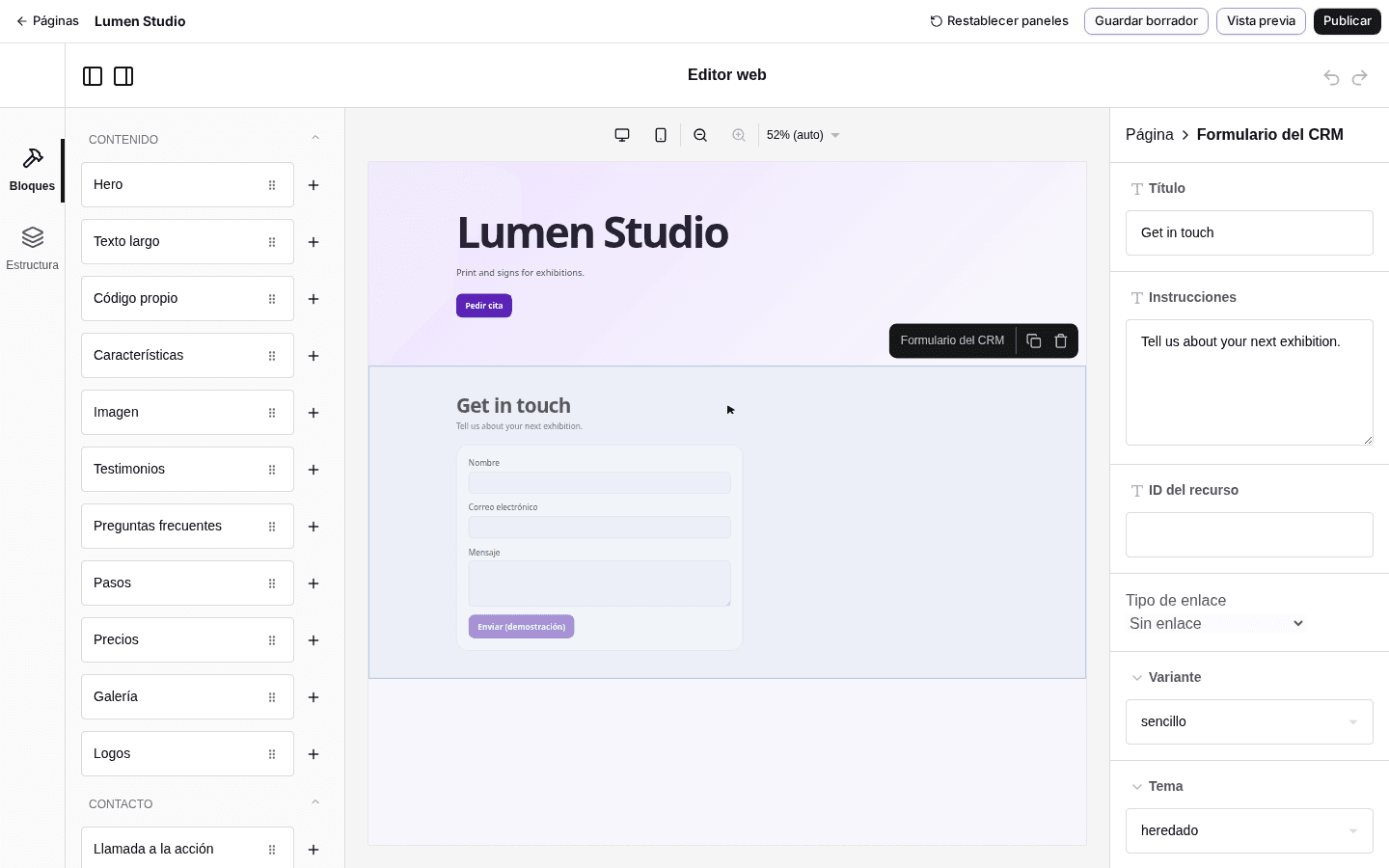
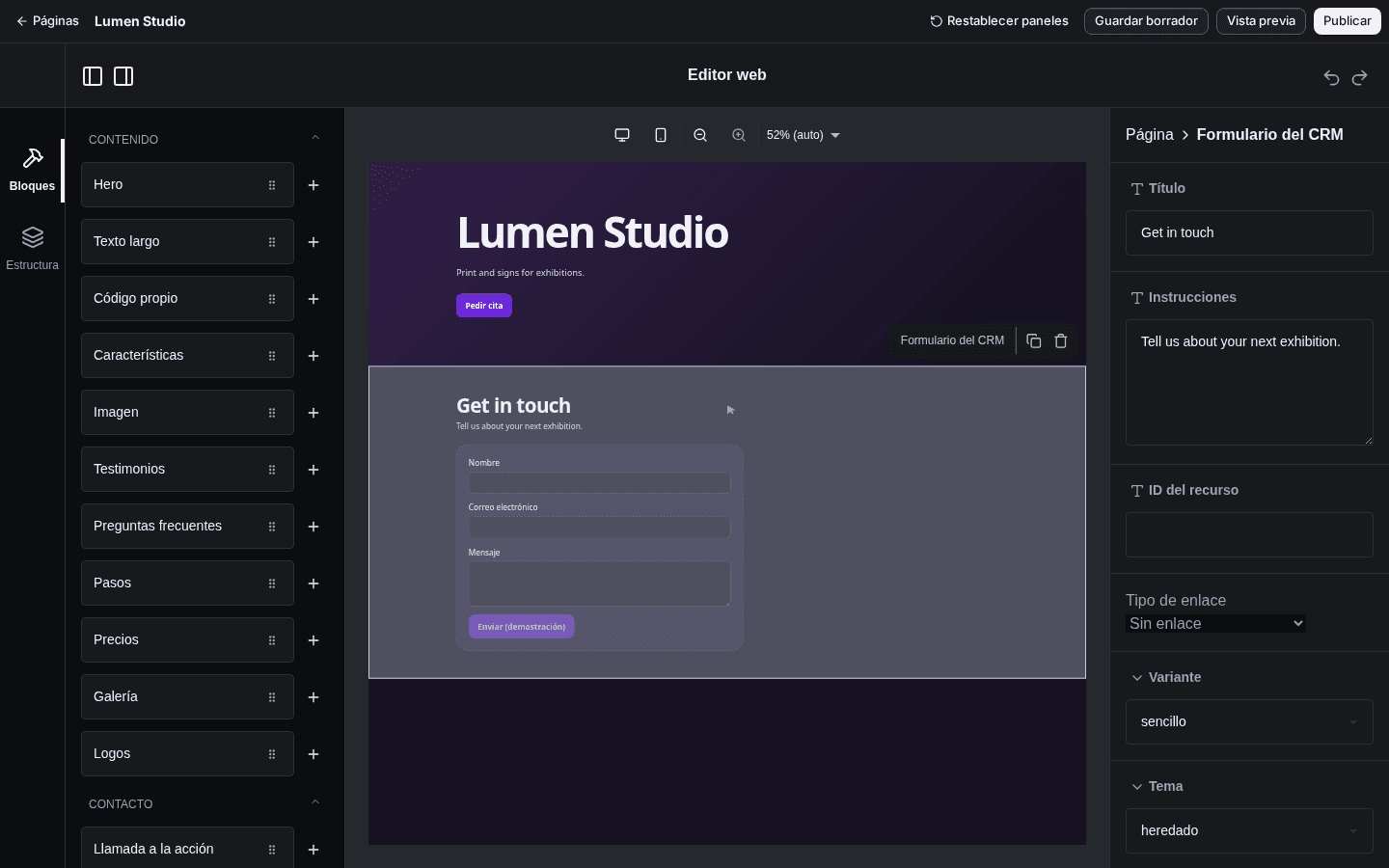
Build each page on an editable canvas. Use the preview to review the layout before publishing.
- Add and reorder blocks on the canvas.
- Edit headings, text and images.
- Select a block on the canvas to edit its settings.
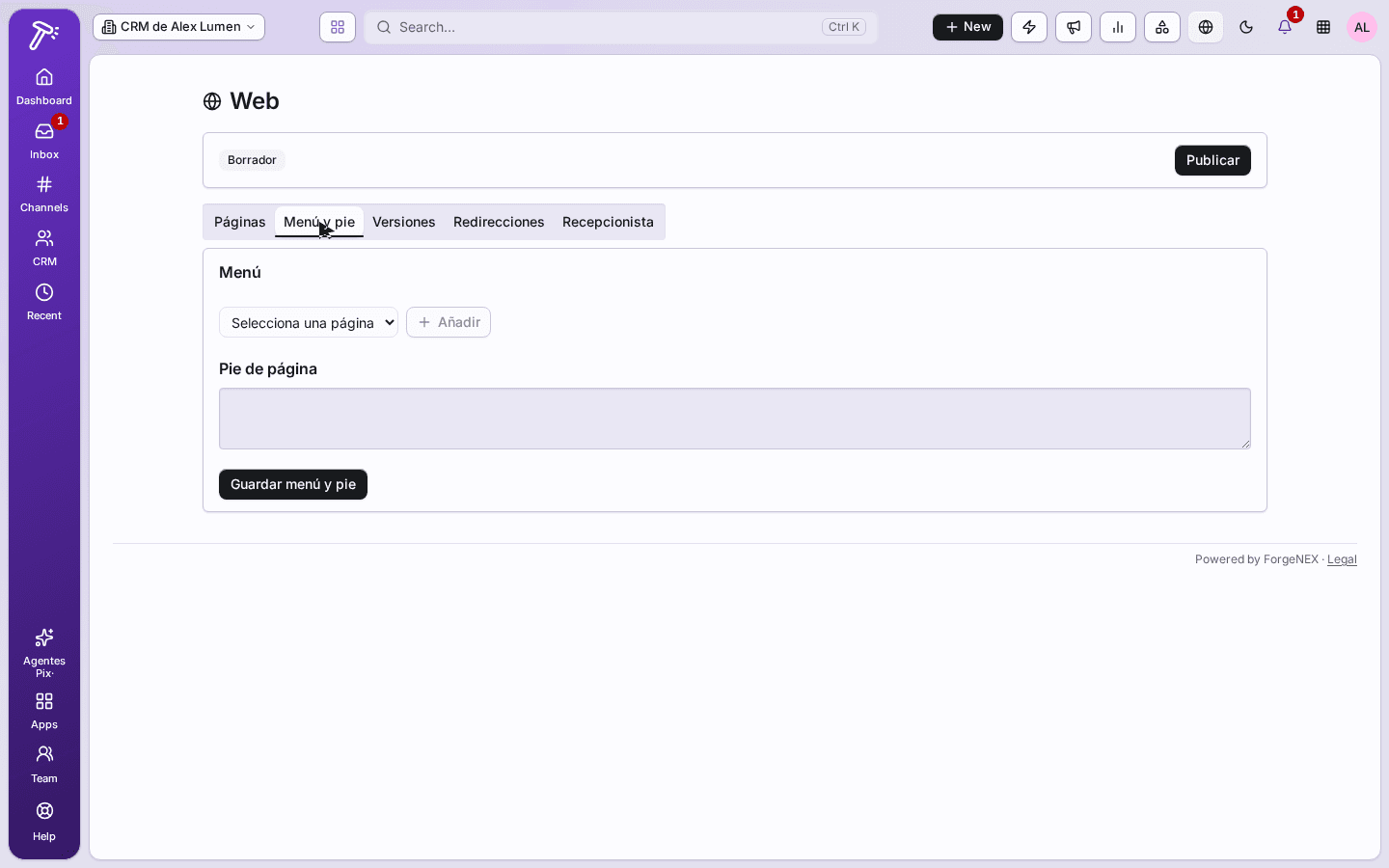
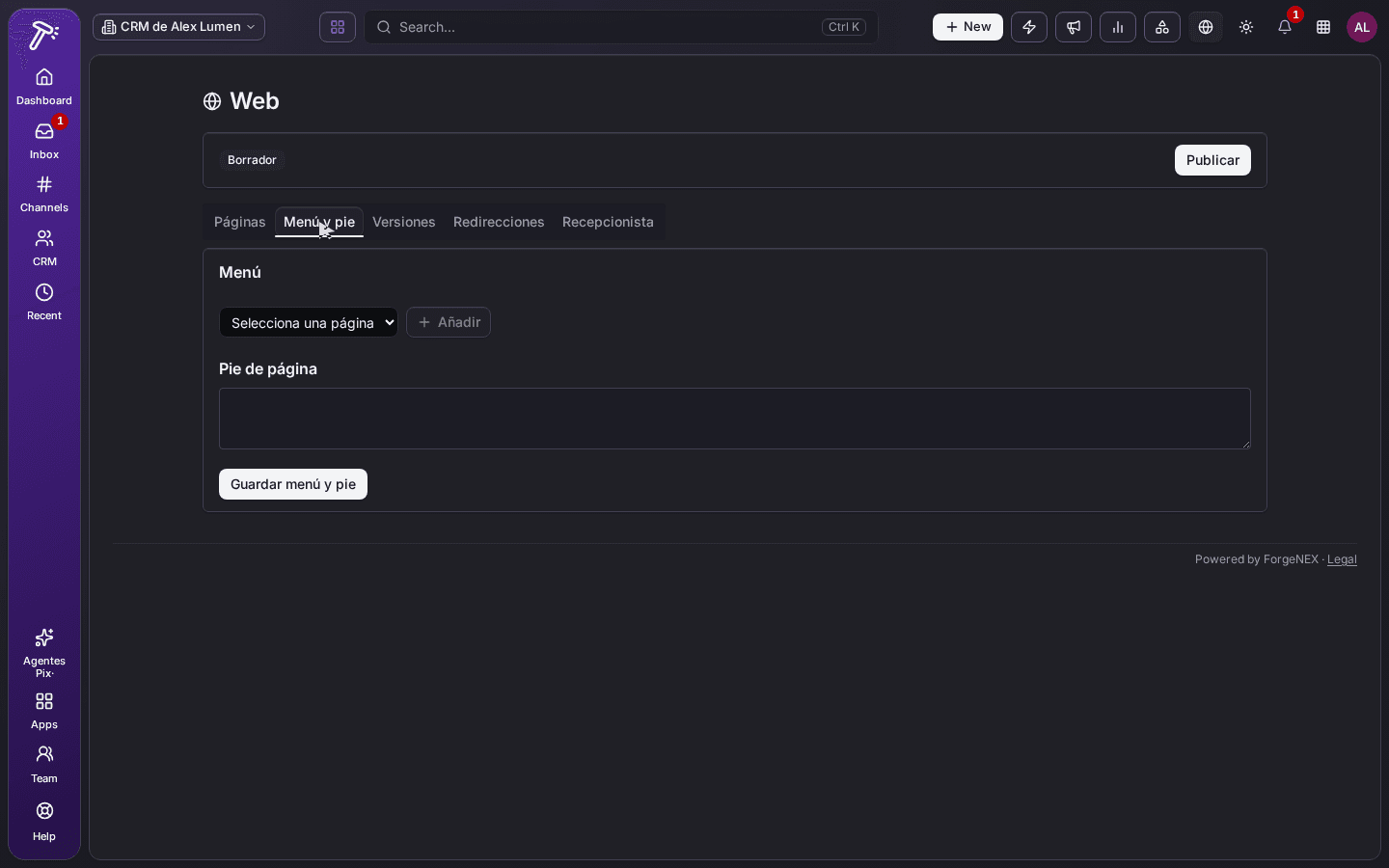
Pages and navigation
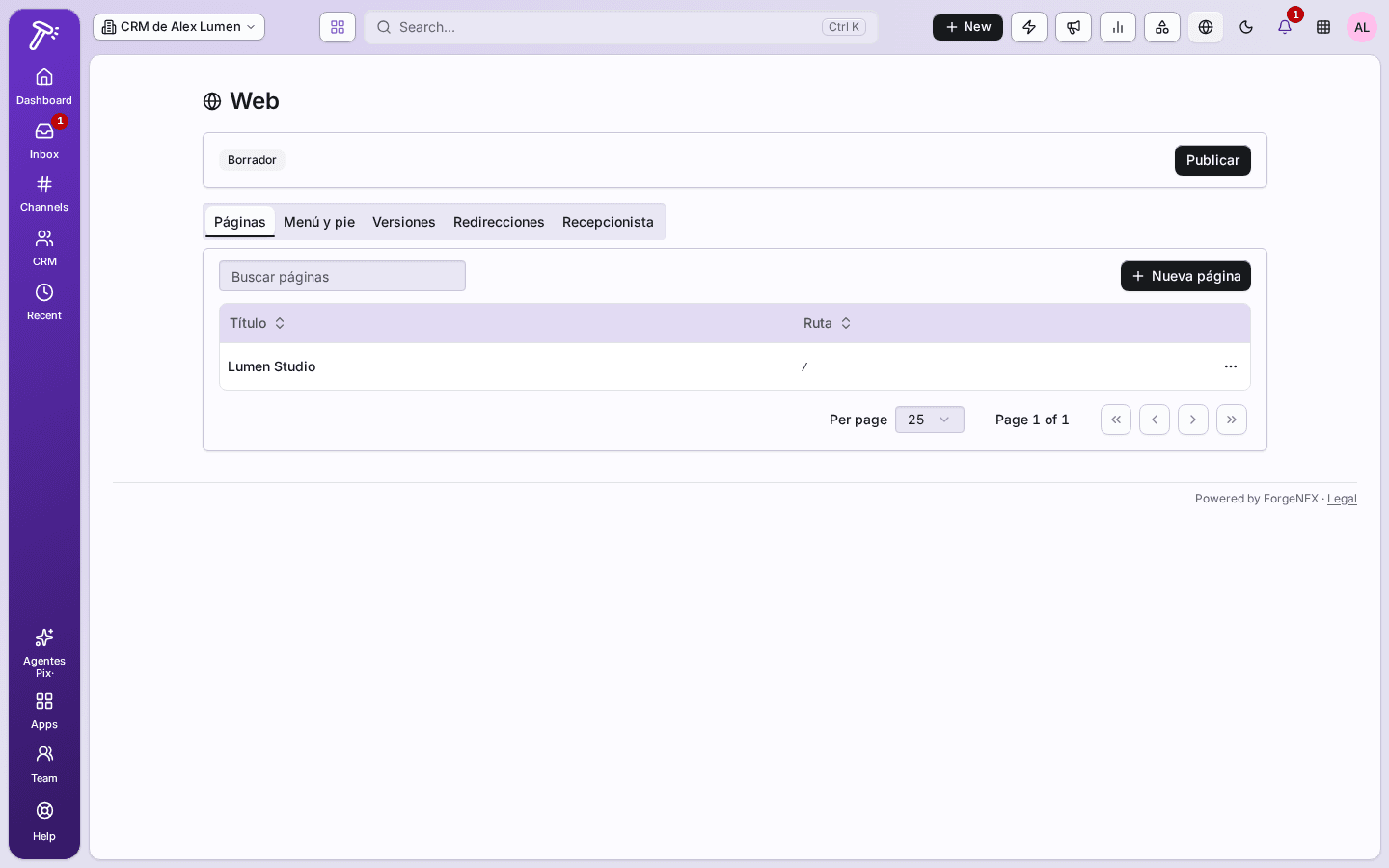
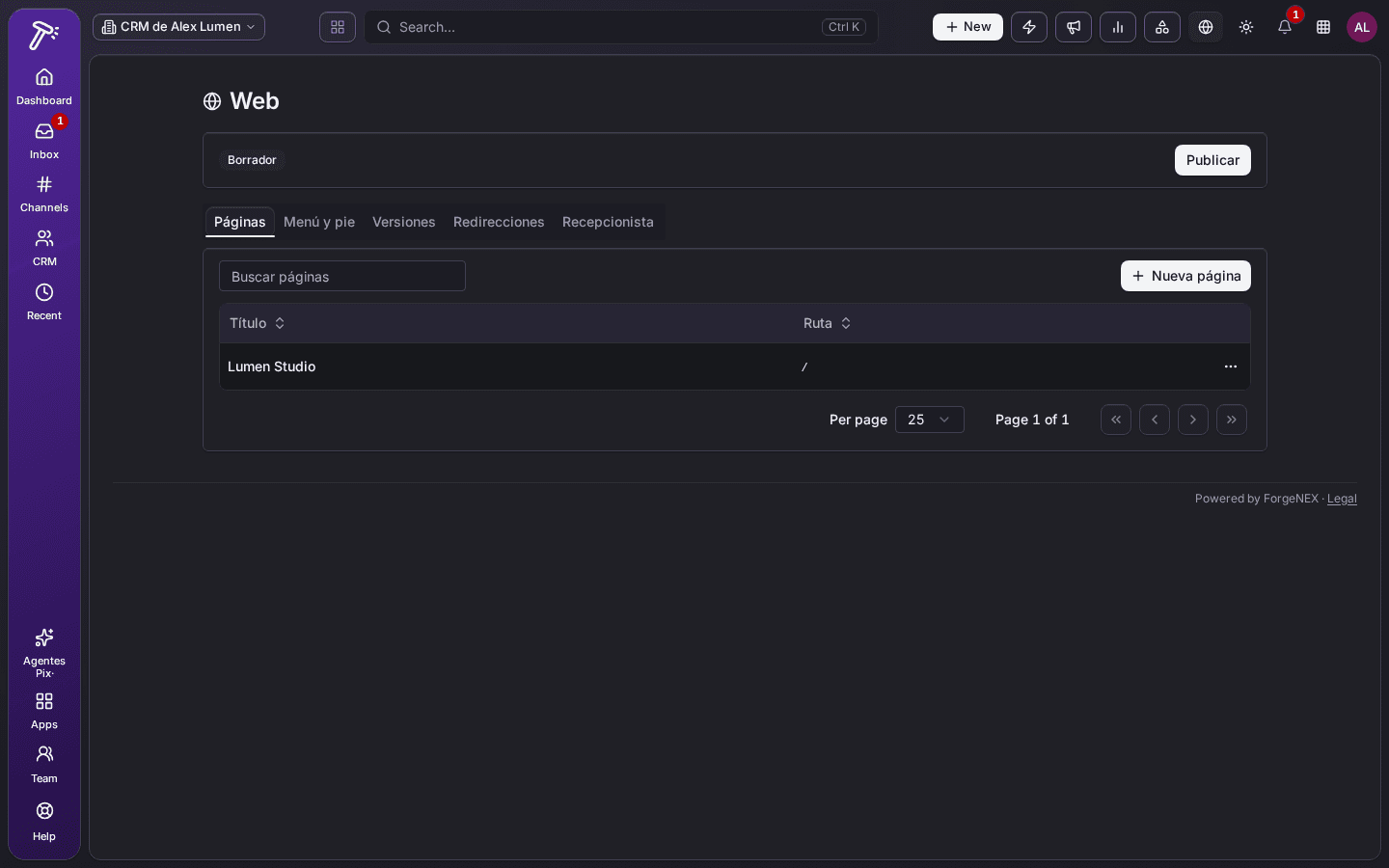
Organise the pages that make up your site and how visitors reach them. Review the structure while the site is in draft.
- Add pages to your website draft.
- Manage navigation and redirects.
- Set each page’s path when creating it.
Forms and bookings
Give visitors a way to get in touch or book an appointment. The block uses the resource you enable in the CRM.
- Set up forms connected to the CRM.
- Publish a booking block for the services you offer.
- Choose which form to show in the block settings.
Connects with your CRM
- Pages · Edit each page within your workspace’s website.
- Forms · Use a CRM form on a web page.
- Bookings · Add a block where visitors can book a workspace service.
Frequently asked questions
Can I edit before publishing?
Yes. Work on a draft and review the preview before publishing.
Can I have several pages?
Yes. Add pages in the editor and organise navigation.
Do I need to recreate my form?
You can choose a form already available in your workspace.
Can I fix an old URL?
Manage redirects in your website settings.
Where can I check the plans?
Visit Pricing to check current CRM plans and their allowances.