

ForgeNEX CRM
Tasks and projects
Assign work, track deadlines and open each task from its project or customer record.
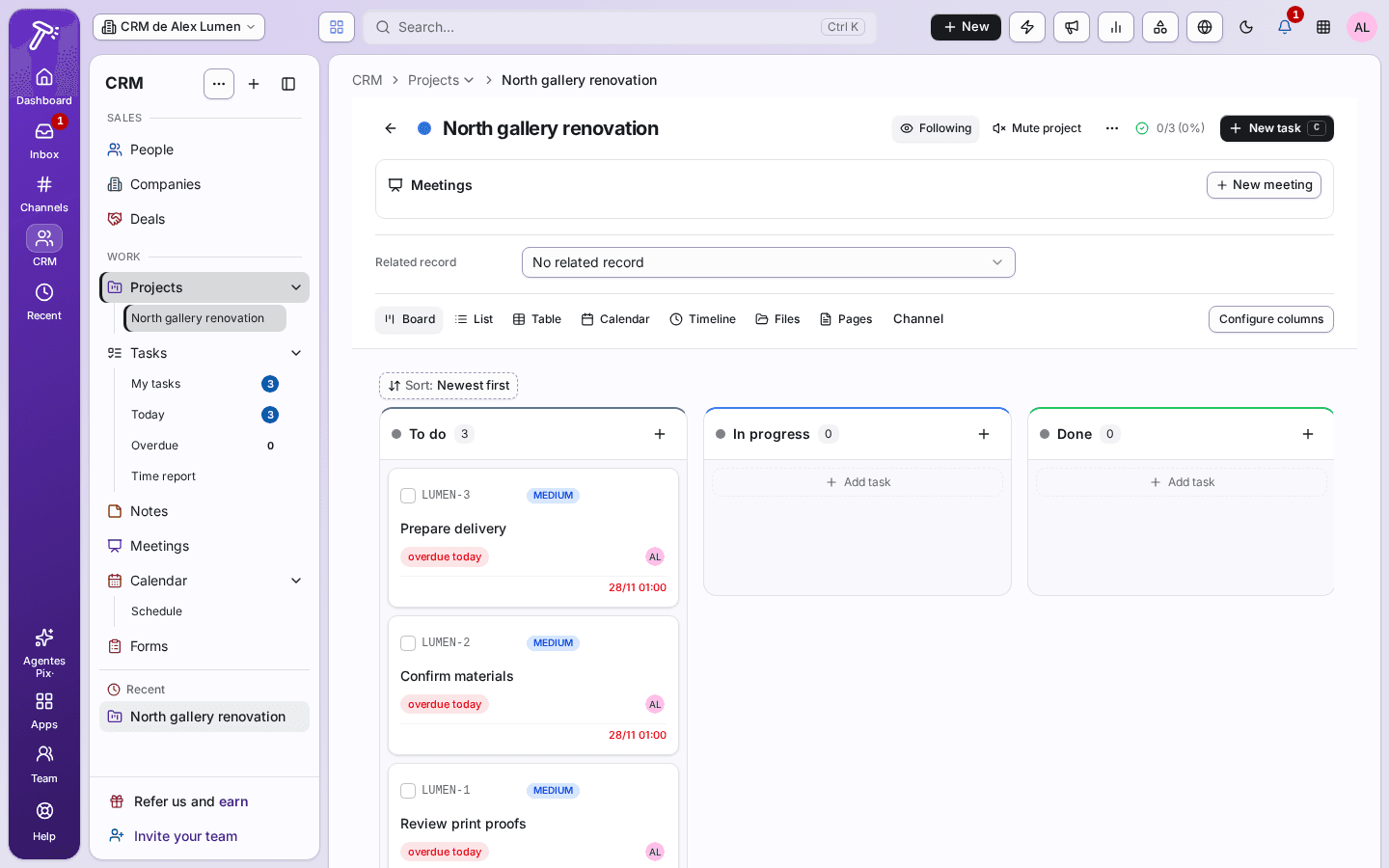
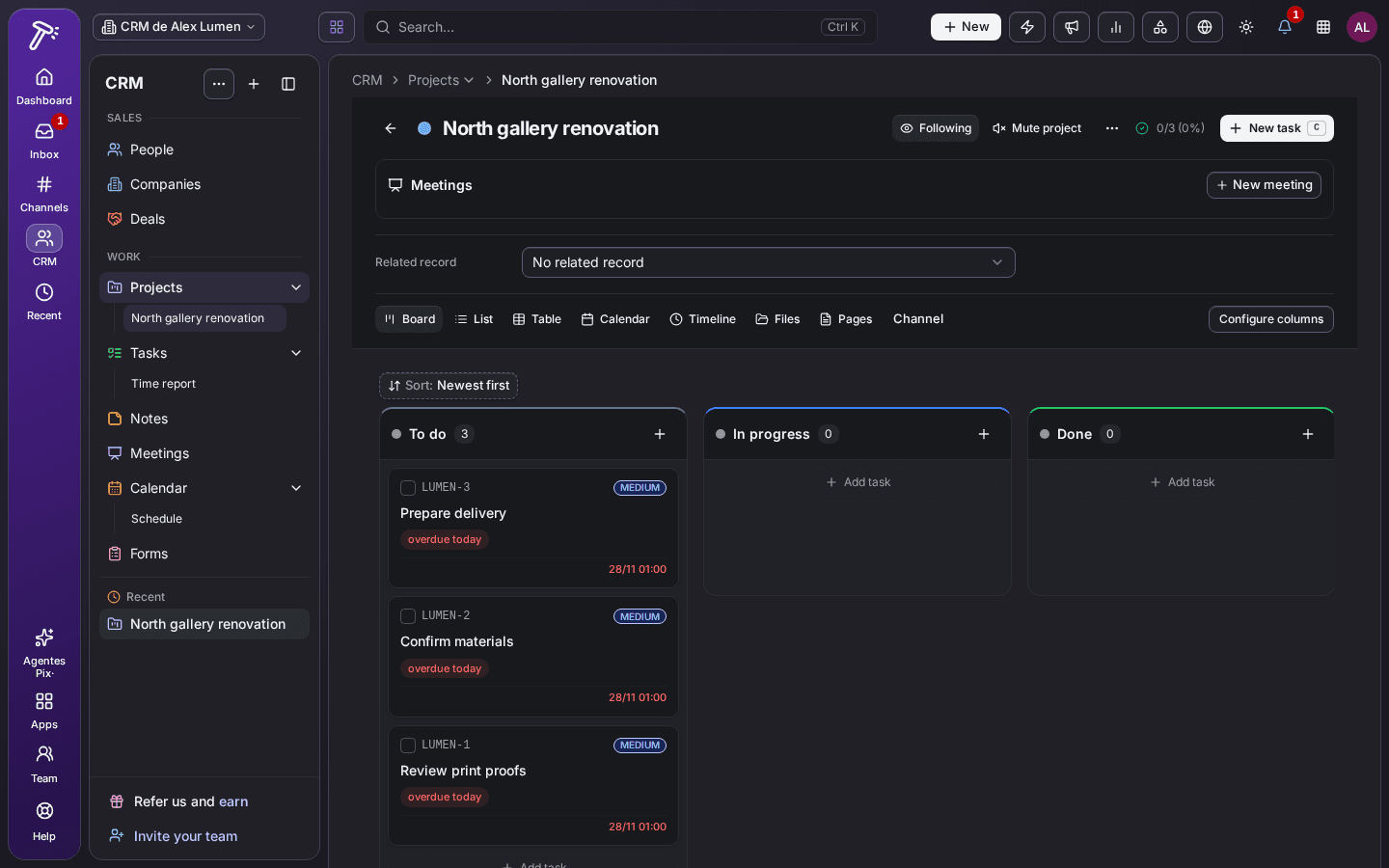
Project work
Keep a project’s work in one place. Review progress before assigning the next step.
- Group tasks under a project.
- Browse work in a table or kanban board.
- Open tasks from the project record.
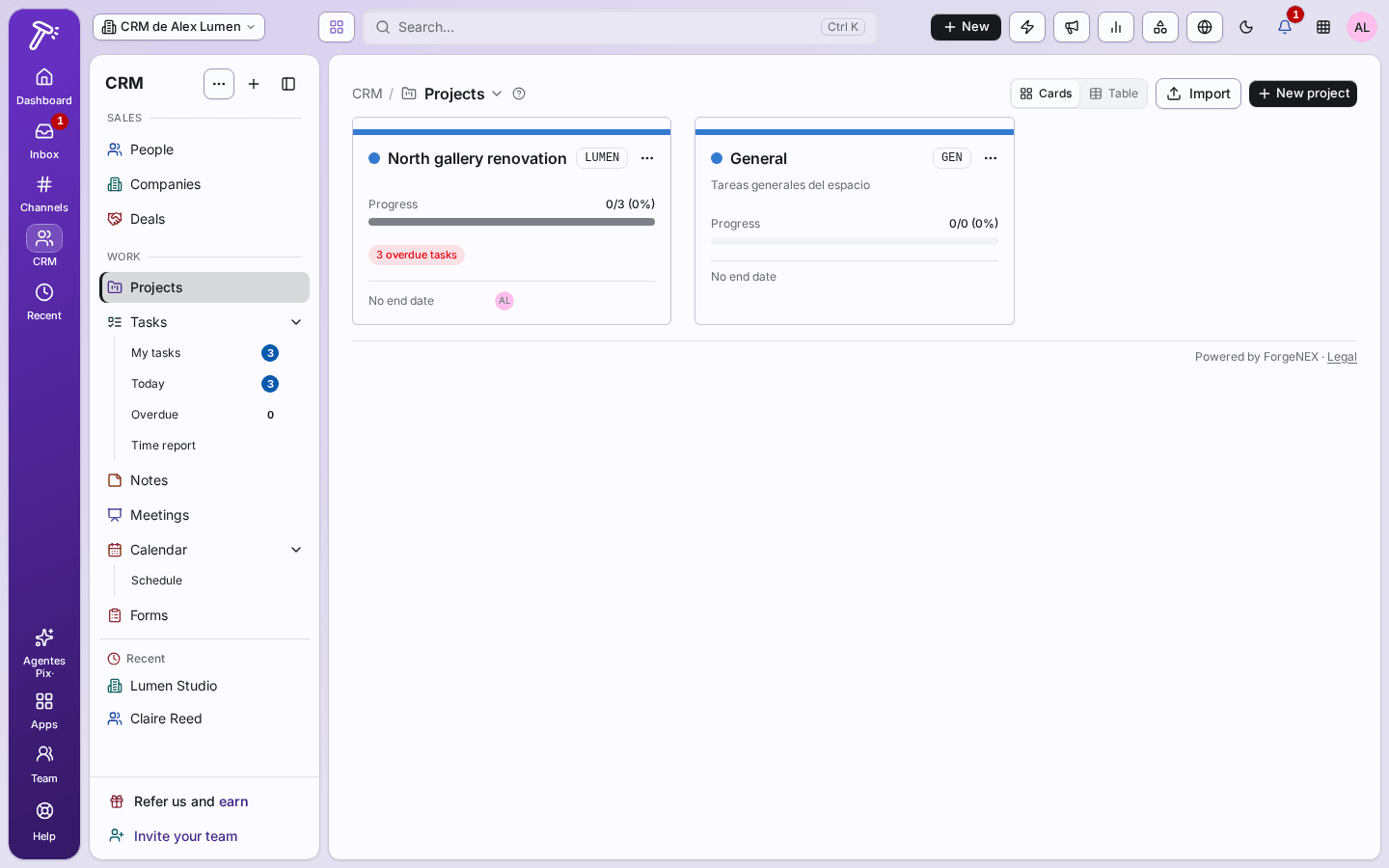
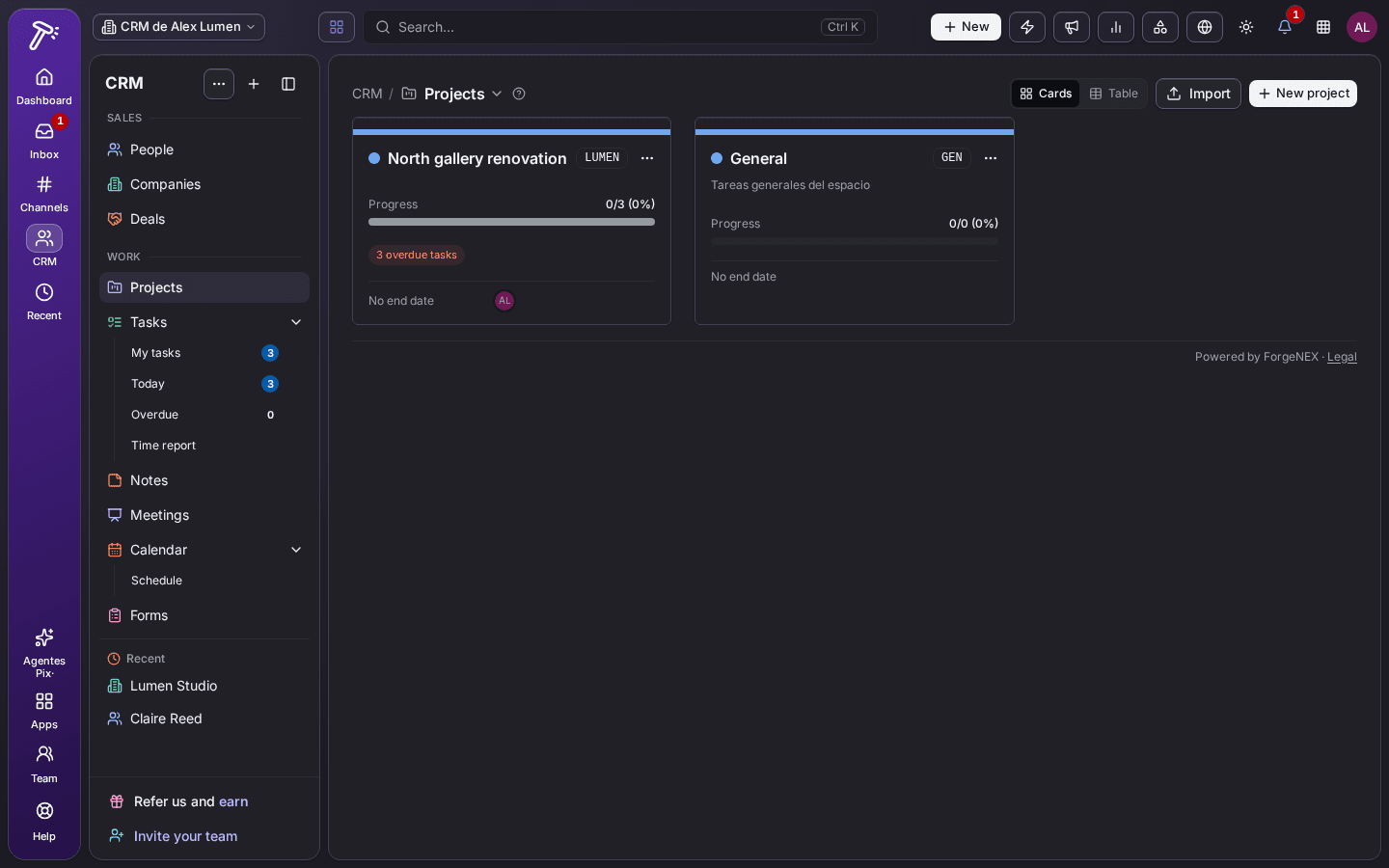
Your task list
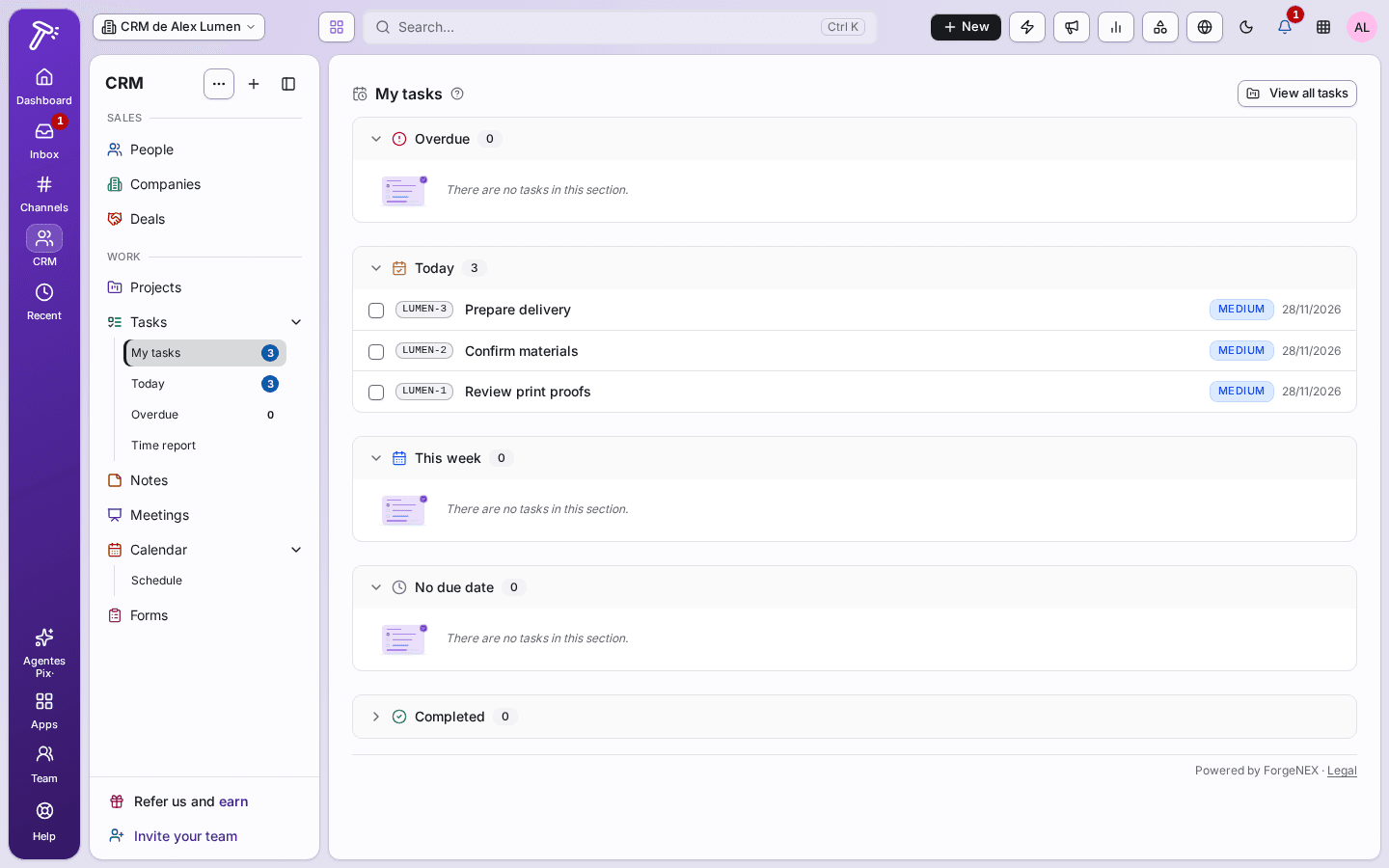
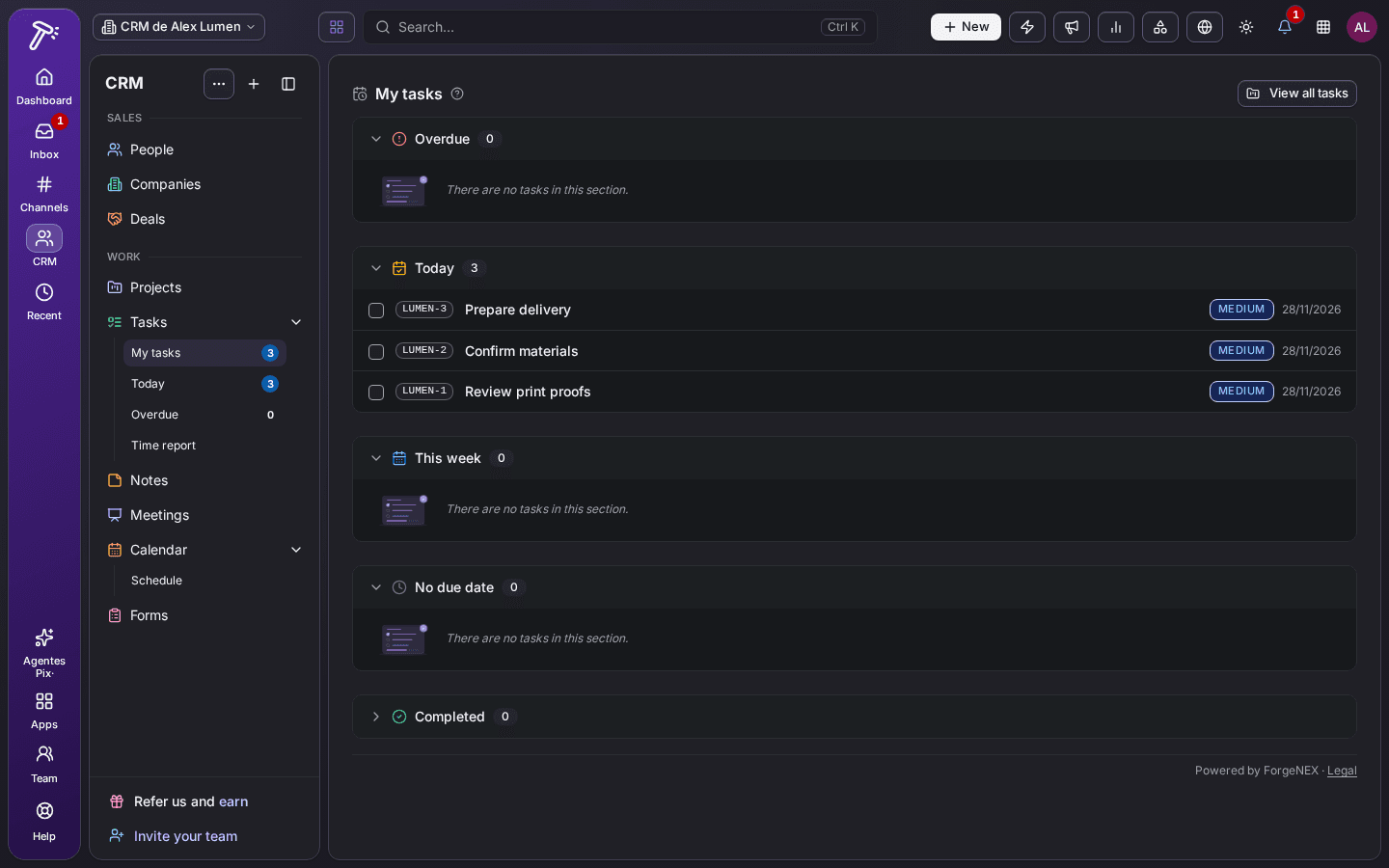
My Tasks gathers the work assigned to you. Check each due date when planning your day.
- Assign owners and due dates.
- Find your assignments in My Tasks.
- Spot overdue tasks through their deadline indicators.
Task details
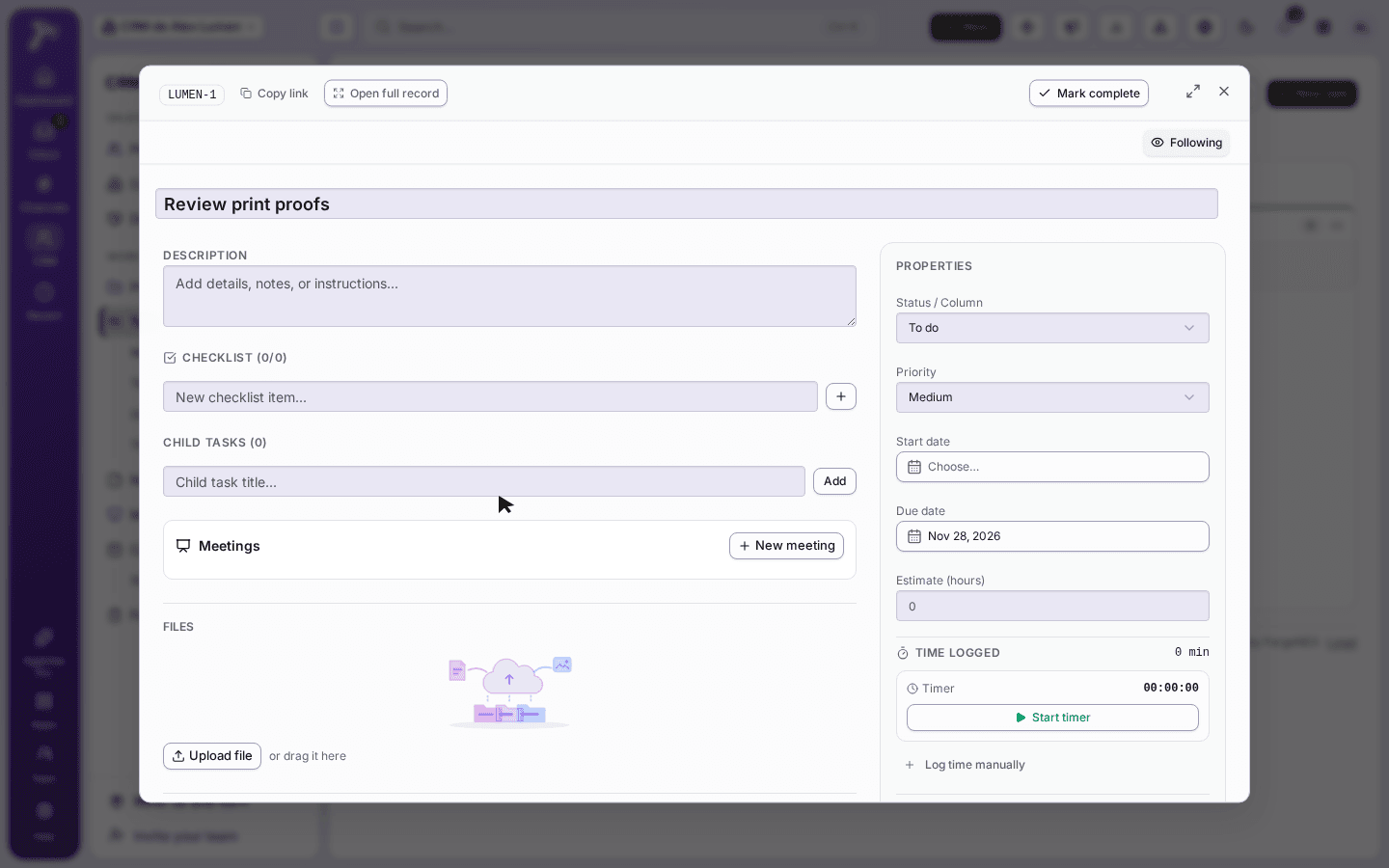
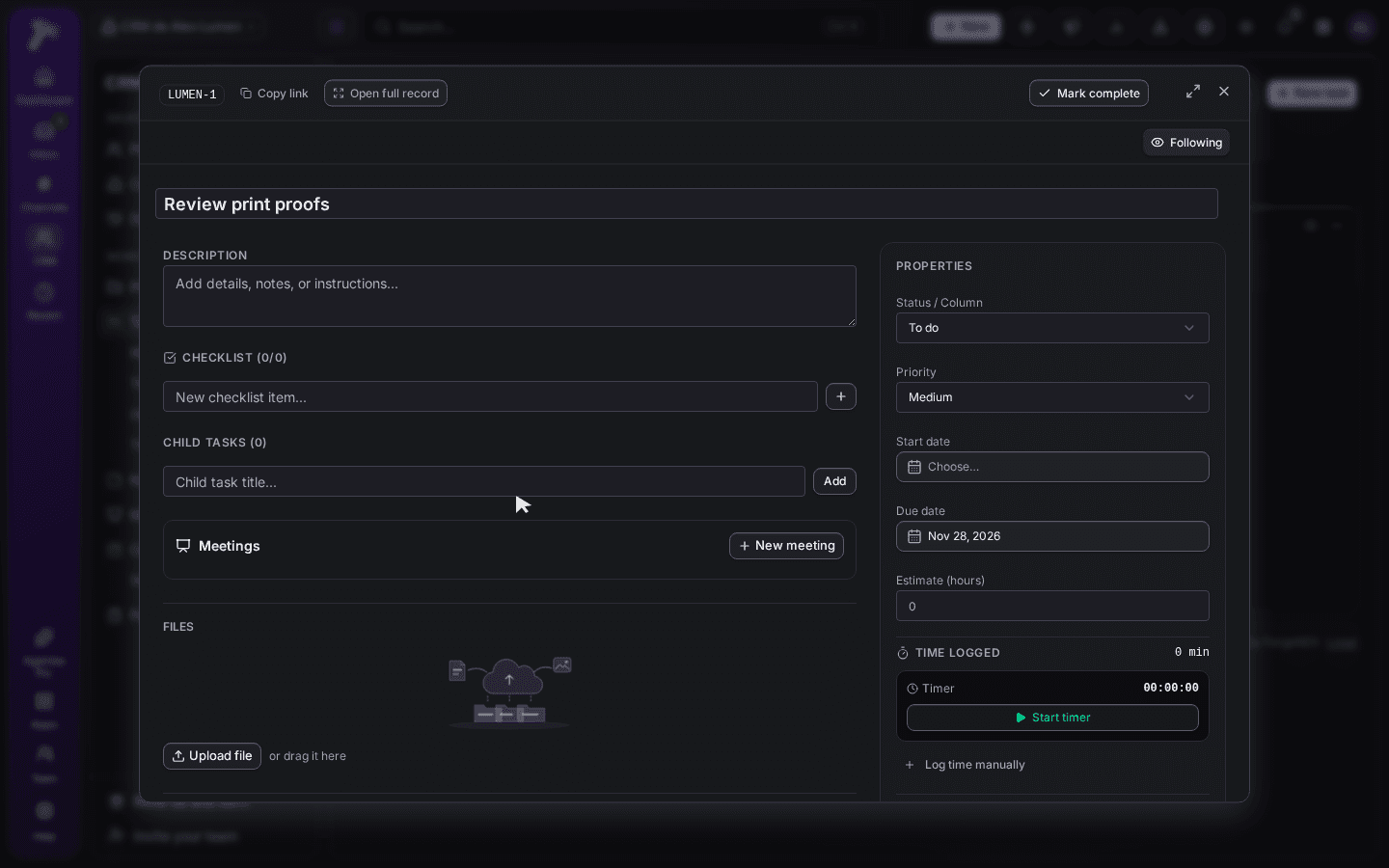
A task record brings the assignment’s details together. Check them before updating the work.
- Open the task record to check its status.
- See which project it belongs to.
- Read the description and update the status from the detail view.
Connects with your CRM
- Project · Open related tasks from the project record.
- Person · Review tasks linked to the contact record.
- Company · See work linked to the company record.
Frequently asked questions
Can I see all my tasks together?
Yes, My Tasks brings your assignments together.
Can I assign a task to someone else?
Yes. Choose an assignee on the task.
Where can I see an overdue deadline?
My Tasks shows deadline indicators for your assignments.
Can I change how I view the work?
You can browse the work in a table or kanban board.
Where can I check the plans?
Visit Pricing to check current CRM plans and their allowances.
Tasks included in the CRM plan
See the plans and features available for your workspace.