

ForgeNEX CRM
Invoicing connected to your CRM
Prepare quotes, issue invoices and record payments with the account your team already uses.
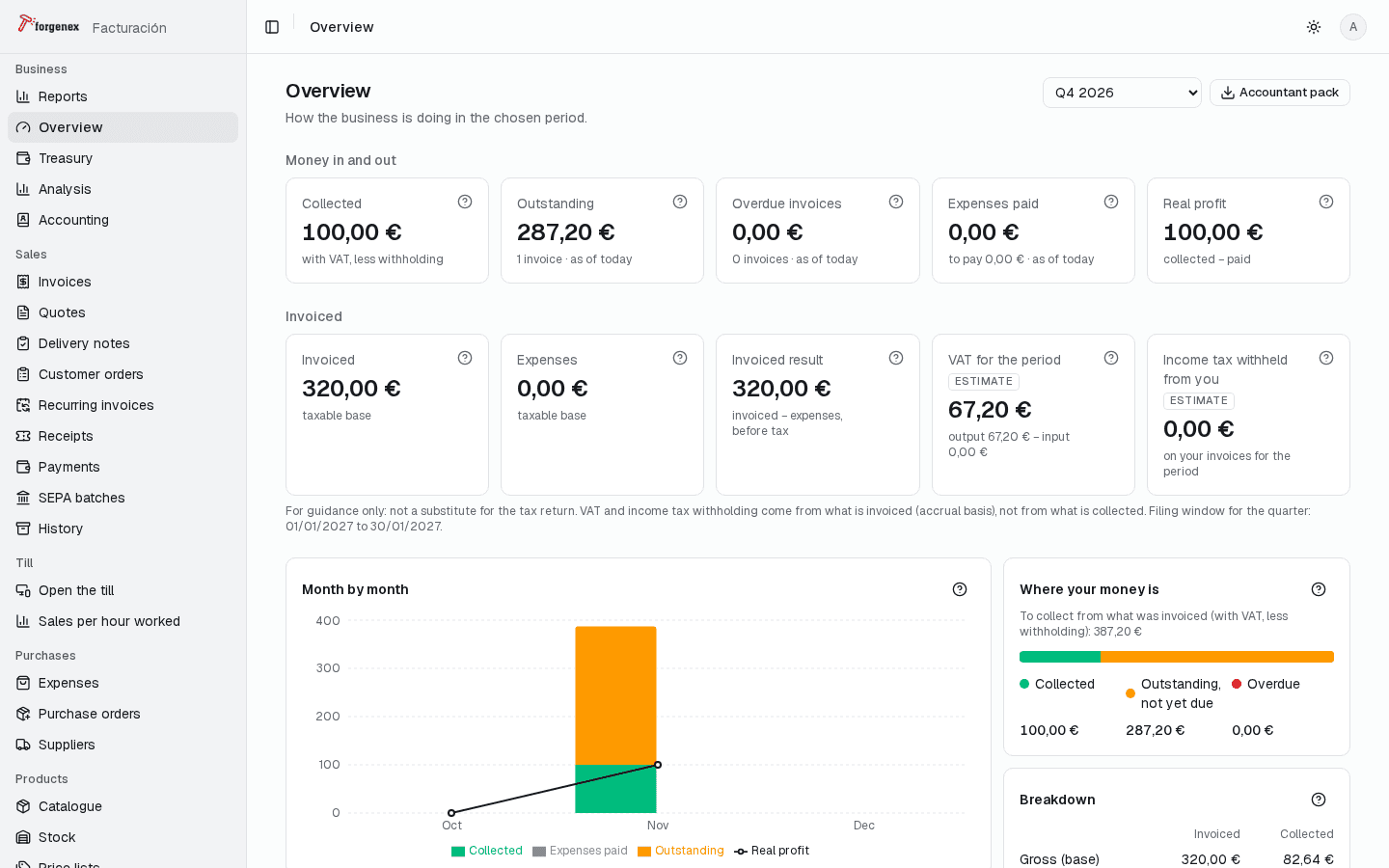
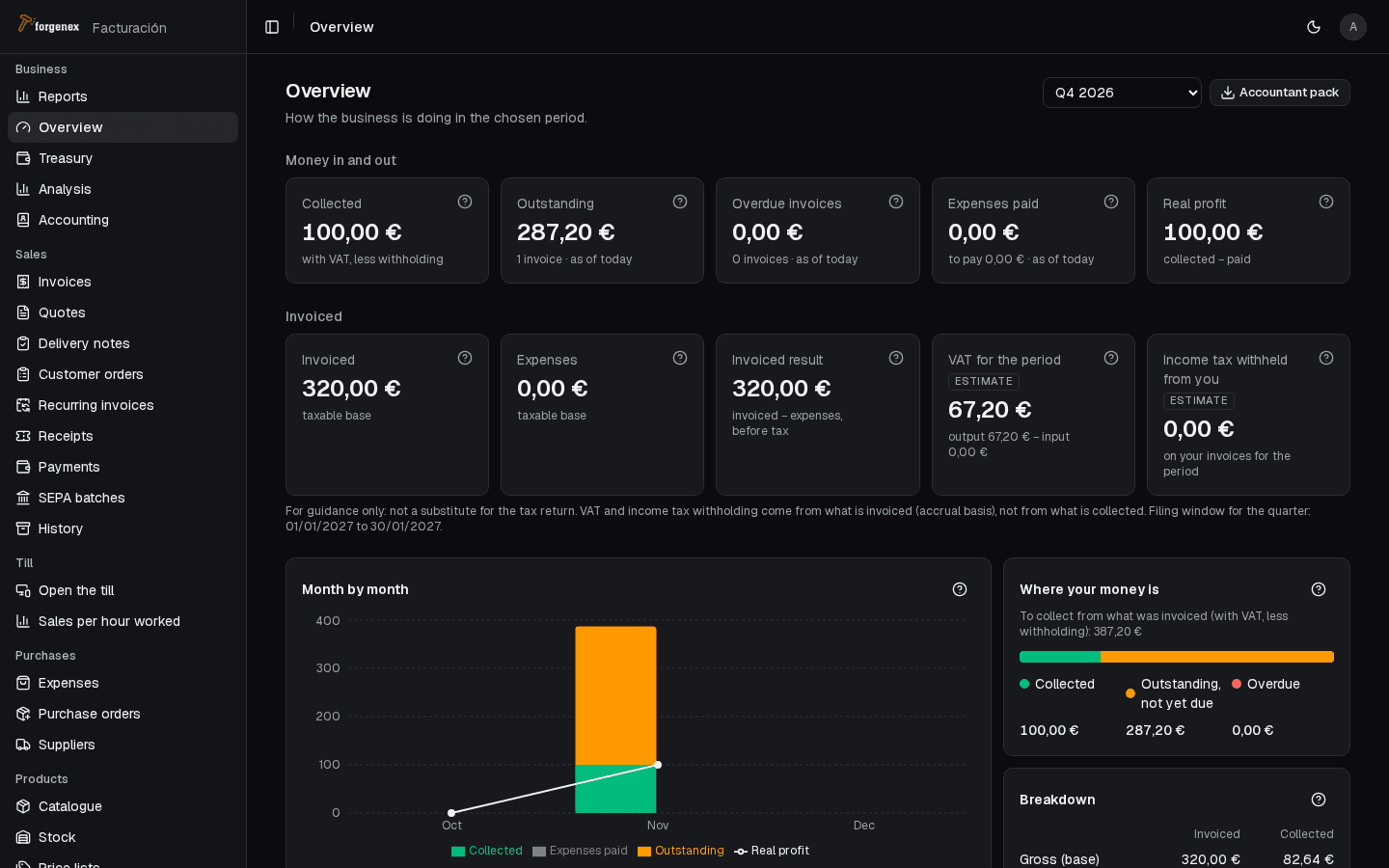
Quotes
Prepare a quote with its line items and totals. Track the response until it is ready to invoice.
- Copy a quote to prepare a new one.
- Turn an accepted quote into an invoice.
- Set a validity date and record acceptance or rejection.
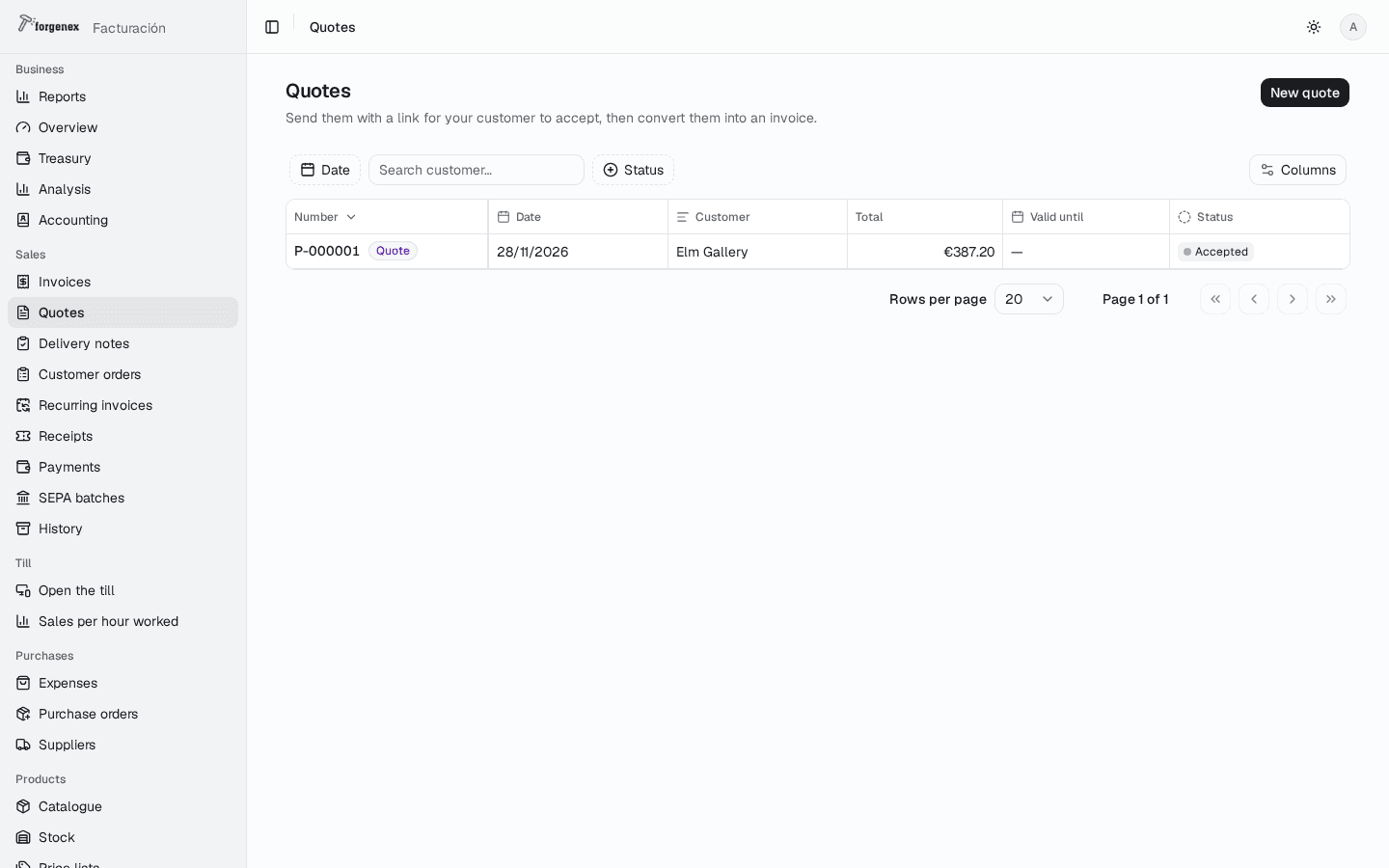
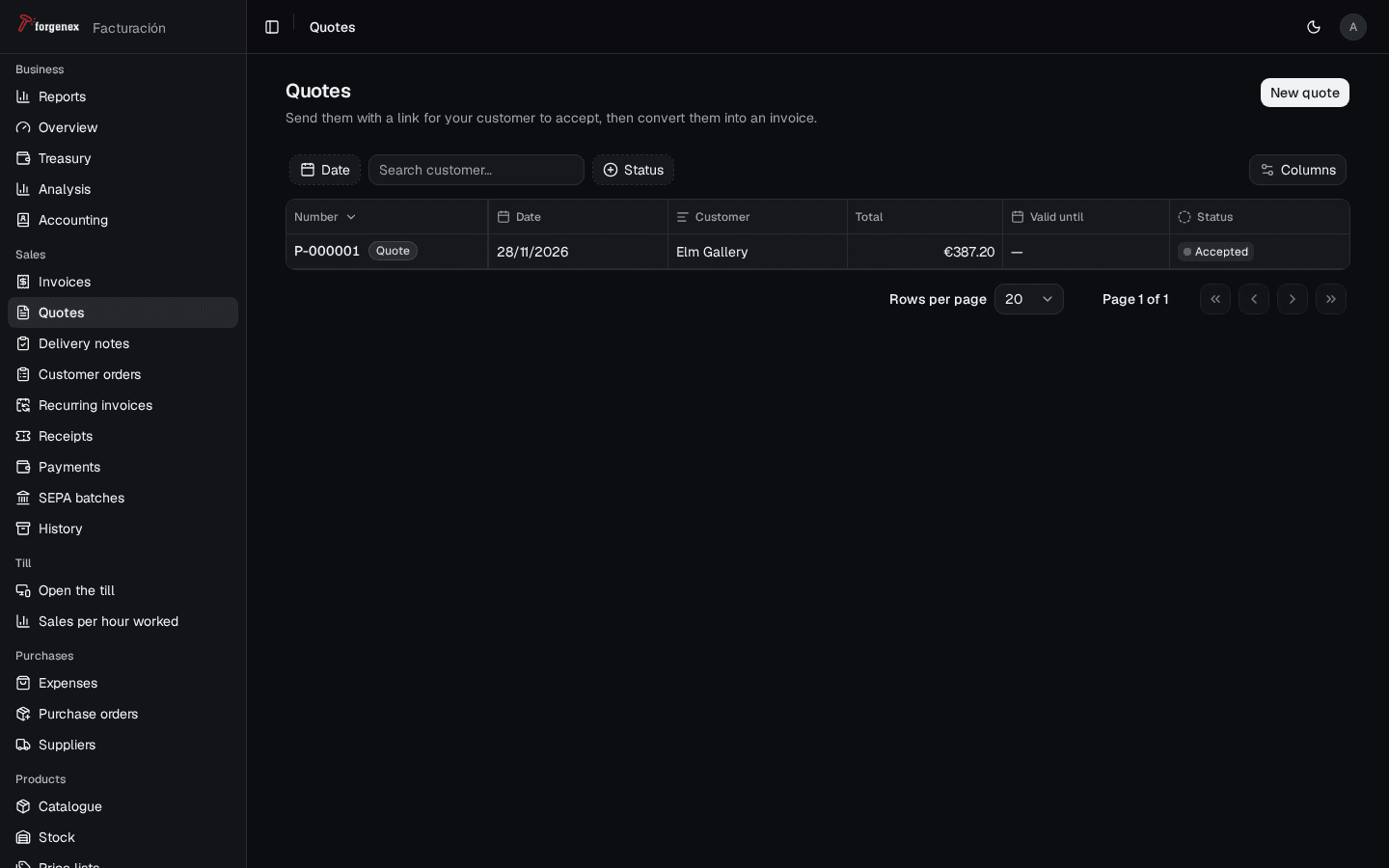
Invoices
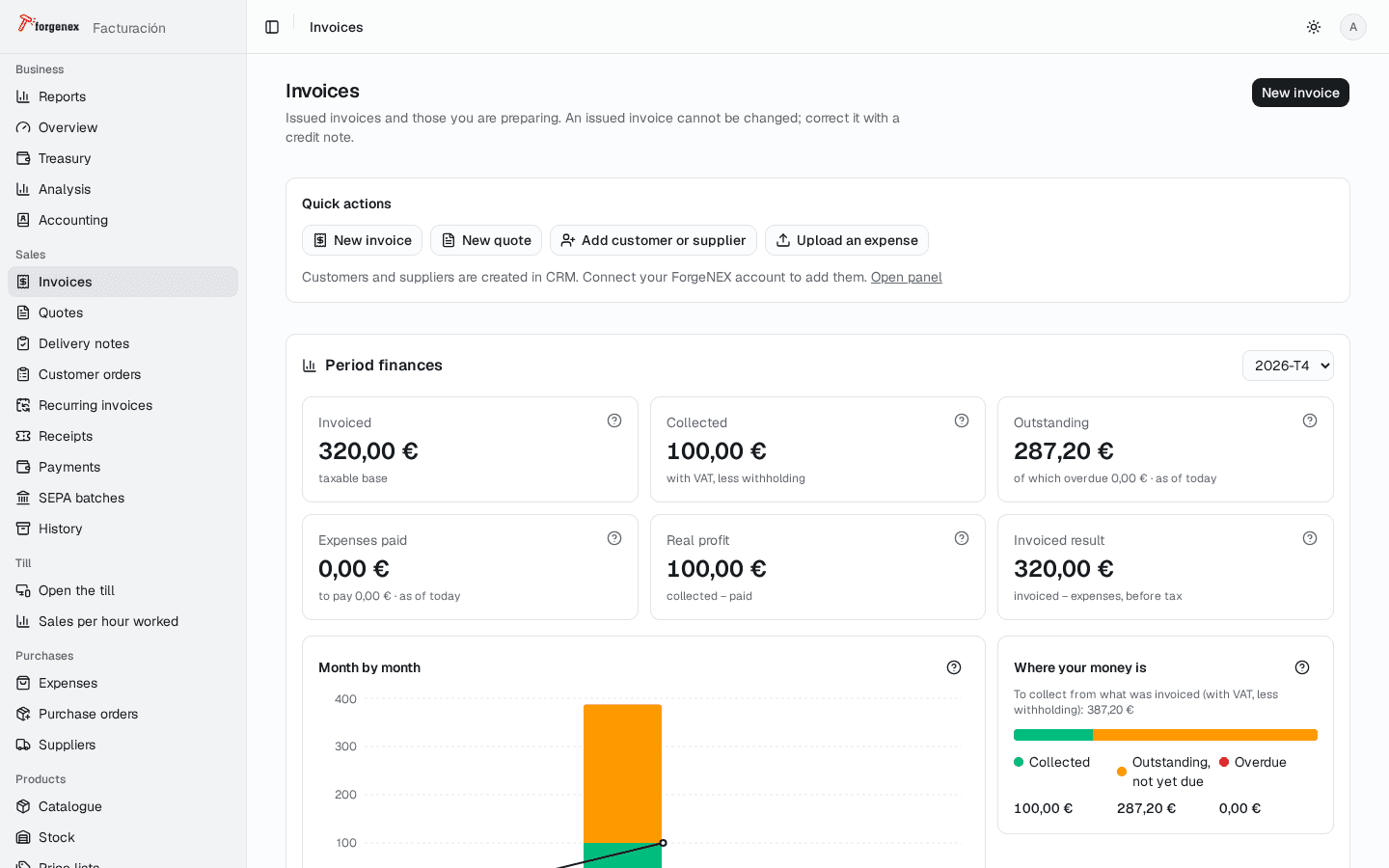
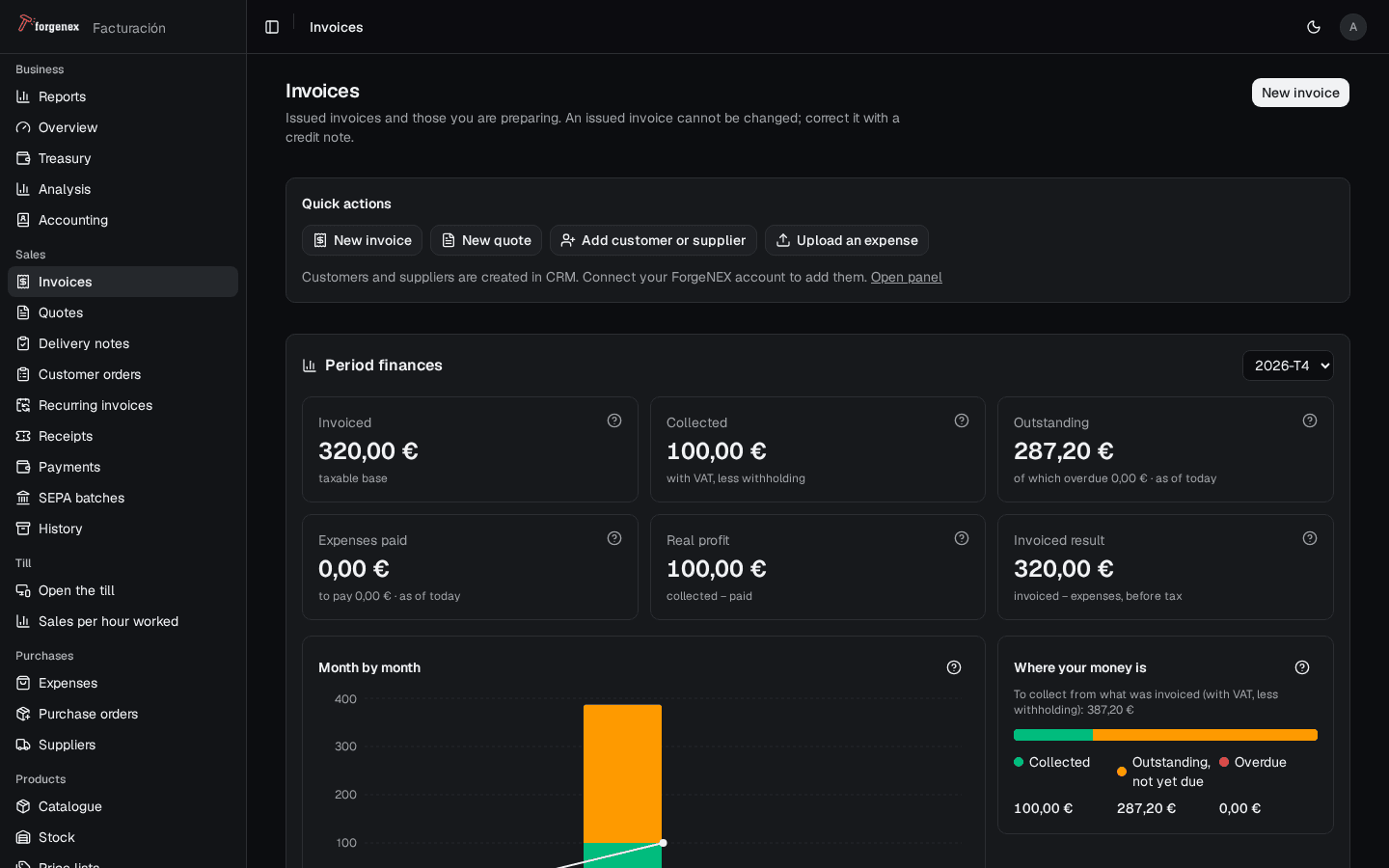
Issue and review your company’s sales invoices. The record brings together the PDF, totals and payment status.
- Download the invoice as a PDF.
- Review customer details and invoice line items.
- Check the series and number of the issued invoice.
Payments
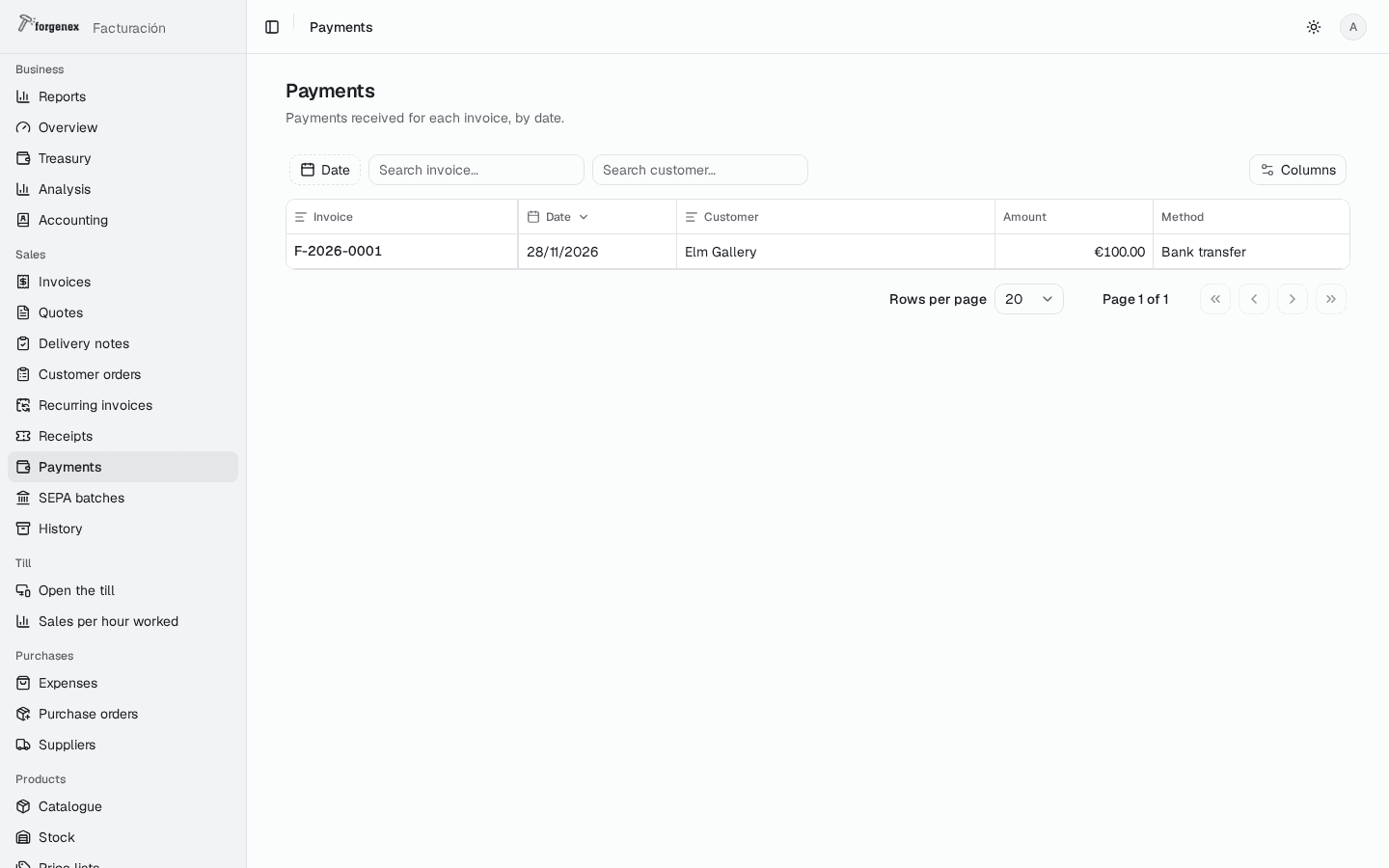
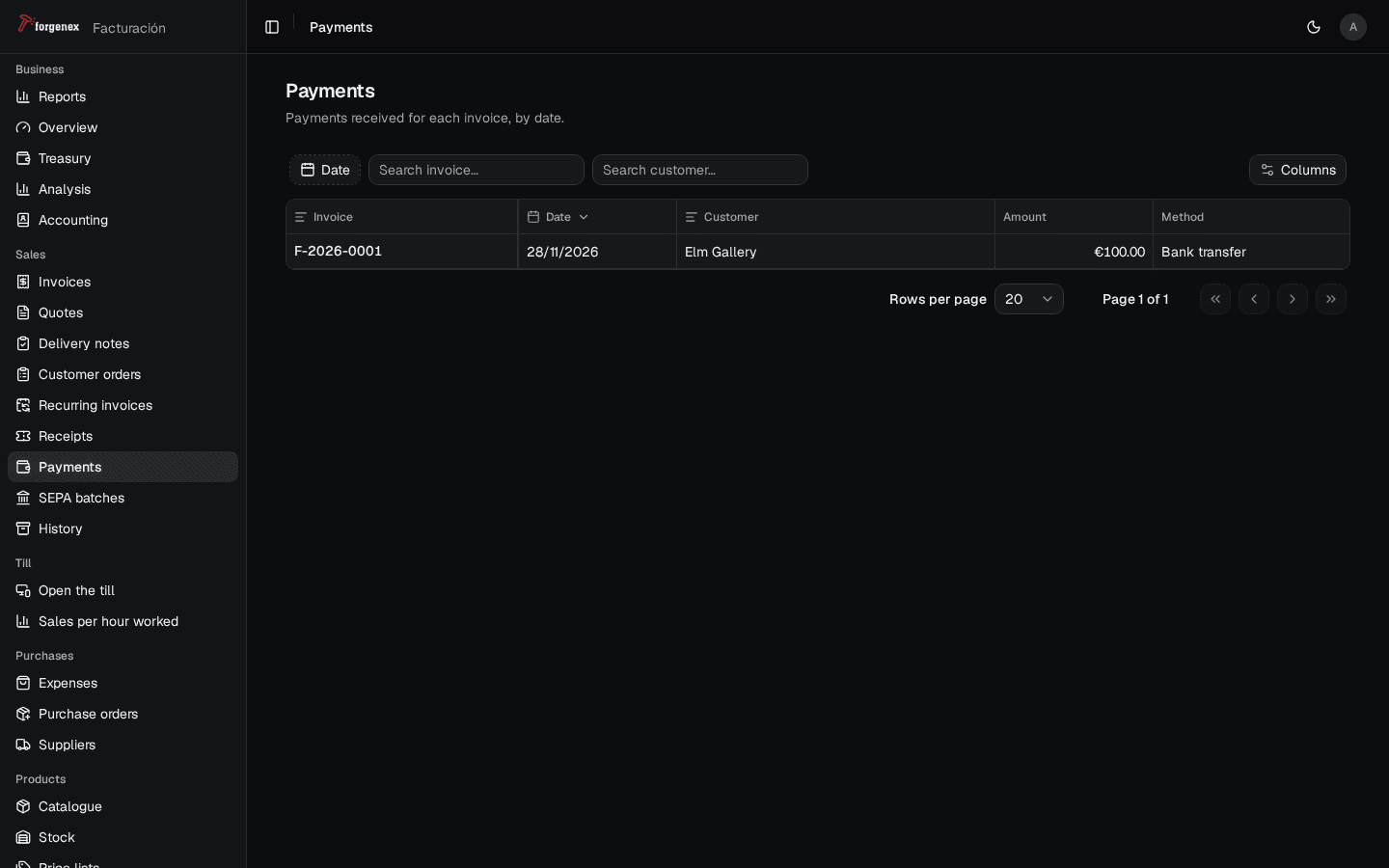
The payments list shows recorded payments. Use it to find a transaction and open its invoice.
- Record payments against the invoice.
- Check the outstanding amount on the invoice.
- Filter by date, customer or invoice number.
Connects with your CRM
- Deal · Link the quote to the sale you’re tracking.
- Company · Select customers from your CRM workspace when preparing an invoice.
- Payment · Payments against a linked invoice update the amounts on the deal.
Frequently asked questions
Can I use CRM customers?
Yes. Once the workspace is linked you can select CRM customers in Invoicing.
Can I record a partial payment?
Yes. Enter the amount received and check the remaining balance on the invoice.
Can I create an invoice from a quote?
Once the quote is accepted, you can create a draft invoice.
Where can I find an earlier payment?
In Payments, filter by customer, invoice or date.
Where can I check the plans?
Visit Pricing to check current CRM plans and their allowances.
Included in the CRM plan
See the plans and features available for your workspace.