

How to turn an accepted quote into an invoice without retyping it
Start a quote from the CRM deal, record the customer's decision and reuse the accepted line items in an invoice draft.
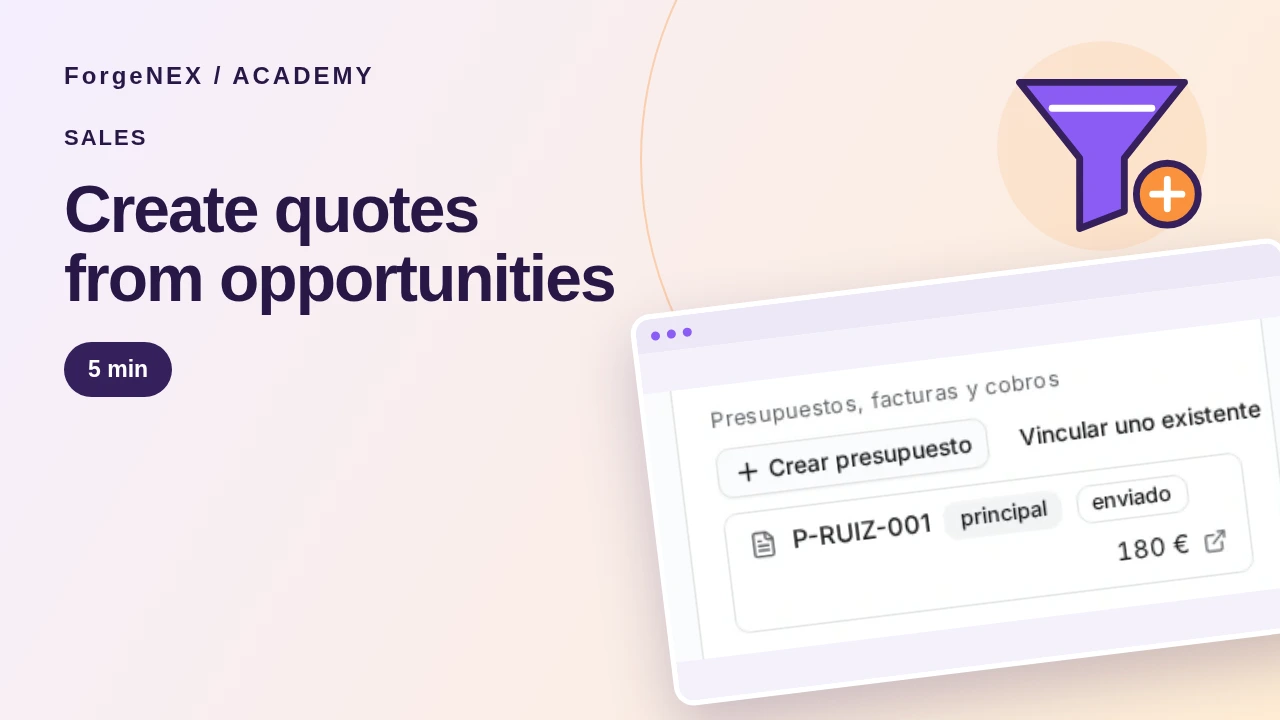
There is a fragile handover in any sale that starts with a quote. When the accounts team gets the instruction to invoice, it needs to find the version the customer approved. If the documents are spread across email attachments, the most recently downloaded file might contain an old price or an item that the customer dropped. In ForgeNEX you can start from the CRM deal, record the customer's response in Invoicing and generate an invoice draft using the accepted quote's line items. The person checking the draft can trace where those lines came from.
Start with the deal your sales team already uses
Open the deal in CRM. Check that it belongs to the intended customer and has a title that distinguishes this job from other orders on the same account. Under Quotes, invoices and payments, select Create quote. Invoicing opens with that deal linked. Create and edit the quote there. If a colleague has already made one in Invoicing, use the CRM option to link an existing quote when it is available. Check its number, recipient and scope before selecting it.
Agree which document is the primary quote if you offer the same customer several options. An installation business might quote the same site with two choices of materials and lead times. It is reasonable to keep both options during the conversation. When it is time to bill, identify the option the customer actually approved by its own number and status. The sales team can see the number, amount and status of linked quotes in the CRM record, then open the relevant one in Invoicing.
Make the offer readable before you send it
In the Invoicing editor, fill out the quote with the customer's details and line items. Use units the recipient can check. A line that says only “monthly service” is hard to verify if the parties previously discussed several locations or optional services. Make clear what the line covers, how many units are offered and at what price. Review the tax treatment and the payment method on the document. When a job has dependencies, such as an assessment visit or access to the site, agree how those conditions will be explained in the offer.
Before sending, read the sheet as if it had arrived in your own inbox. Check the recipient, scope, validity and total. ForgeNEX fixes the quote once it is sent. If the parties negotiate a different scope, preserve the document that each response refers to and follow the Invoicing procedure for updating the offer before it is accepted. Keep the accepted reference specific to the relevant job. Accounts needs to be able to identify the quote behind each invoice long after the discussion has finished.
Record the customer's decision against the right document
The customer can accept or decline through the link you send. If they respond through another channel, someone with the appropriate permissions can record the decision in Invoicing. Check which quote the response concerns and apply the decision to that document. A reply saying “go ahead” in a thread containing multiple offers is worth clarifying first. If the customer's comment changes an item or condition, confirm what they intend to buy before you record the acceptance.
After the response, open the deal again and check that it shows the intended document, amount and status. When the quote is linked, Invoicing communicates its acceptance or rejection to the CRM. Which quote is set as primary affects how the event is reflected in the deal. Checking both statuses on your first order helps sales and accounts agree where each decision is handled.
Generate the invoice draft and verify what came across
In Invoicing, open the accepted quote and use its action to create an invoice draft. The draft takes the customer, line items and payment method from the quote. The conversion has one linked draft. If it has already been done, the action points back to the draft that was created. That saves typing and makes a handover easier. The colleague taking over can start with the quote and check whether the invoice draft is already there.
Read the recipient's billing details and check them against what was actually delivered. If the quote included two visits and the job sheet shows one, agree what to invoice and how to document the change before issuing. Review quantities, applicable taxes, discounts where relevant and payment terms. Leave the draft editable while it is under review. Issue it after the responsible person has checked the document and resolved any questions about the billable scope.
Practise with a representative order
Choose a simple sample order with several distinguishable line items and rehearse the handover in a demonstration account. Start from the deal, create the quote, record a decision and continue to the invoice draft. Ask a colleague to identify the accepted offer from the records and explain where each line came from. This is useful even before issuing the first invoice. It exposes ambiguous document names, competing alternatives that look identical, and incomplete tax details while they are still easy to correct.
On a live order, the final number assigned at issue identifies the invoice when you send its PDF or record a payment. Write down who checks converted drafts, how a change in scope is communicated, and which reference should be quoted back to the customer. A deal with several versions can then pass between sales and accounts with an identifiable basis for billing. The draft generated after acceptance gives the reviewer one place to verify the final numbers before the customer receives an invoice.