Advanced Home Automation with Home Assistant for Offices: Security and Professional Deployment Guide

Advanced Home Automation with Home Assistant for Offices: Security and Professional Deployment Guide

Advanced Home Automation with Home Assistant for Offices: Security and Professional Deployment Guide

Home automation has ceased to be a residential luxury and has become a strategic tool in the business environment. Home Assistant, the leading open-source home automation platform, positions itself as a robust and flexible solution for offices seeking energy efficiency, comfort, and security. However, its implementation in corporate environments requires a meticulous approach to cybersecurity and best practices. In this guide, we will explore how to deploy Home Assistant in your office securely, making the most of its capabilities and avoiding unnecessary risks.

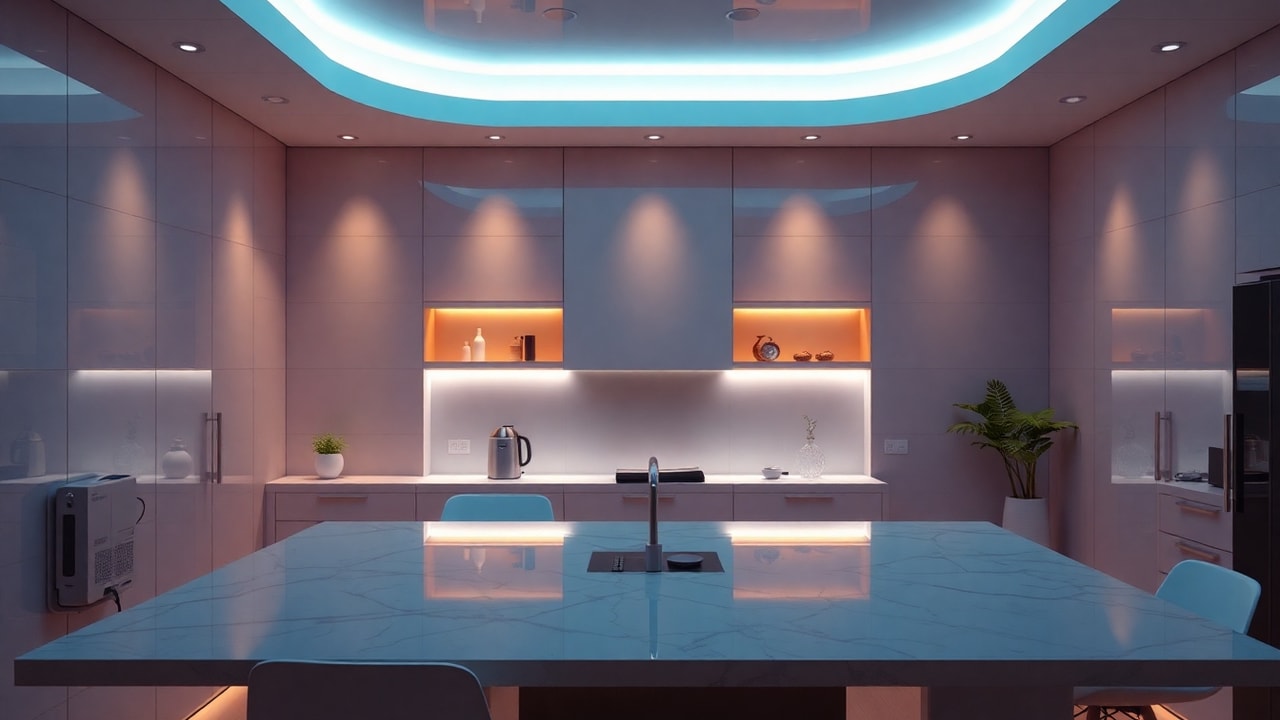
Modern office with home automation devices controlled by Home Assistant

Why Home Assistant in an office?

Home Assistant stands out for its ability to integrate devices from hundreds of manufacturers under a single interface. In an office, this translates to:

  • Lighting and climate control automation: Energy savings through presence sensors and work schedules.
  • Access control and security: Integration with smart locks, cameras, and alarms.
  • Environment monitoring: Temperature, humidity, and air quality sensors to ensure an optimal work environment.
  • Scalability: As the office grows, the platform adapts without the need to replace equipment.

Furthermore, its open-source nature allows deep customizations, which is essential in business environments with specific needs.

Recommended architecture for a secure deployment

Before installing Home Assistant, it is crucial to design an architecture that prioritizes security. Here we propose a scheme based on network segmentation and virtualization:
  • Dedicated server or virtual machine: Home Assistant can run on a Raspberry Pi, but for offices with multiple devices, we recommend virtualizing it. As we saw in our article on Server virtualization with Proxmox, this technology offers isolation and centralized management.
  • Segmented network: Place IoT devices on a separate VLAN from the corporate network. Thus, a security breach in one device does not compromise sensitive data.
  • Secure remote access: Avoid exposing Home Assistant directly to the Internet. Use VPN or services like Nabu Casa, which encrypt the connection.
  • Automatic backups: Configure periodic backups of the configuration and database.
Segmented network diagram for office home automation with Home Assistant

Cybersecurity best practices

Security is the fundamental pillar in any corporate IoT implementation. Follow these recommendations to shield your installation:

  • Constant updates: Keep Home Assistant and all add-ons up to date. Vulnerabilities in third-party integrations are a common attack vector.
  • Multi-factor authentication (MFA): Enable it for all users. Home Assistant allows integrating TOTP or push notifications.
  • Strong and unique passwords: Avoid default credentials. Use a password manager.
  • Principle of least privilege: Create users with limited permissions according to their role (administrator, end user, read-only).
  • Logging and monitoring: Enable detailed logs and periodically review accesses and errors. Tools like Grafana or Prometheus can be integrated for advanced observability.
  • Integration audit: Review installed integrations; remove those you do not use and verify the reputation of the developers.

To delve deeper into protection strategies, we recommend our article on Cambium Networks: Mass Layoffs and Management in the UK as Growth Fades, where we analyze how security failures can affect business continuity.

Integration with corporate systems

Home Assistant is not an island. It can integrate with Active Directory for authentication, with Microsoft 365 for notifications, and with incident management platforms. For example, it is possible to send alerts to a Teams channel when a sensor detects an anomaly. This interoperability turns Home Assistant into a business automation hub, not just a domestic one.

Home Assistant dashboard showing integration with corporate systems

Real use cases in offices

  • Smart meeting room management: Detects occupancy and automatically adjusts lights and temperature.
  • Contactless access control: Integration with RFID readers or facial recognition for entry to restricted areas.
  • Energy monitoring: Measures consumption by area and optimizes equipment usage.
  • Security alerts: Real-time notifications for unauthorized openings or out-of-hours movement.

Conclusion

Home Assistant offers enormous potential to transform offices into smart, efficient, and secure spaces. However, its adoption requires a professional approach that includes network segmentation, robust authentication, and continuous monitoring. By following the guidelines in this guide, you can deploy an advanced home automation solution that not only improves daily operations but also protects your company's digital assets.

If you are considering implementing home automation in your organization, do not hesitate to contact our experts in IT Security and Automation and observability. We can help you design a tailored, secure, and scalable architecture.

Share: