

Advanced Home Automation with Home Assistant for Offices: Efficiency, Control, and Security
Discover how Home Assistant revolutionizes office home automation: device integration, advanced automation, security, and energy efficiency. An expert guide to transform your workspace.
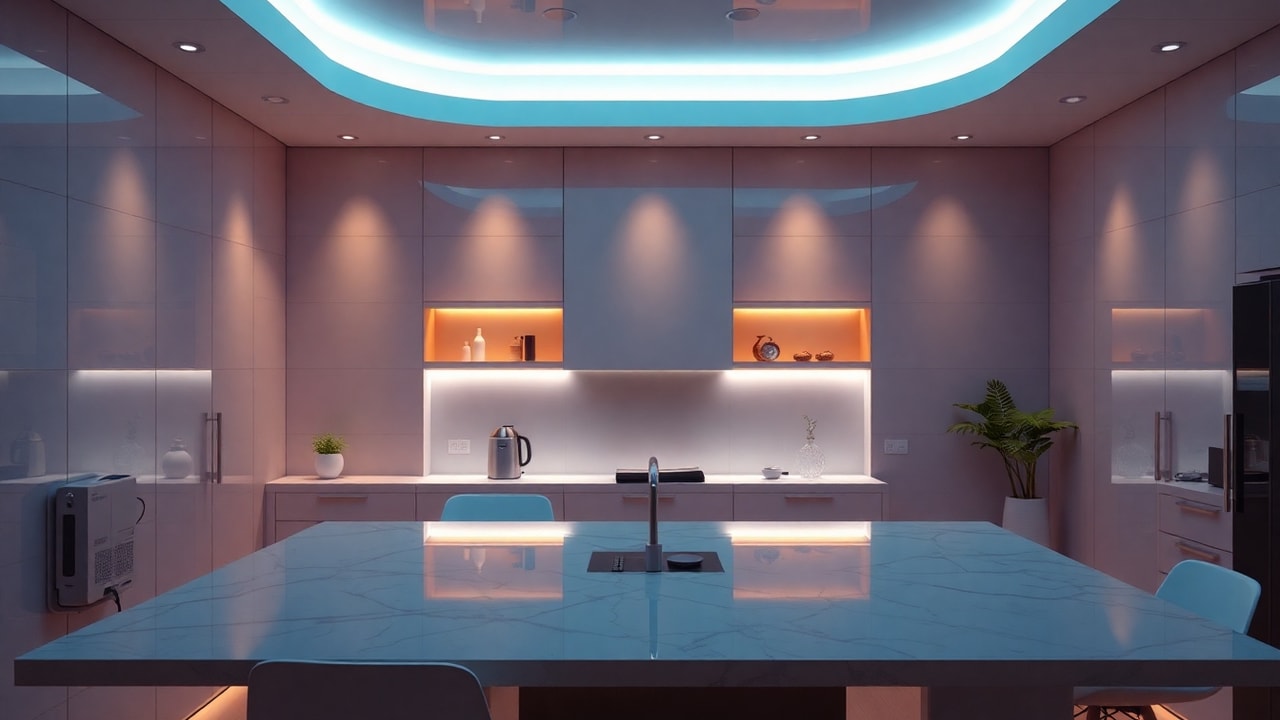
Advanced Home Automation in Offices: The Power of Home Assistant
Home automation has ceased to be a residential luxury and has become a strategic necessity in the business environment. In modern offices, the automation of lights, HVAC, blinds, and security systems not only improves employee comfort but also reduces energy costs and optimizes daily operations. In this article, we explore how Home Assistant, the leading open-source platform, can transform your office into a smart space, and why you should seriously consider it.
Why Home Assistant and not other solutions?
There are multiple proprietary platforms (Knx, Crestron, Control4) that offer home automation for businesses, but they are usually expensive, closed, and dependent on integrators. Home Assistant, on the other hand, is open source, highly customizable, and compatible with more than 2,000 devices and services. This allows integrating sensors, actuators, and heterogeneous systems under a single panel, without ties to a manufacturer.
Furthermore, its event-based architecture and powerful automation engine allow creating complex scenes: from progressive lighting based on natural light, to automatic closing of blinds and thermostat adjustment based on occupancy. All with a learning curve that is manageable for IT teams with basic knowledge of Python or YAML.
Integration with business systems
Home Assistant does not live in isolation. It integrates with Active Directory for authentication, with IP video surveillance systems, with access control, and even with building management systems (BMS). This makes it an ideal hub to centralize office home automation and correlate data with other areas, such as IT security. In fact, as we discussed in our article on agentic AI and cyber risks, the interconnection of systems increases the attack surface, so it is crucial to segment the network and apply zero trust principles also in home automation.
Advanced use cases in offices
- Smart lighting management: Presence and luminosity sensors that adjust intensity and turn on only occupied areas. Energy savings of up to 40%.
- Zoned HVAC: Smart thermostats that learn from usage patterns and integrate with work calendars to preheat or cool before staff arrival.
- Control of blinds and awnings: Automation based on solar position and outside temperature to reduce thermal load and take advantage of natural light.
- Security and access control: Integration with smart locks, cameras, and alarms. Real-time notifications and automatic actions upon events (for example, lock doors and turn on lights if intrusion is detected outside hours).
- Air quality monitoring: CO2, humidity, and particle sensors that activate ventilation or purifiers to maintain a healthy and productive environment.
- Automation of multipurpose spaces: Meeting rooms that adjust light, temperature, and audiovisual equipment with a single touch or through presence recognition.
These cases not only improve efficiency but also contribute to sustainability and workplace well-being, factors increasingly valued in office management.
Implementation: key aspects and best practices
Before you start installing Home Assistant in your office, consider these points:
- Network infrastructure: Segment the IoT network into a separate VLAN to isolate devices from the corporate network. This is essential to prevent a security failure in a device from compromising sensitive data. You can delve into advanced solutions in Microsoft Azure to integrate identity and access management.
- Hardware: Opt for a dedicated server (mini PC, Raspberry Pi 4, or even a VM in the cloud) with sufficient capacity. For large offices, consider a cluster for high availability.
- Protocols: Home Assistant supports Zigbee, Z-Wave, Wi-Fi, MQTT, Modbus, etc. Choose the most appropriate according to the existing infrastructure and prioritize those with encryption and firmware updates.
- Automations: Start with simple scenes and scale up. Document each automation and keep version control of your configuration (for example, with Git).
- Security: Enable two-factor authentication, use HTTPS with valid certificates, and keep the system updated. Security in home automation is as critical as in any other IT system; not in vain, in the field of cybersecurity it is recommended to apply the principle of least privilege also to IoT devices.
The future of home automation in corporate environments
The convergence between IT and OT (operational technology) is blurring boundaries. Home Assistant, with its open approach and integration capability, is positioned as a key piece in the smart office. As generative AI advances, we will see assistants that predict needs and optimize resources in real time. There are already examples of integrating language models to control home automation via voice or text, which heralds a future where interaction will be more natural and efficient.
If you are considering modernizing your office, advanced home automation with Home Assistant is a profitable and scalable investment. Not only will you improve energy efficiency and comfort, but you will also lay the foundations for a truly intelligent building, aligned with the trends in automation and observability that set the pace in digital transformation.
Conclusion
Home Assistant democratizes business home automation, offering unprecedented control over office systems. With proper planning and following security best practices, you can achieve a smarter, more sustainable work environment adapted to the changing needs of your organization. It is time to stop seeing home automation as a superfluous expense and consider it a strategic tool for corporate efficiency.