
Office Address
Seville, Spain
Seville, Spain
Phone Number
+(34) 624 816 969
Email Address
info@forgenex.com
Available on Google Play

Seville, Spain
Seville, Spain
+(34) 624 816 969
info@forgenex.com




 by ForgeNEX
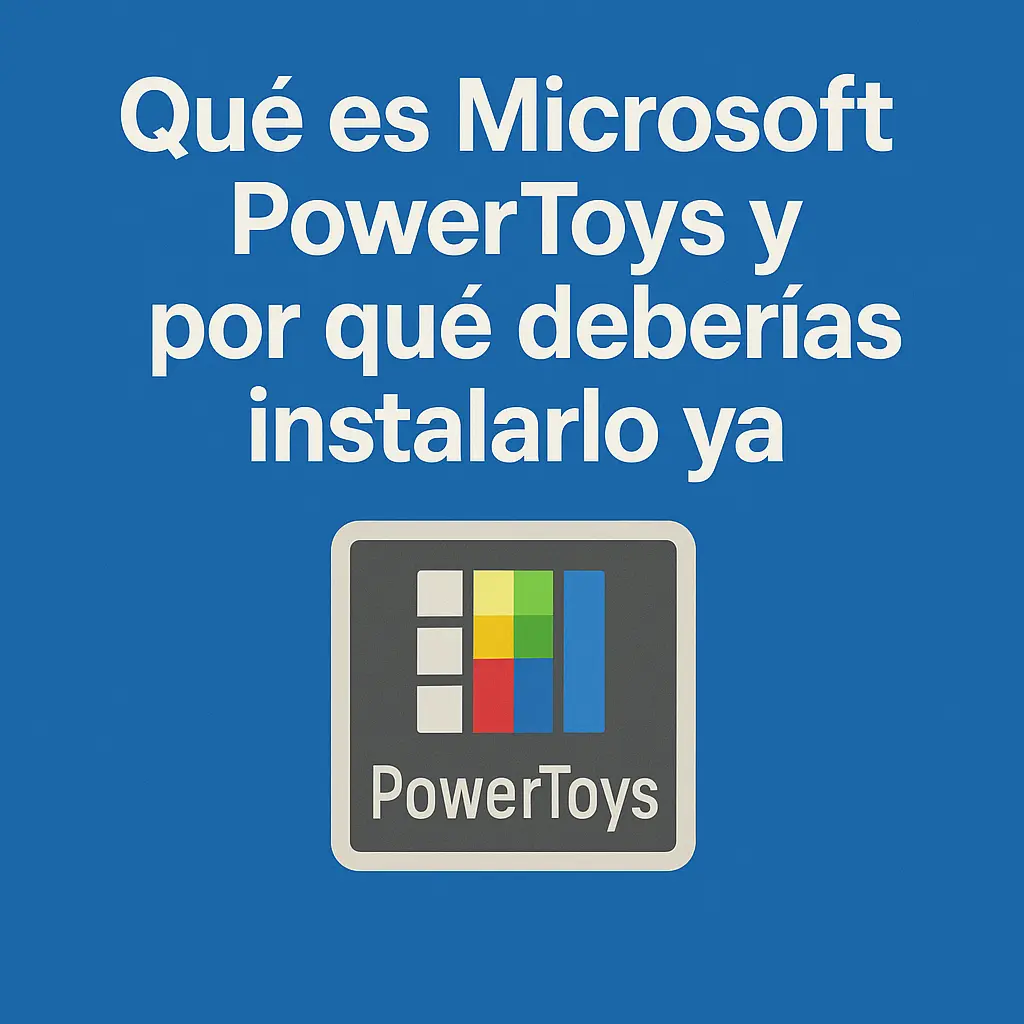
 Windows has evolved a lot, but it still has shortcomings that we often cover with third-party programs. Microsoft, aware of this, decided to launch PowerToys, a set of free, open-source tools that add extra features for users who want more productivity and customization.
If you've never used it, you're probably wasting time on tasks that PowerToys solves in seconds.
Table of contents [Show]
PowerToys is a package of utilities created by Microsoft to enhance Windows. It was first released in the 90s for Windows 95, disappeared for years, and returned in 2019, revamped as an open-source project on GitHub.
It is currently compatible with Windows 10 and 11 and receives frequent updates thanks to the developer community and the Microsoft team itself.
PowerToys includes multiple modules. Here are the most useful ones:
FancyZones (window management)
Allows you to create custom layouts to organize windows. Ideal for large screens or multitasking.
PowerRename (bulk renaming)
Rename hundreds of files at once with custom rules. Perfect for photos or documents.
Color Picker
By pressing a shortcut, you can pick any color from your screen and copy it in HEX or RGB format. Widely used by designers.
PowerToys Run (quick app launcher)
Similar to Spotlight on macOS: press Alt + Space and instantly search for applications, files, or settings.
Text Extractor (instant OCR)
Capture text from images or screenshots as if you were copying and pasting. It works with keyboard shortcuts.
Awake
Keeps the PC awake without having to change power settings. Useful when leaving long processes running.
Keyboard Manager
Allows you to remap keys or create custom shortcuts without installing anything else.
Time-saving: many of its features automate repetitive processes.
Free and safe: it's official Microsoft software, with no ads or malware.
Open source: the community constantly proposes and improves tools.
Lightweight: it consumes very few resources.
Go to the official GitHub page: Microsoft PowerToys Releases.
Download the latest .exe installer.
Install it like any other Windows program.
Access the application from the taskbar to enable or disable the modules you want.
If you work in design or programming → the Color Picker and OCR are pure gold.
If you handle large numbers of files → PowerRename simplifies your life.
If you often open many apps → PowerToys Run is faster than the Windows search.
If you hate changing settings all the time → Awake and Keyboard Manager are your allies.
PowerToys isn't a geeky whim; it's a true productivity kit. Each module solves a daily pain point, and together they make working in Windows much more comfortable and efficient.
If you want to get the most out of your PC without spending a dime, PowerToys is a mandatory installation.
