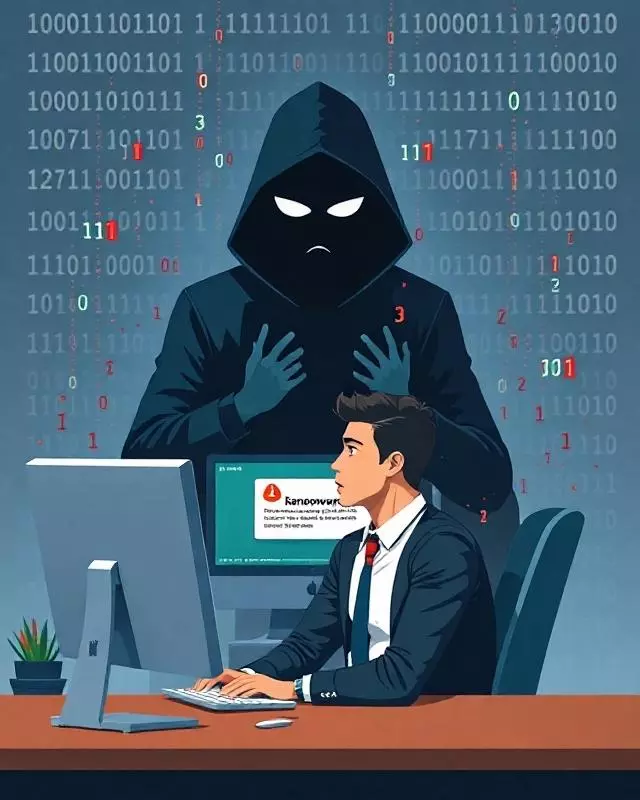
Protect your company from ransomware with common sense!
3 min read

In this article
- 1. Don't pay the ransom: the solution is prevention
- 2. Make backups intelligently
- 3. Keep your software updated
- 4. Don't click on just anything
- 5. Use strong passwords and two-factor authentication
- 6. Restrict permissions and access
- 7. Disable macros and unknown executables
- 8. Monitor and respond quickly
- Conclusion
Ransomware is one of the most dangerous threats for companies and individuals. It is a type of malware that encrypts your files and demands a ransom to recover them. Cybercriminals use increasingly sophisticated techniques to infect systems and block access to critical data. However, with a little common sense and good security practices, we can minimize risks and protect our information.
1. Don't pay the ransom: the solution is prevention
The first thing you should know is that paying the ransom does not guarantee the recovery of your files. In many cases, the attackers disappear without providing the decryption key, or they even reinfect the system. The best strategy is to prevent the attack before it happens.
2. Make backups intelligently
One of the best ways to defend against ransomware is to have updated backups stored in different locations:
- Cloud backup: Use services like Google Drive, OneDrive, or Dropbox, but with version history enabled.
- Offline backup: Save copies on external hard drives or NAS and disconnect them from the system after the copy.
- Network backup with protection: If you use backup servers, configure read-only permissions to prevent ransomware from encrypting them.
Remember to test your backups periodically to ensure they work.
3. Keep your software updated
Cybercriminals exploit vulnerabilities in outdated operating systems and programs. To reduce the risk:
- Enable automatic updates for Windows, Linux, and macOS.
- Use the latest version of your applications.
- Keep your antivirus and firewall updated.
Updates fix security flaws that attackers use to infiltrate your system.
4. Don't click on just anything
Ransomware often spreads through malicious emails and fraudulent links. To avoid this:
- Do not open suspicious attachments, even if they come from known contacts.
- Verify the senders' addresses before clicking on links.
- Be wary of offers that are too good to be true.
If you have doubts about a file or link, it's better not to open it.
5. Use strong passwords and two-factor authentication
Easy-to-guess passwords can give cybercriminals access. Use:
- Long and complex keys (mix uppercase, lowercase, numbers, and symbols).
- A password manager to store them securely.
- Two-factor authentication for emails, banks, and critical services.
6. Restrict permissions and access
Not all users should have administrator permissions. Limit access:
- Use accounts with limited privileges for daily tasks.
- Disable unnecessary features on your systems.
- Restrict software installation to authorized users only.
This will prevent ransomware from spreading easily within the network.
7. Disable macros and unknown executables
Many ransomware attacks start through infected documents with malicious macros. Configure:
- Block macros in documents from unknown sources.
- Restrict executables in sensitive folders.
- Security policies in browsers to prevent automatic downloads.
8. Monitor and respond quickly
An early detection system can help you identify attacks before they spread:
- Use network monitoring tools to detect suspicious activity.
- Set up alerts for massive file changes.
- Have an incident response plan.
Conclusion
Ransomware is a real threat, but with good practices and common sense, we can protect ourselves effectively. The key is prevention: backups, updates, strong passwords, and cybersecurity training.
At ForgeNEX, we help you shield your company against computer attacks. Consult us to strengthen the security of your systems!
Keep reading
- Technological Prevention: Protect Your Company and Data with ForgeNEX12 February 2025
- Digital Peace of Mind: Emotional Benefits of Keeping Your Systems Updated and Protected8 November 2024
- How a VPN Can Protect Your Data and Improve Company Security11 July 2024
- Meta launches Muse Spark Open: 816B open parameters with a restrictive license17 October 2026
- Nvidia squeezes a 74B agentic model into 24GB for your laptop17 October 2026