
Office Address
Seville, Spain
Seville, Spain
Phone Number
+(34) 624 816 969
Email Address
Available on Google Play

Seville, Spain
Seville, Spain
+(34) 624 816 969




 by ForgeNEX
 Table of contents [Show]
For years, companies relied on on-premise servers, shared folders, and teams limited by an internal network. Today, the landscape has completely changed: remote work is common, teams are hybrid, and information needs to move securely and quickly.
In this context, Microsoft 365 for Business has become the infrastructure that allows organizations to make the definitive leap to the cloud without losing control or productivity.
Migrating to Microsoft 365 is not just a matter of modernizing tools, but of rethinking the way your company collaborates, manages knowledge, and protects its data. At ForgeNEX, we see it every day: when companies adopt this platform, they not only gain technical efficiency but also a new digital culture.
Microsoft 365 for Business brings together in a single environment what was previously scattered: email, storage, communication, document management, identities, and security. Everything is orchestrated from the cloud and managed centrally.
Among its main pillars:
Exchange Online: professional email, calendar, and contacts synchronized across all devices.
SharePoint Online: document management, intranets, and process automation.
OneDrive for Business: personal storage and cloud synchronization.
Microsoft Teams: real-time collaboration through chat, video calls, and shared work.
Microsoft Entra ID (formerly Azure AD): identity control, single sign-on, and secure access policies.
Each service provides an essential piece, but the real strength lies in their integration: a single ecosystem where data flows coherently and users can work without friction.
With Microsoft 365, barriers between offices, schedules, and devices disappear.
Documents are no longer email attachments but shared workspaces. Multiple people can edit the same file simultaneously in Word, Excel, or PowerPoint, while discussing it in Teams and automatically saving it to SharePoint.
This fluid collaboration reduces errors, eliminates duplicate versions, and speeds up decision-making. What once required email exchanges or in-person meetings now happens in real-time.
It no longer matters where the team is. The entire work environment is available from any browser or mobile device.
A field technician can open a document from their phone; a sales manager can approve a proposal from their laptop; an administrator can manage users or permissions from the web panel.
Work is no longer dependent on a physical office, which improves productivity and work-life balance.
Security is no longer an add-on: it's part of Microsoft 365's DNA.
With Microsoft Entra ID, identities and access are managed with multi-factor authentication, strong passwords, and conditional access policies.
Data is encrypted in transit and at rest, and administration tools allow for remote device wiping, limiting downloads, or restricting access by location.
Furthermore, "Business Premium" plans include Microsoft Defender and device management tools (Intune), adding an extra layer of control and regulatory compliance.
Forget about sizing servers, licenses, or storage space.
Microsoft 365 grows with your company: you can add users, expand storage, or activate new services without interruptions.
The per-user subscription model allows you to adjust costs month by month, avoiding large initial investments in infrastructure or perpetual licenses.
Office applications and cloud services are updated automatically. This means you are always up-to-date on security, performance, and features without manual intervention.
Additionally, Microsoft offers business support and high availability, with distributed data centers and geographic redundancy. Business continuity no longer depends on a single server or internal technician.
If your company already uses Windows 10/11, Azure, Power BI, or Dynamics, Microsoft 365 integrates natively.
From the same admin panel, you can manage users, permissions, and licenses across the entire environment, greatly simplifying IT management.
SharePoint is much more than a file cloud: it's a living intranet where teams store, classify, and publish corporate information.
It allows for the creation of workspaces by department, project, or client, applying approval workflows, and maintaining version histories for each document.
Its integration with Teams and OneDrive ensures that data is always available and secure, without duplication or confusion.
Each user gets their own synchronized storage space.
Personal files are automatically saved and accessible from any device.
OneDrive becomes the logical extension of the Windows desktop, but with continuous cloud backup and centralized security policies.
Teams has evolved from a chat tool to the central platform for modern work.
It brings together conversations, video calls, documents, and applications in one space.
Its integration with Outlook, SharePoint, and Planner ensures that everything is connected: from the meeting to task execution or document review.
Companies that adopt it significantly reduce internal email usage and improve project agility.
Identity control is the starting point for security.
With Entra ID, each user has a single sign-on (SSO) for all Microsoft 365 applications and integrated external services.
You can define conditional access rules (by location, device, or role) and enforce multi-factor authentication to prevent unauthorized access.
This simplifies management and increases protection without complicating the user experience.
Migrating to Microsoft 365 for Business is not just a technological decision: it's a strategic one.
Companies that make the switch experience concrete improvements in their day-to-day operations:
Reduced infrastructure costs. No more physical servers, manual backups, or obsolete licenses.
Increased internal efficiency. More coordinated teams, centralized communication, and less time wasted searching for information.
Reinforced security. Top-tier encryption, access control, and regulatory compliance.
Staff satisfaction. Modern tools, a familiar interface, and the ability to work remotely without losing connection with the team.
Scalability and continuity. Grow without friction and maintain operations even during local incidents.
A well-planned migration avoids disruptions and ensures rapid adoption by users.
The ideal process includes:
Initial audit: inventory current emails, files, and users.
Define structure and permissions: organize SharePoint, folders, and access roles.
Migrate data: move emails, documents, and settings to the cloud.
Configure security: enable MFA, device policies, and data retention.
Train the team: teach best practices and promote adoption.
Monitor and optimize: review usage, storage, and productivity post-migration.
At ForgeNEX, we accompany companies throughout the entire process: from technical planning to implementation and post-launch support. Our goal is for technology to work for your business, not the other way around.
Adopting Microsoft 365 for Business isn't just about "moving to the cloud."
It's about modernizing how your organization communicates, shares knowledge, and protects information.
In an increasingly competitive market, having a modern, secure, and flexible infrastructure is a clear advantage.
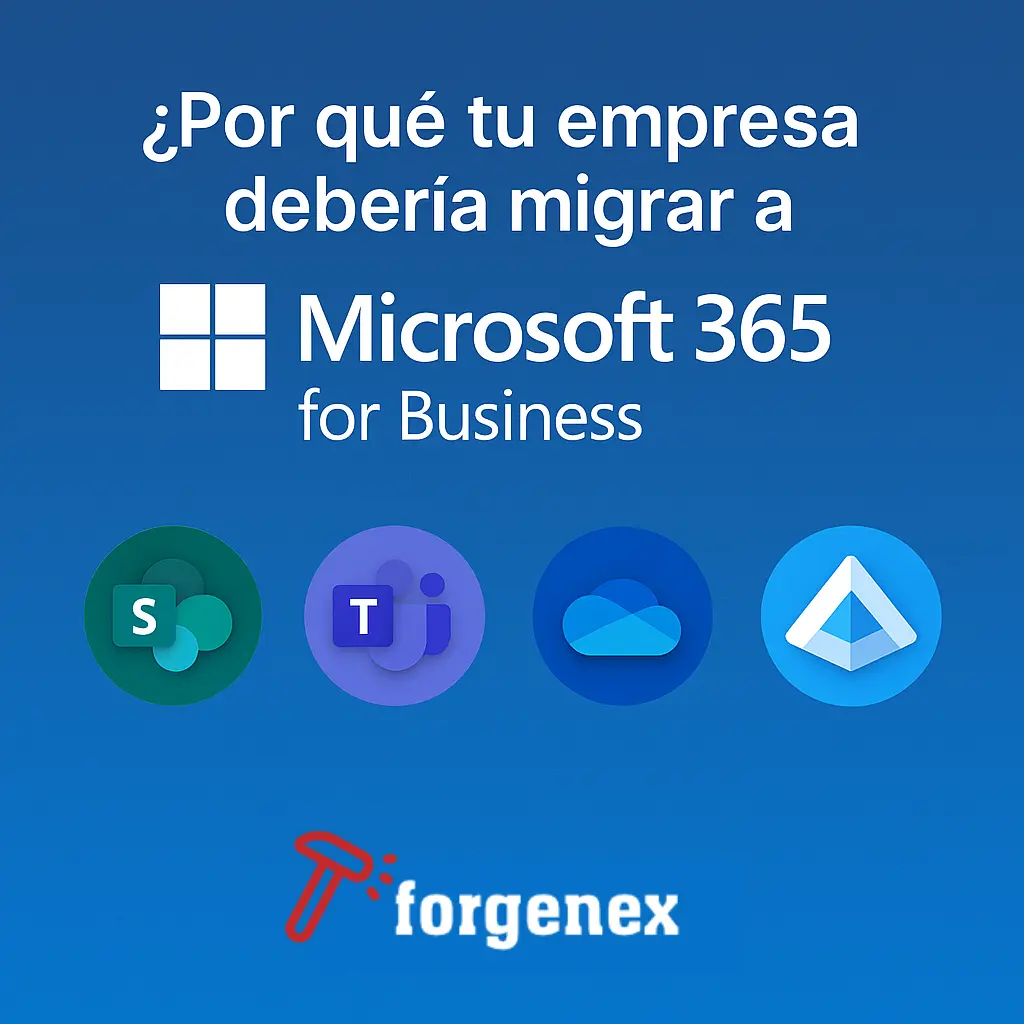
SharePoint centralizes information, OneDrive makes it accessible, Teams connects people, and Entra ID ensures everything happens under control.
Together, they form a coherent ecosystem capable of adapting to the growth and new challenges of any company.
Migrating to Microsoft 365 for Business is a commitment to a solid, scalable, and future-ready technological foundation.
Your company gains agility, your employees gain autonomy, and your data gains security.
At ForgeNEX, we help companies of all sizes make that leap with confidence.
Because digitalization isn't about complicating things — it's about simplifying them.
Want to know what your migration to Microsoft 365 for Business would look like?
At ForgeNEX, we can analyze your current environment and design a roadmap tailored to your needs.
Contact us and discover how to transform the way you work.
