
Office Address
Seville, Spain
Seville, Spain
Phone Number
+(34) 624 816 969
Email Address
Available on Google Play

Seville, Spain
Seville, Spain
+(34) 624 816 969






 by ForgeNEX
 Table of contents [Show]
If your company is like most, contracts live in multiple inboxes, shared folders without structure, and, in the worst case, in a physical drawer. Every time you need a signed agreement, you start a desperate search, lose hours, and, worse, risk the client relationship over a simple delay. This chaos not only generates inefficiency but also exposes your business to legal and financial risks. Does this sound familiar?
Contract management is one of those processes that no one wants to touch until it becomes a serious problem. But what if I told you there is a way to turn this pain into a competitive advantage? You don't need a giant legal department or complex enterprise software. You just need a CRM that understands your workflow and allows you to build a solution tailored to you.
Think about all the hours your team loses chasing signatures, forwarding emails, checking versions, and resolving misunderstandings. That time is money. According to recent studies, companies lose up to 20% of their productivity on document-related administrative tasks. Additionally, every poorly managed contract is an opportunity for revenue leakage: misinterpreted clauses, forgotten renewals, or terms that are not fulfilled.
But the impact goes beyond the economic. The lack of a centralized system erodes client trust. When a client has to remind you to send the contract, or when they receive an outdated version, they perceive disorganization. And in a market where customer experience is everything, that perception can cost you the sale.
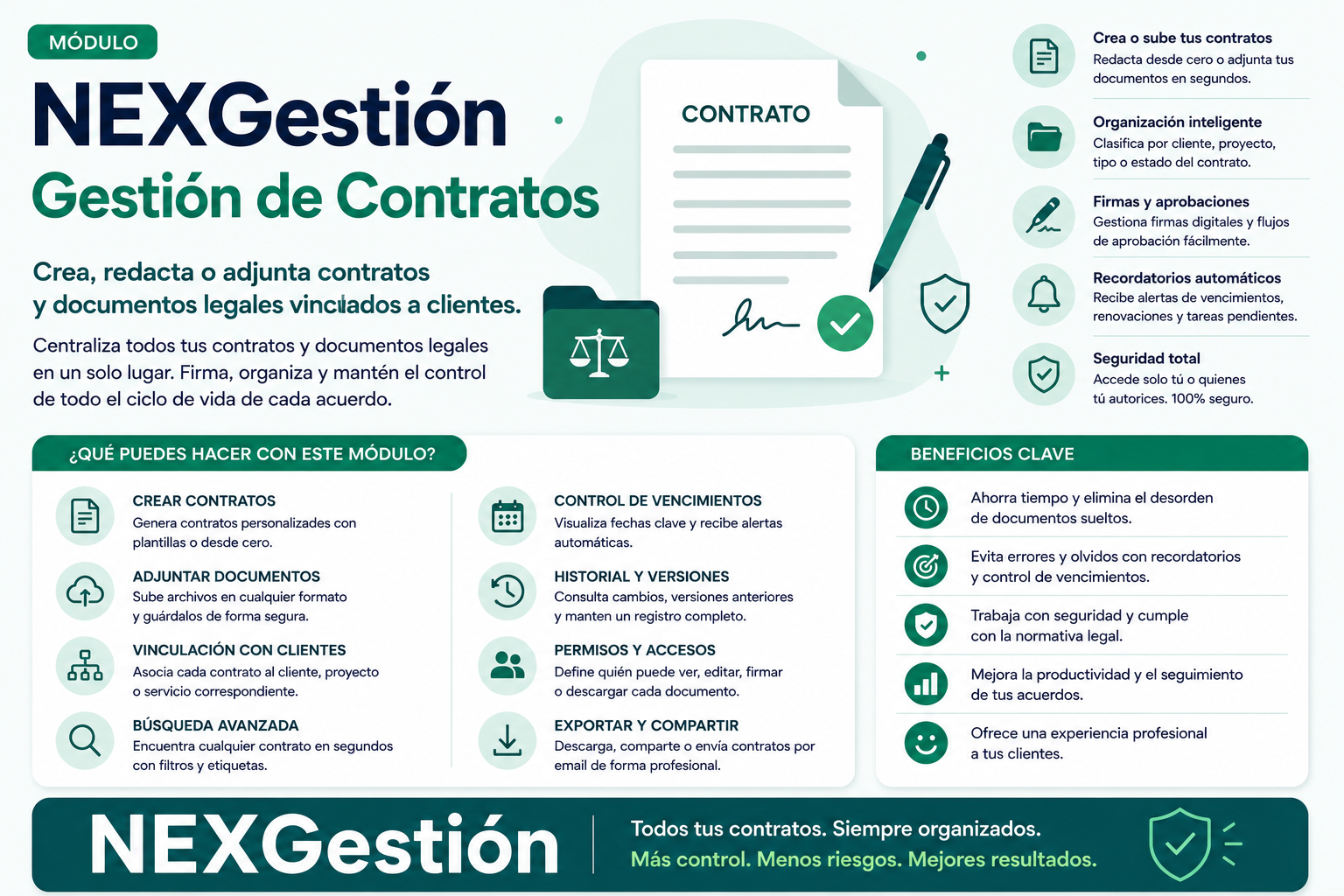
Imagine a system where you can draft, attach, and sign documents without leaving your CRM. Where each contract is automatically linked to the client, with a complete history of versions and statuses. Where you can set reminders for renewals and alerts for expirations, without needing to program a single line of code.
With NEXGestión, this is possible. Our CRM not only offers pre-built modules for contract management but also allows you to build your own module through a low-code/no-code environment. Do you need a specific field for your type of contract? Do you want an integration with your favorite e-signature tool? Do you want the contract to be generated automatically from a template and sent to the client with a single click? All of this can be achieved, with built-in AI assistance, without depending on a technical team.
By implementing centralized contract management in NEXGestión, you'll experience immediate improvements:
Imagine a consulting firm that handles dozens of service contracts. With NEXGestión, they can create a module where each proposal automatically becomes a contract upon acceptance, and the system sends a renewal reminder 30 days before expiration. Or a marketing agency that needs to attach approved deliverables to each contract; with a simple attachment field, everything is linked and accessible.
The flexibility of NEXGestión allows you to adapt the CRM to your processes, not the other way around. And if you need a new module in the future, you build it in hours, not months.
Managing contracts doesn't have to be a nightmare. With the right tool, you can turn this process into a strategic advantage. At NEXGestión, we believe technology should simplify, not complicate. That's why our CRM is designed so that anyone, without technical knowledge, can create the perfect solution for their business.
Ready to leave the chaos behind? Start today and discover how contract management can be as simple as drag and drop.
