

What is Port Forwarding and what is it for?
In the world of computer networks, one of the terms that appears most often when trying to access internal services from outside our network is Port Forwarding, also known as "port redirection". Although it may sound complex, it is actually a simple mechanism
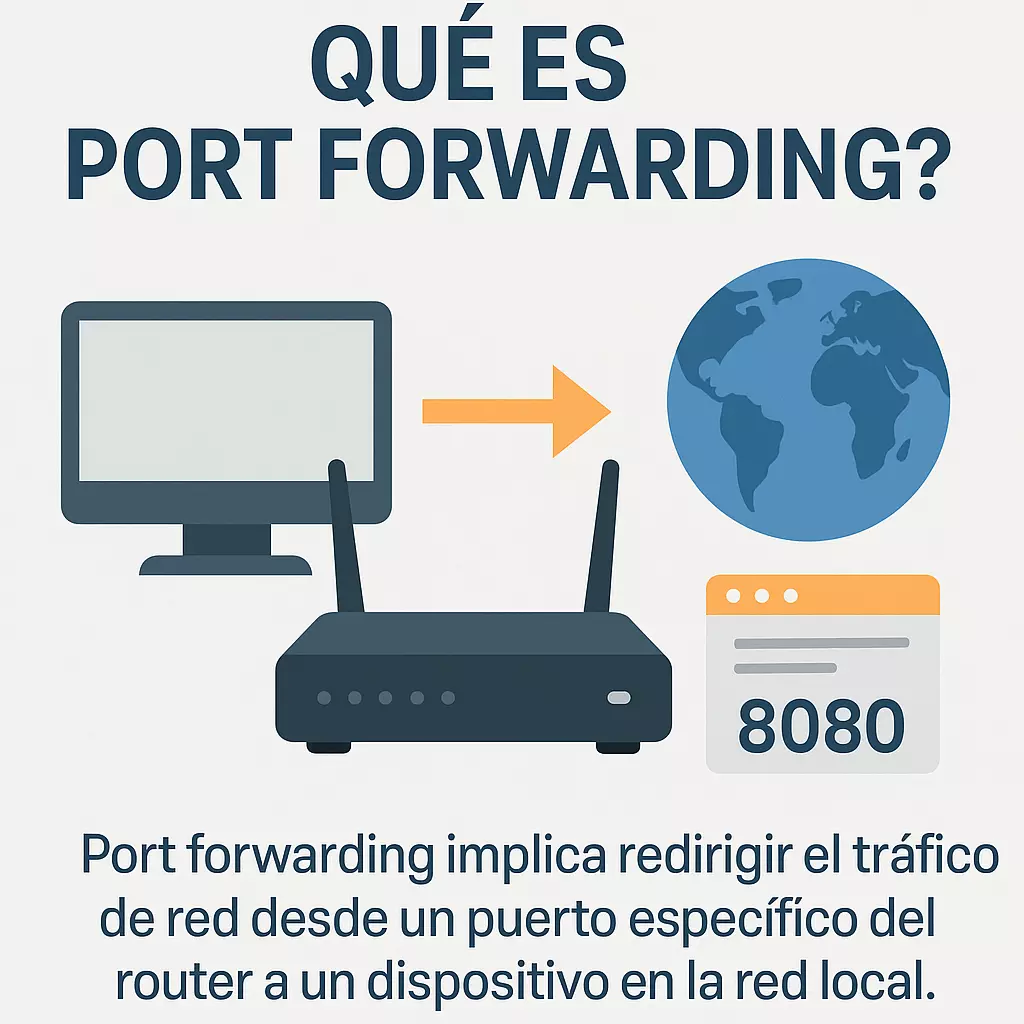
In the world of computer networks, one of the terms that appears most often when trying to access internal services from outside our network is Port Forwarding, also known as “port redirection”.
Although it may sound complex, it is actually a simple mechanism: it consists of telling your router that when it receives a connection from the internet on a specific port, it should direct it to a specific device within your local network.
How does it work?
Imagine your router as the gateway to your digital home. Everything from the internet comes through that door, but inside there are several rooms (the connected devices: PC, console, NAS server, IP cameras, etc.).
By default, the router doesn't know which room to send a visitor to who arrives asking for a specific port. Port Forwarding is like leaving a notice on the door:
“If someone calls on port 22, send them to the computer 192.168.1.100.”
“If someone calls on port 3389, redirect them to the server 192.168.1.150.”
This way, we ensure that external requests reach the correct device within the private network.
Examples of use
Port Forwarding is essential in multiple scenarios:
Remote desktop access
If you want to connect from outside to your PC or server using RDP (Remote Desktop Protocol), you need to open and redirect port 3389 to the appropriate device.Game servers
Setting up a server for Minecraft, Counter Strike, or any other multiplayer game requires opening specific ports so players can connect from outside.IP cameras and video surveillance
To view your cameras remotely, you need to redirect the HTTP or RTSP ports to the recorder or camera in question.Access to home web or FTP servers
If you have set up a web server at home or an FTP repository, Port Forwarding allows anyone on the internet to reach it using port 80, 443, or whichever port you have configured.P2P applications or downloads
File-sharing programs like BitTorrent work more efficiently when the corresponding port is correctly redirected.
Advantages
Flexibility: allows exposing internal services to the internet without needing to contract public IPs for each device.
Control: you can decide which services are accessible and from which ports.
Compatibility: it is a universal solution, supported by practically all routers on the market.
Risks and precautions
Opening ports also means opening a window to your local network, which can be a risk if precautions are not taken:
Exposure to attacks: any open port can be scanned and attacked from the internet.
Insecure services: old protocols like unencrypted FTP or Telnet can expose credentials.
Misconfigurations: redirecting the port to the wrong device can compromise its security.
Basic recommendations
Always use strong and updated passwords.
Enable encryption on exposed services (e.g., use HTTPS instead of HTTP, or SFTP instead of FTP).
Limit access by IP if the router allows it (e.g., only accept remote connections from your office).
Consider more secure alternatives like a VPN, which avoids directly exposing services to the outside.
Port Forwarding vs DMZ
A common mistake is to confuse Port Forwarding with the DMZ (Demilitarized Zone) feature included in many routers.
Port Forwarding opens a specific port to a specific device.
The DMZ redirects all external traffic to one device, leaving it exposed without protection.
Therefore, the DMZ is recommended only in specific cases and always combined with additional security measures.
Conclusion
Port Forwarding is a powerful tool for enabling remote access to internal services. From setting up a game server to managing security cameras, it opens the door to multiple possibilities.
However, if misconfigured, it can become a serious vulnerability. In professional and business environments, the most recommended option is usually to combine it with additional security solutions, such as advanced firewalls or VPNs.
At ForgeNEX, we can help you configure your network securely, ensuring you enjoy the benefits of Port Forwarding without unnecessarily exposing your infrastructure.