
Office Address
Seville, Spain
Seville, Spain
Phone Number
+(34) 624 816 969
Email Address
Available on Google Play

Seville, Spain
Seville, Spain
+(34) 624 816 969






 by ForgeNEX
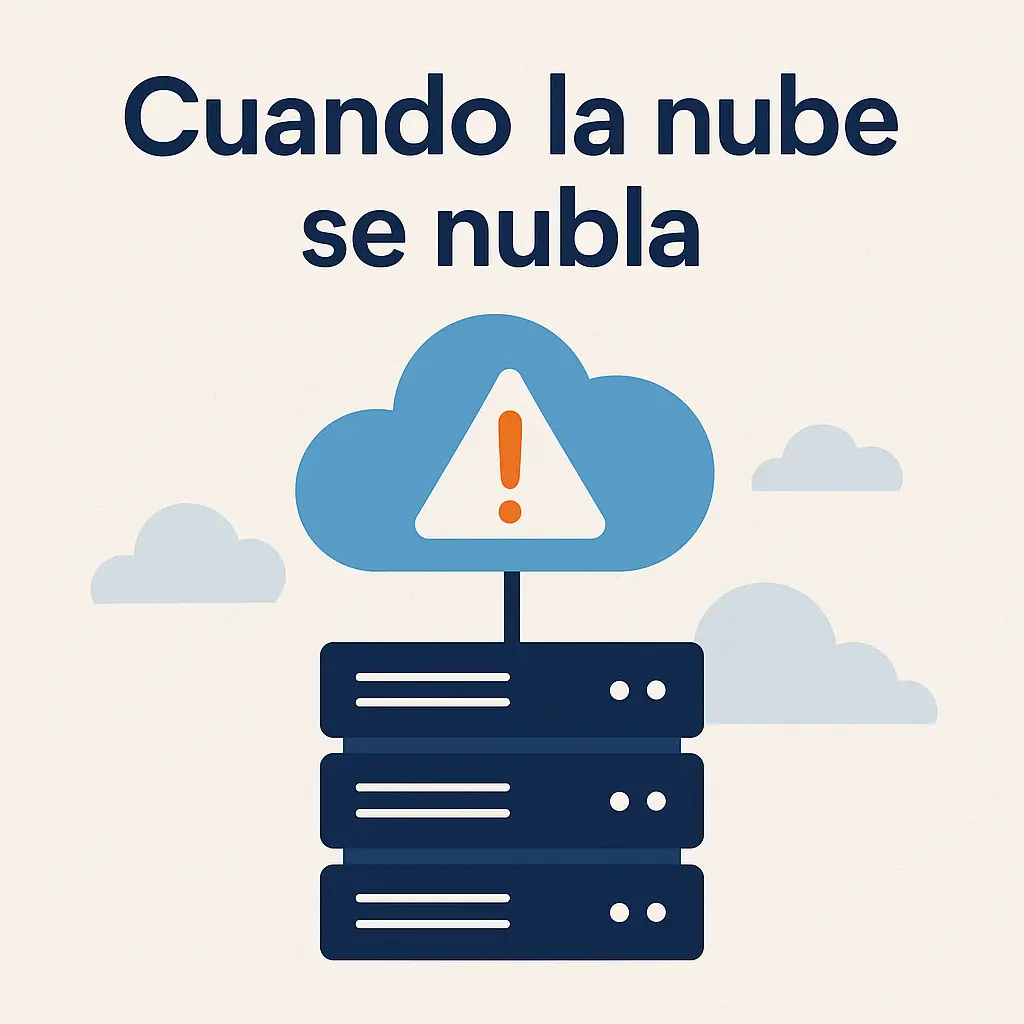
 Yesterday we learned (another) good lesson – one of those you don't like but need. AWS went down; yes, the infrastructure that many companies trust almost without a second thought. Medium+3Reuters+3The Guardian+3 It's not a reason for alarmism, but it is a reason to ask ourselves: what does it mean to "put your services in the cloud"? And are we doing it with our eyes wide open, or just on faith?
Table of contents [Show]
The cloud isn't some mystical entity; it's infrastructure: servers, networks, storage, data centers that belong to someone else (in this case, AWS). When we say "move to the cloud," what we're doing is delegating – delegating management, scalability, maintenance, and certain guarantees. For many companies, this makes a lot of sense: you scale without buying 100 servers yourself, you detach from hardware, you pay for what you use.
But delegating isn't "washing your hands of it." Because even though large-scale infrastructure has better resources than most companies, it's still susceptible to failures: human, network, design, geographical. For example, AWS has multiple "Availability Zones" (AZ) and "Regions" to ensure internal redundancy. Amazon Web Services, Inc.+1 But as we've seen, that doesn't eliminate the risk.
It depends. There are three key questions you need to ask yourself (and at ForgeNEX, we can help you answer them):
What are your Recovery Time Objective ("RTO" – how long can you tolerate being without service) and Recovery Point Objective ("RPO" – how much data can you afford to lose)? Amazon Web Services, Inc.+1
How critical is that service or data? A marketing blog has a different tolerance level than a customer management or billing system.
What cost are you willing to assume for resilience? More redundancy = more cost = more complexity.
So: the cloud is "necessary" when it provides scale, agility, and you don't want to manage a large on-premise infrastructure. But it is not a guarantee of zero problems. And relying solely on one provider without a backup plan can leave you exposed.
The honest answer: no. Trusting "always" implies believing there will never be a failure – and failures happen, even at AWS. Several analyses confirm this: even a well-prepared region can go down. Medium+1 What we can do is: reduce the risk, and be prepared.
For example:
Ensure your architecture is deployed across more than one AZ, or even more than one region, if your RTO/RPO justifies it. Amazon Web Services, Inc.+1
Have monitoring that detects outages early, not just "everything's fine until it isn't." N2W Software
Communicate clearly with users/customers when there are problems – transparency is part of the recovery process. N2W Software
Yes. It's at least worth considering. Not as a panacea, but as part of the plan. Some concrete ideas for ForgeNEX to implement with clients:
Backup and Geographic Redundancy
In AWS (or any provider), enable data replication outside the primary region, or at least outside a single AZ. Arpio
Perform "cold" or "warm" backups of infrastructure, configurations, and deployment scripts (IaC: Infrastructure as Code) to be able to restore elsewhere if needed. AWS Documentation
Consider a secondary provider (e.g., Microsoft Azure, Google Cloud, or another) to host essential copies.
Failover/Disaster Recovery Architecture
Define the service's tolerance for an outage/region failure. Based on this, choose between "backup and restore," "warm standby," or "multi-site active" (options described by AWS). AWS Documentation
For critical services, consider making them "active in multiple sites" so that traffic can be redirected if one provider fails.
Decoupling and Designing for Failure
Design applications to be as "stateless" as possible (servers that can die and be replaced by another). Medium+1
Use message queues, local caches, and mechanisms that reduce absolute dependency on "everything being online right now." N2W Software
Test for "what happens if this fails" (Chaos engineering): simulate real failures to discover weak points.
Multi-node, Multi-provider
Have part of the infrastructure with another provider or on-premise (especially for data you always need access to).
Synchronize data between providers, or at least have periodic snapshots that allow for restoration.
Ensure you don't depend on a single endpoint or a single DNS provider, etc.
Monitoring, Alerts, and Rapid Recovery
Set up alerts that detect provisioning failures, high latency, or errors in dependent services. N2W Software
Have documented procedures (runbooks) for how to act when a provider fails. Rehearse them.
Customer communication: have templates and channels ready to say, "Yes, this is happening, we are on it."
We could launch a package that says: "Your company is in Seville, we ensure your critical data is in the cloud, but also outside the cloud – so that if the cloud fails, it doesn't bring you down."
Services: daily replication to another provider/cluster.
Infrastructure: Use AWS in Europe (for example) + Azure (or a local server in Seville) for redundancy.
Informed SLA: tiered recovery times (8h, 4h, 1h) depending on the client.
Semi-annual recovery drills.
Dashboard for the client to see the status of their backups/multi-site setup.
Depending on a single cloud platform is convenient, but it's no guarantee of invincibility. The cloud is powerful, yes, but not infallible. And for businesses (including SMEs) that cannot afford long periods of downtime, the best bet is: yes to the cloud + yes to a Plan B. That is, use it, yes, but without thinking that "the work is done." Redundancy, diversification, preparing for failure, drills... the things that "nobody does until they have to."
To be clear: I'm not saying you should leave AWS – far from it. I'm saying that using AWS is a good option, but you shouldn't put all your eggs in one basket without thinking about what happens when that basket breaks.
