
Office Address
Seville, Spain
Seville, Spain
Phone Number
+(34) 624 816 969
Email Address
Available on Google Play

Seville, Spain
Seville, Spain
+(34) 624 816 969


 by ForgeNEX
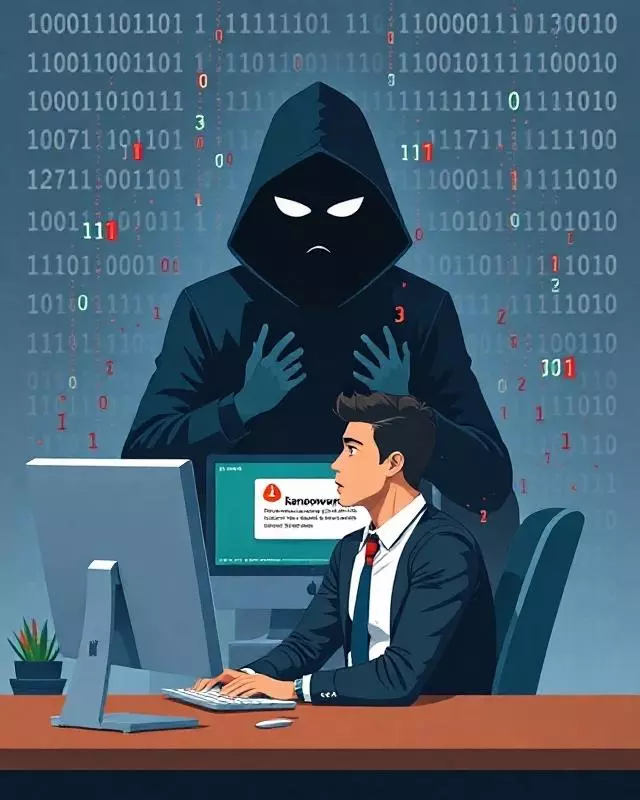
 Ransomware is one of the most dangerous threats for companies and individuals. It is a type of malware that encrypts your files and demands a ransom to recover them. Cybercriminals use increasingly sophisticated techniques to infect systems and block access to critical data. However, with a little common sense and good security practices, we can minimize risks and protect our information.
Table of contents [Show]
The first thing you should know is that paying the ransom does not guarantee the recovery of your files. In many cases, the attackers disappear without providing the decryption key, or they even reinfect the system. The best strategy is to prevent the attack before it happens.
One of the best ways to defend against ransomware is to have updated backups stored in different locations:
Remember to test your backups periodically to ensure they work.
Cybercriminals exploit vulnerabilities in outdated operating systems and programs. To reduce the risk:
Updates fix security flaws that attackers use to infiltrate your system.
Ransomware often spreads through malicious emails and fraudulent links. To avoid this:
If you have doubts about a file or link, it's better not to open it.
Easy-to-guess passwords can give cybercriminals access. Use:
Not all users should have administrator permissions. Limit access:
This will prevent ransomware from spreading easily within the network.
Many ransomware attacks start through infected documents with malicious macros. Configure:
An early detection system can help you identify attacks before they spread:
Ransomware is a real threat, but with good practices and common sense, we can protect ourselves effectively. The key is prevention: backups, updates, strong passwords, and cybersecurity training.
At ForgeNEX, we help you shield your company against computer attacks. Consult us to strengthen the security of your systems!